Chapterize 1.5: Multi-document editing is here!
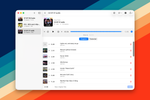
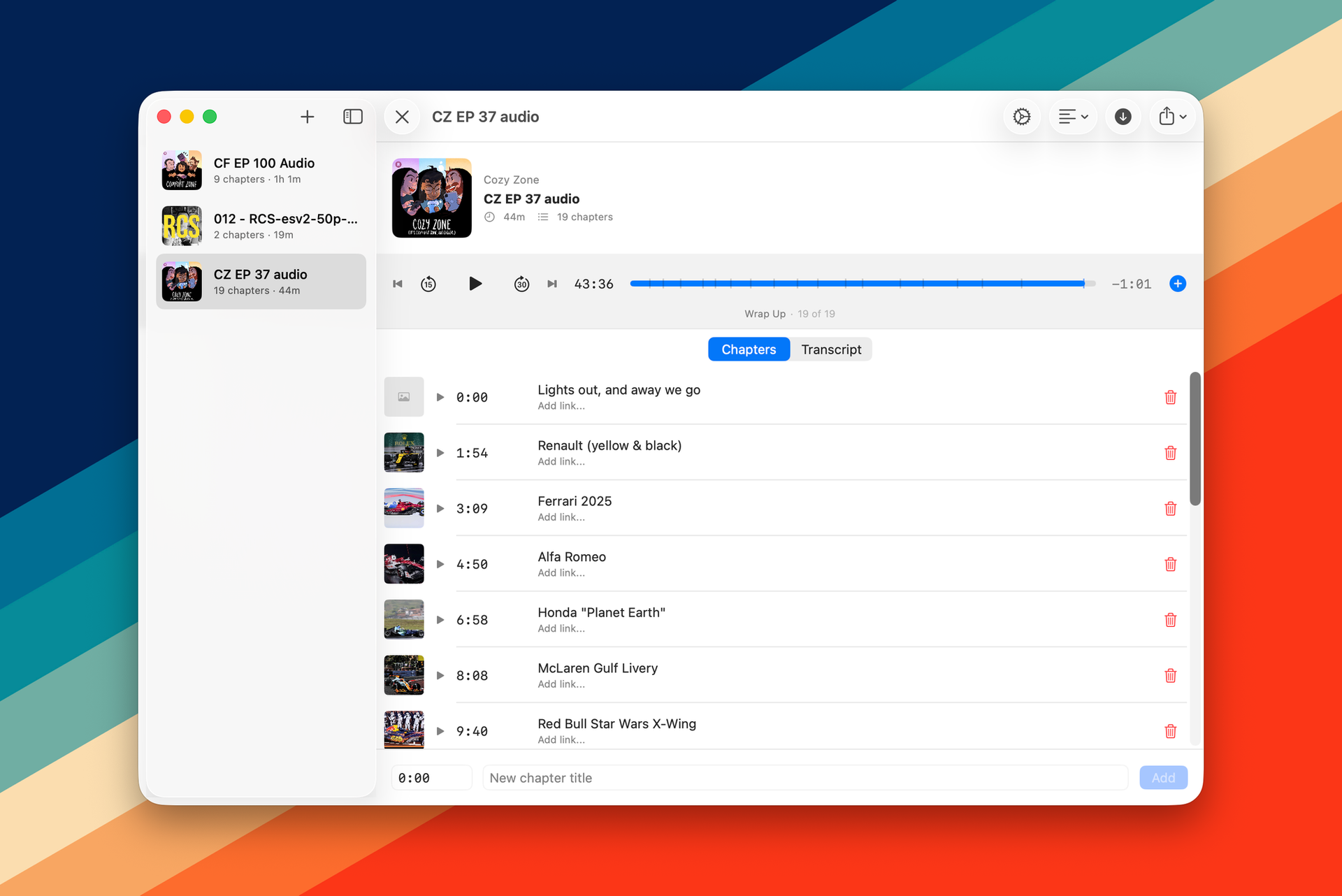
A new version of Chapterize is out now that includes multi-document editing across iOS, iPadOS, and macOS. This is a free update for existing users and you can get it now.
There's really not much more to say in this blog post other than if you're someone like me who works on more than one podcast at a time, this is going to be a godsend. I didn't have it at launch because multi-document workflows implement new challenges in the app, and I wanted to make sure the core experience was up to snuff first. But as I've gone from one to two to three podcasts per week that I'm releasing, it was becoming increasingly untenable to have to work on one, complete it, and then move on to the next.
In addition to this change, I've also made some improvements to how I handle drag and drop. I had a fundamental conflict in the app where you could drag in multiple file types onto an existing episode. You could drag in subtitles files, or you could drag in images for chapters. Because I didn't do things as well as I could have, the UI for this got pretty laggy.
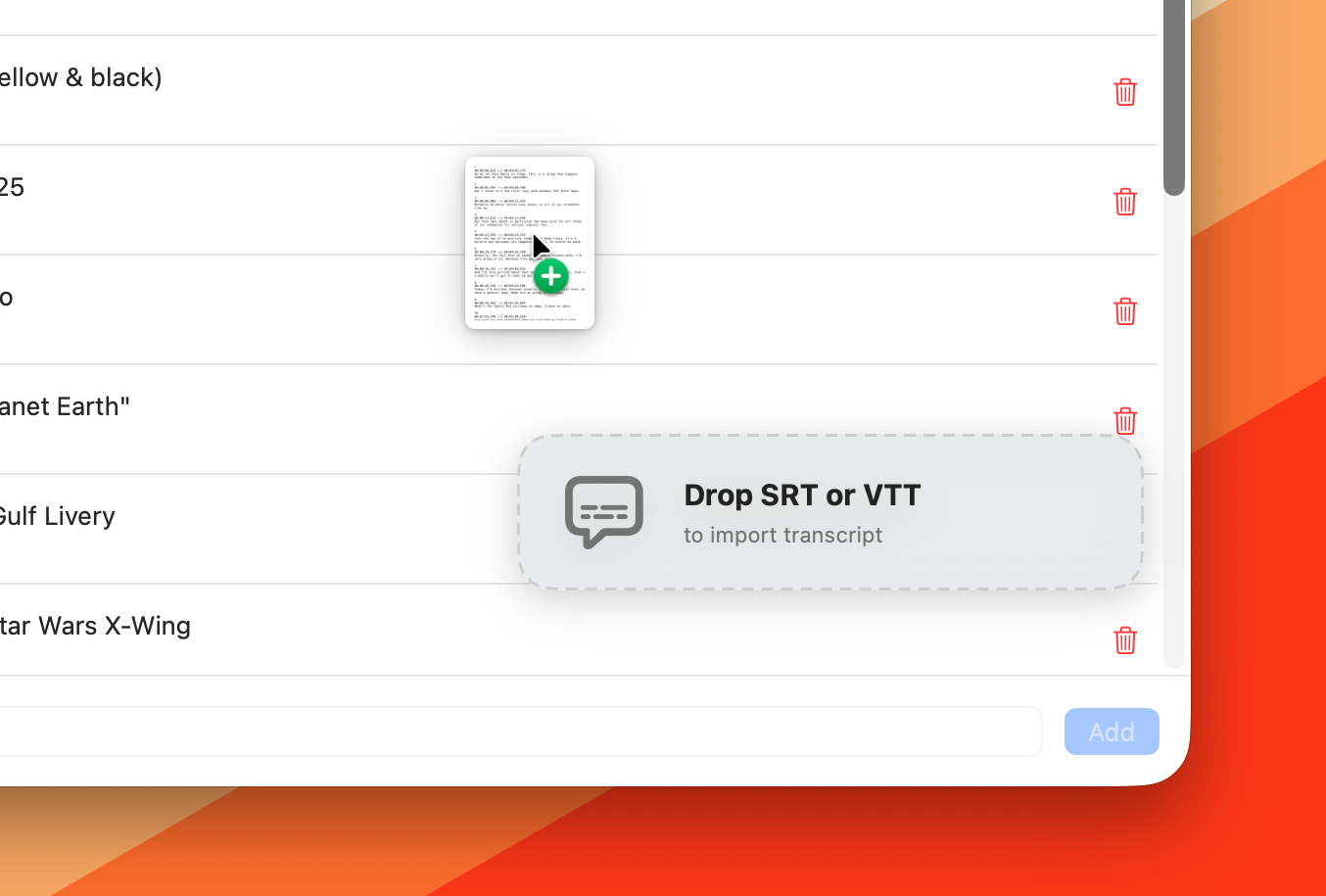
It was especially annoying when you were dragging in images because most of the frame was a drop zone for the transcript file. Now there is a dedicated spot where you can drop your transcript files that looks nicer, is way more performant, and doesn't fight with you when you're dragging in chapter artwork.