ChapterPod is out now!
I'm excited to announce that ChapterPod, my new app for adding chapters to your podcasts, is now available for iPhone, iPad, and Mac! I've already written about most of the app's functionality elsewhere, so I won't rehash all those details here. Here's the basic pitch.
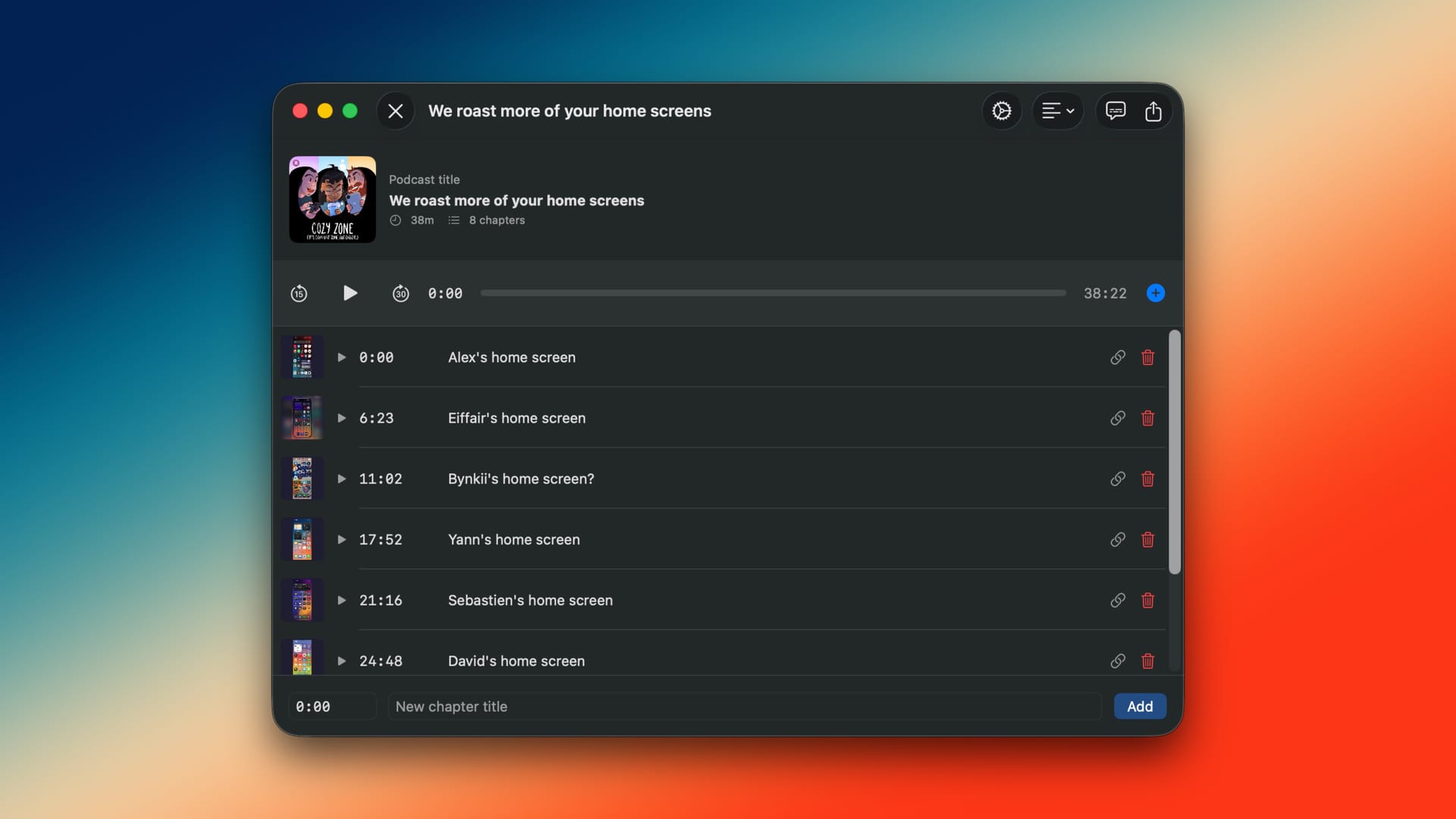
If you're a podcast producer who wants to add podcast chapters to your episodes, and that should be all podcast producers, you can use ChapterPod to easily add them. Just drag in your MP3, M4A, or AIF file. If the file already has metadata, like the episode title or existing chapters, ChapterPod will import those for you. If not, you can start fresh. You can add an episode name, artwork, and podcast title, and then get to adding all of your chapters.
This is done through what I think is an intuitive, largely keyboard-driven interface. Unlike other solutions, you can actually play back the episode within the app, and add chapters with a single click as you go. I find this really convenient and have been using it for the last few episodes of my show, Comfort Zone.
Don't worry about trying to time your clicks exactly right. There's a setting where you can offset the chapter insertion button by up to three seconds. That way, you don't have to react like a robot.
Chapters support everything you'd expect: text, images, and links, all of which will display in podcast apps that support them.
Another killer feature, one I've enjoyed using in the several months I've been testing the app myself, is the ability to import chapters from text. So, if you listen to your podcast and take notes in a document, including all of the chapter timestamps and titles, you can simply copy that text and paste it into ChapterPod, and all of those notes will turn into real chapters. Or, if you want to export the chapters you've created in the app into text that you can paste elsewhere, such as a YouTube description, ChapterPod can do that too.
And finally, because I happen to know a thing or two about generating subtitles locally on Apple devices, I added the ability to generate a transcript of your podcast with a single click. Think of this as a Quick Subtitles Lite option.
Oh, yeah, and by the way, ChapterPod is a universal app on Apple's platforms, so it will run on your iPhone, iPad, and Mac with complete feature parity across every device. Shout out to my podcast producers on iPads, I hope you really like this!
ChapterPod is available as a free download, and you can export up to five episodes for free. To keep using the app after that, there's a one-time $19.99 fee for unlimited use. There is no subscription to use ChapterPod.
Again, the app is available to download on the App Store right now, so give it a shot!
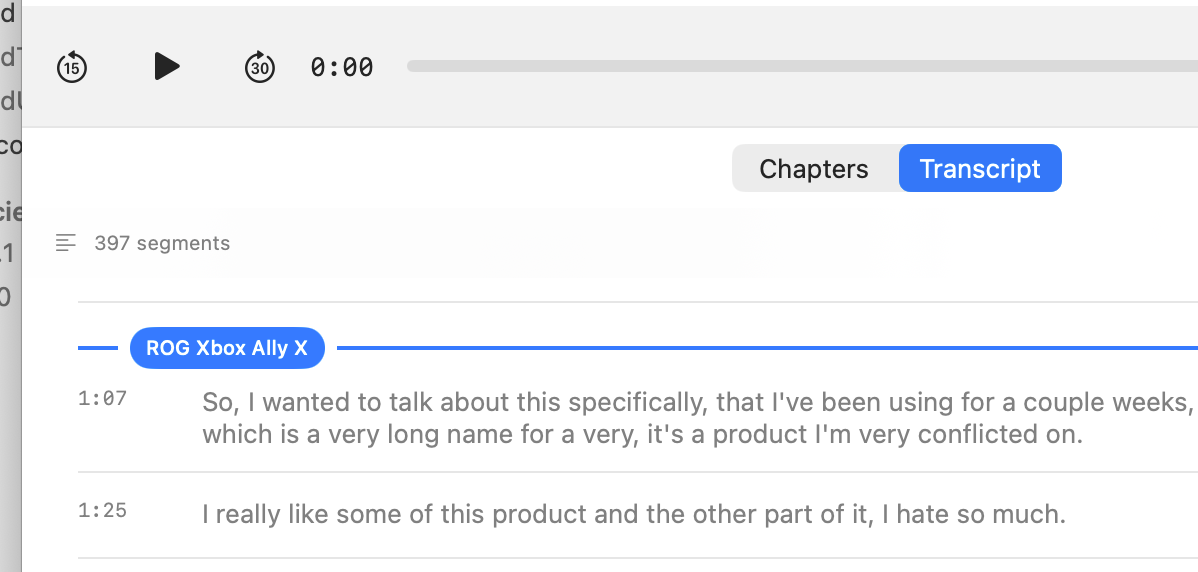
And how about a tease of what's coming soon? Version 1.1 will include the ability to add chapters from a custom transcript view, which I've found really helpful and don't want to go back to the old way.