Ghosty Posty for Obsidian gets edits, visibility, and delivery options

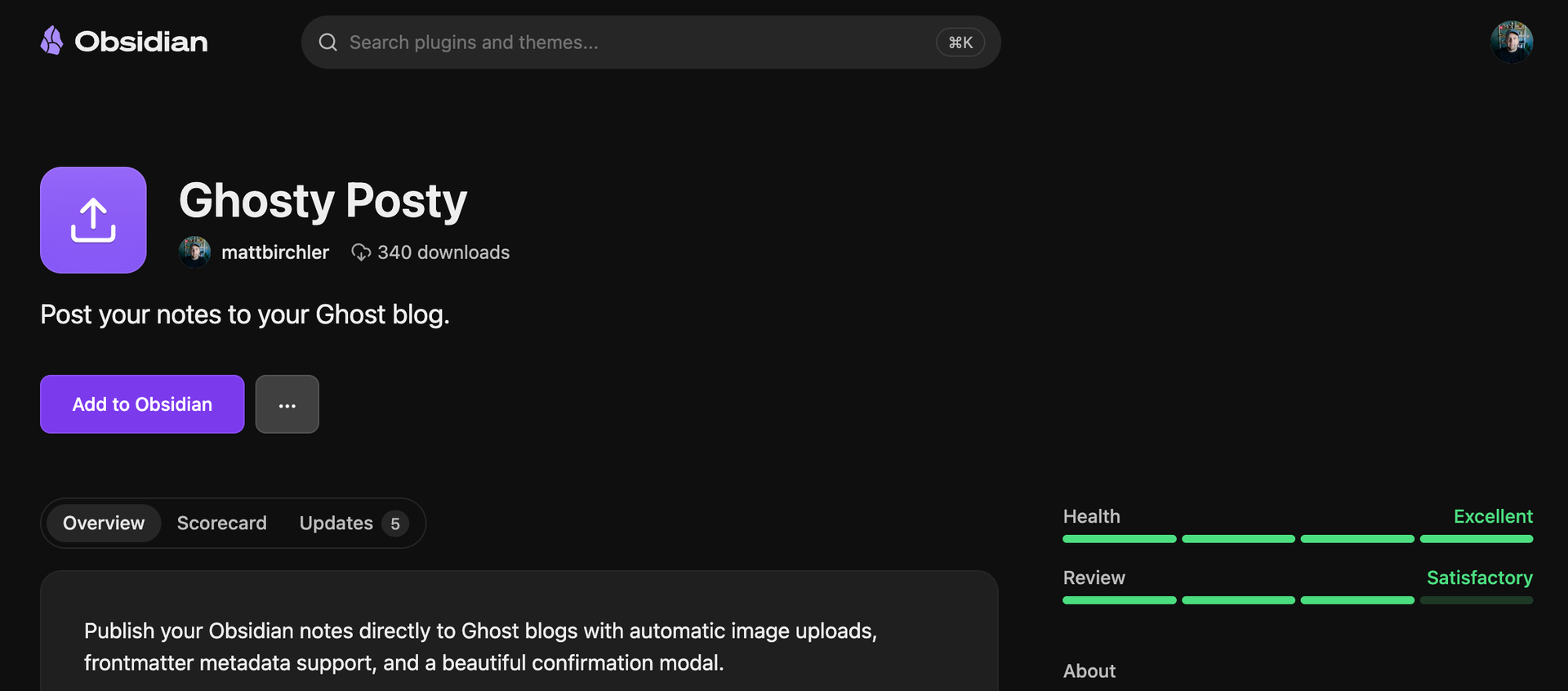
Ghosty Posty is my Obsidian plugin that lets you writing Obsidian and publish direct to your Ghost blog. In my humble (if biased) opinion, it is by far the best way to publish to Ghost from Obsidian. Here's what's new in today's 1.1 update.
Update previous posts
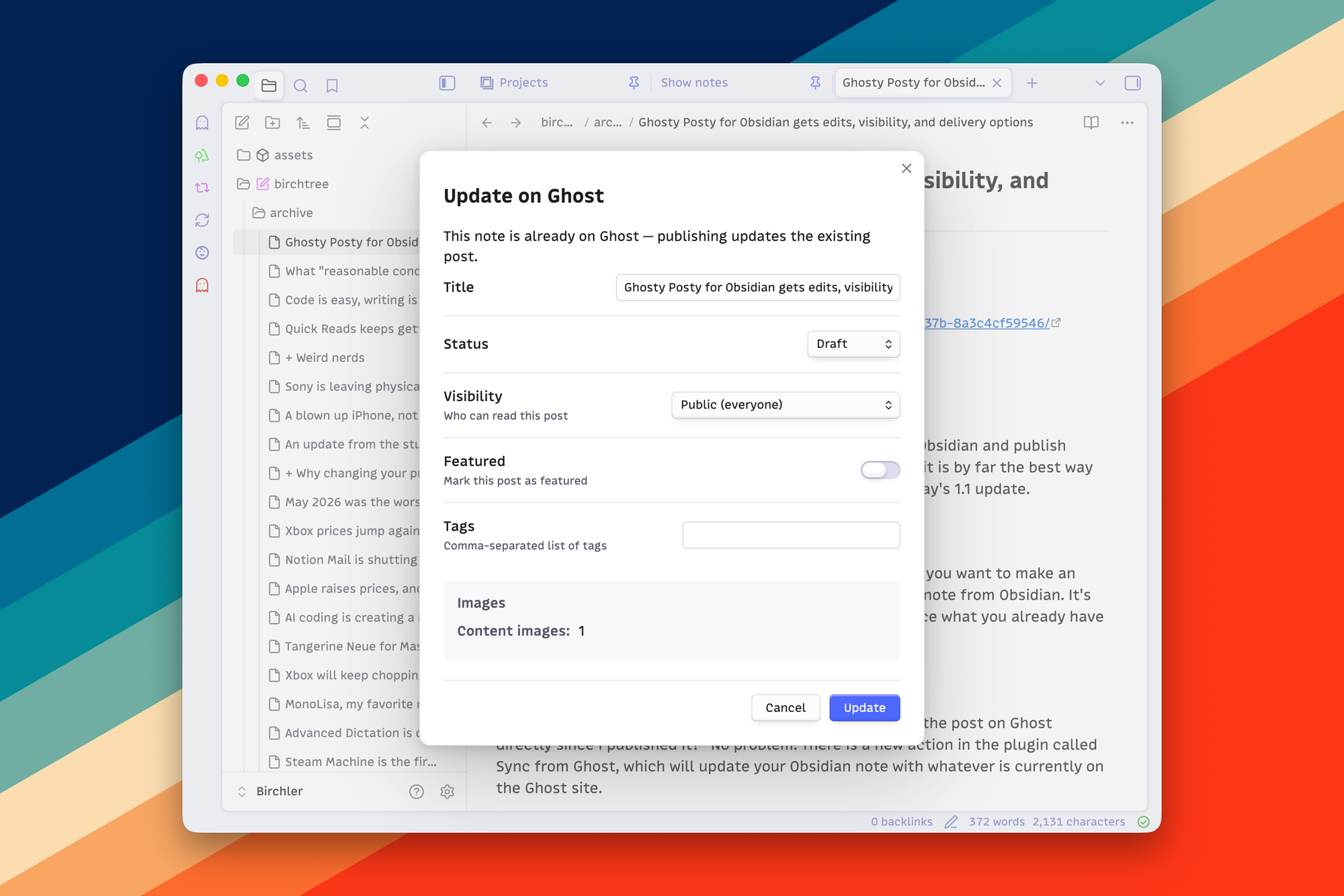
After posting, the Ghost post ID is saved to the note, and if you want to make an edit to that post later, you can simply republish that same note from Obsidian. It's linked up to the proper post on Ghost and will simply replace what you already have there.
Sync from Ghost
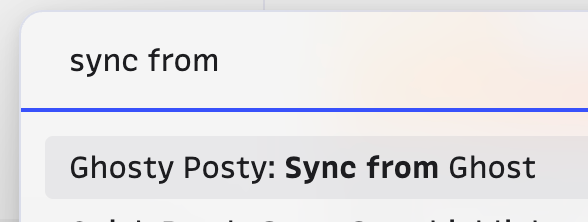
Now you may be wondering, "what happens if I have edited the post on Ghost directly since I published it?" No problem. There is a new action in the plugin called Sync from Ghost, which will update your Obsidian note with whatever is currently on the Ghost site.
To be clear, this does not pull in your full Ghost blog into Obsidian. This will only work for notes that you published via this plugin.
Delivery and visibility controls
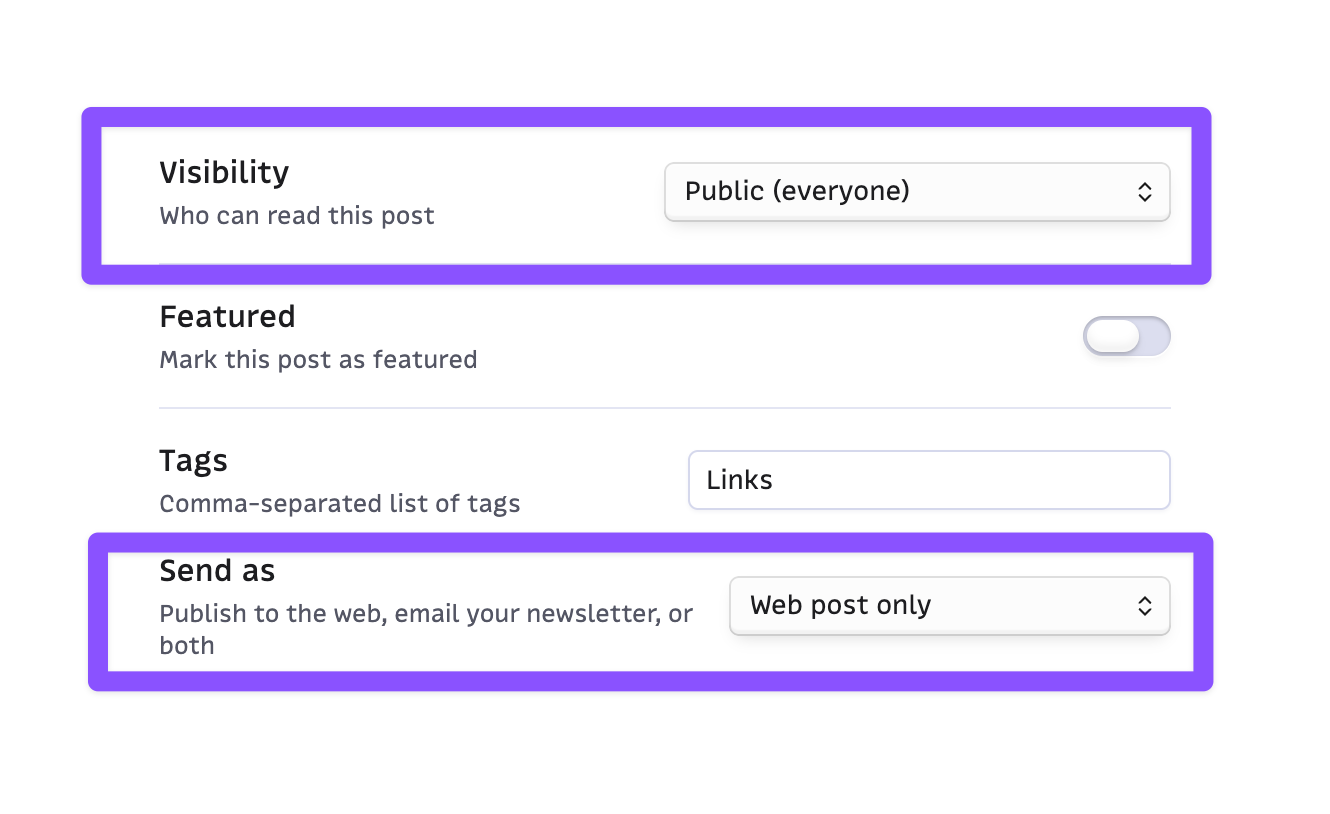
Previously, the plugin only allowed you to post articles to your blog, not to send newsletters. Now you have the option to do a simple post, to send an email, or to do both.
If you have membership active on your Ghost site, Ghostie Postie will recognize that and give you the ability to choose the visibility for each post, whether it be for everyone, all members, or just paid members.
Native ribbon access
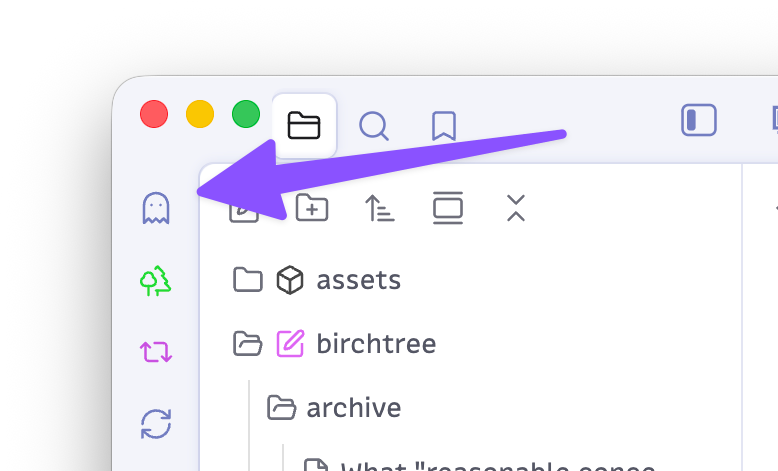
I've been using the plugin called Commander to add Ghosty Posty to my ribbon since the beginning, so I hadn't really noticed that I'd neglected to add official support for it. Now Ghostie Postie will show up in the ribbon without the need to install another plugin.
That said, I think Commander is awesome and it lets you add basically anything you want to the ribbon, so check it out as well if you haven't already.
As always, Ghosty Posty is completely free, and if you write in Obsidian and publish to Ghost, I think it's an absolute no-brainer.