Micro app 11: JXR to JPG converter
Resident Evil Requiem came out this past week, and I was very excited to start playing it. It genuinely might be my most anticipated game of the year, and I truly relish my first time playing through any Resident Evil game, so I'm trying to really enjoy myself this first playthrough. I'm playing on PC and in HDR, and the game looks absolutely outstanding.


Anyway, because I'm playing in HDR, whenever I take a screenshot, we immediately run into a bit of a tricky situation with file formats. When I take a screenshot while playing in SDR, the image format is a simple PNG, which I can easily get onto my Mac and either share directly or convert it to a JPEG. However, when playing in HDR, to capture the high dynamic range of the image, a JXR is captured, which is not a format you may have even come across. In fact, it seems almost no one has, because most apps, and as far as I can tell, nothing really on macOS can even open them in the first place. Truly, I've googled around and searched the App Store for options, and there doesn't seem to be anything really good.
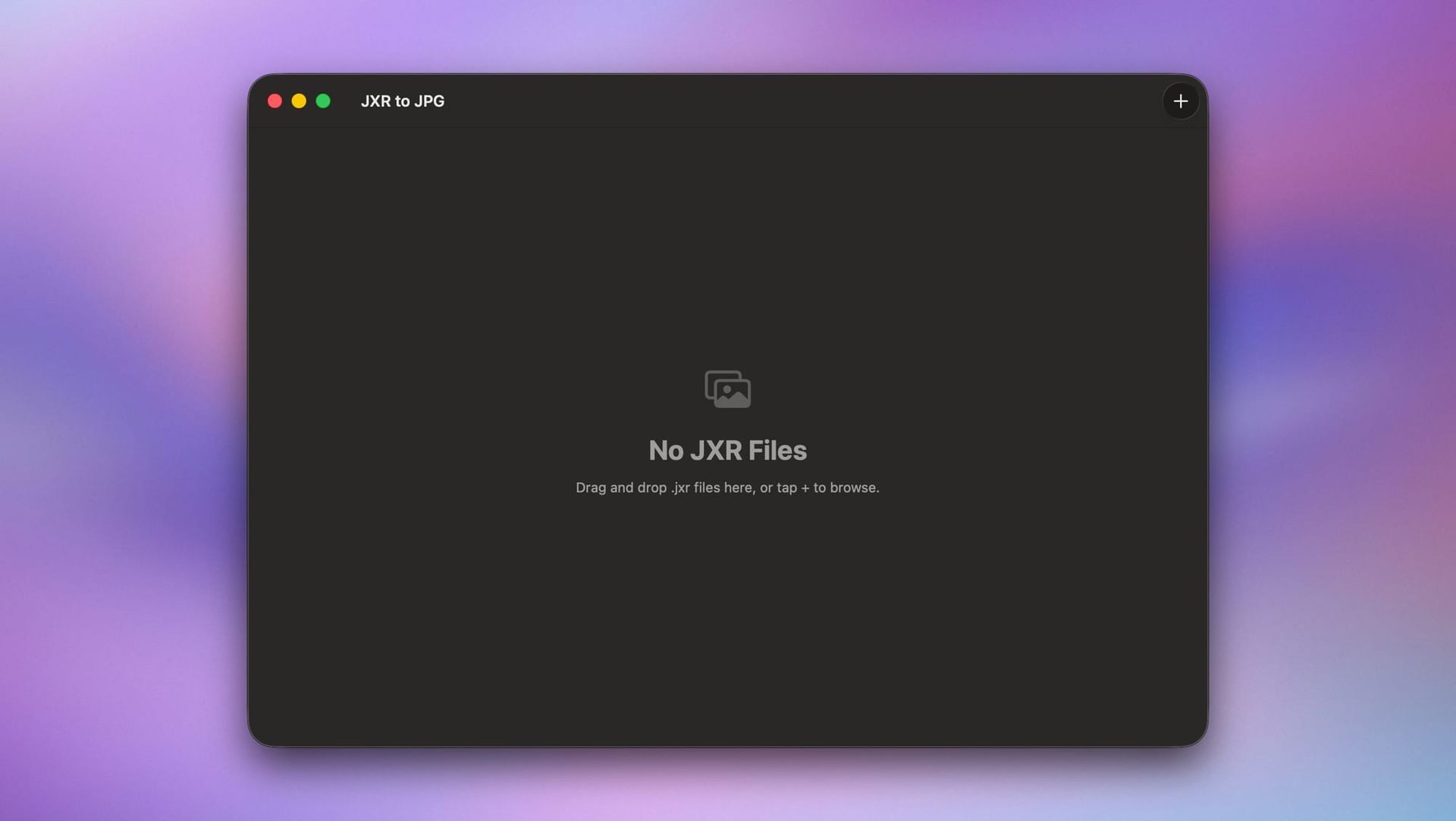
This app has got to be the most lazily created app I've made so far, but I don't need it to be complicated at all. All it does is let me drag in my JXR files. I select a destination, I hit convert, it then goes ahead and processes every file, it normalizes the color to SDR color space, and it saves the resulting image as a JPEG.
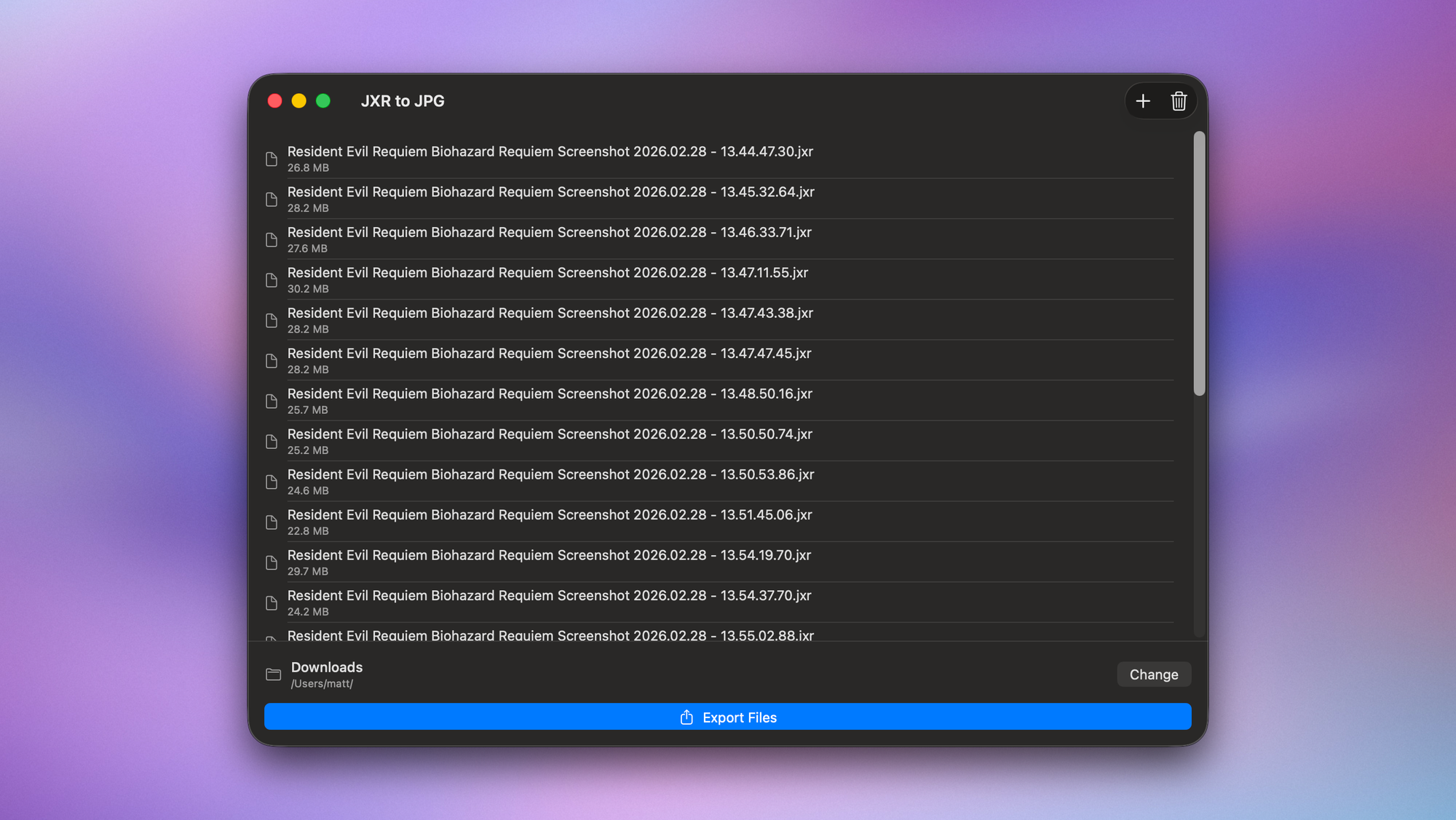
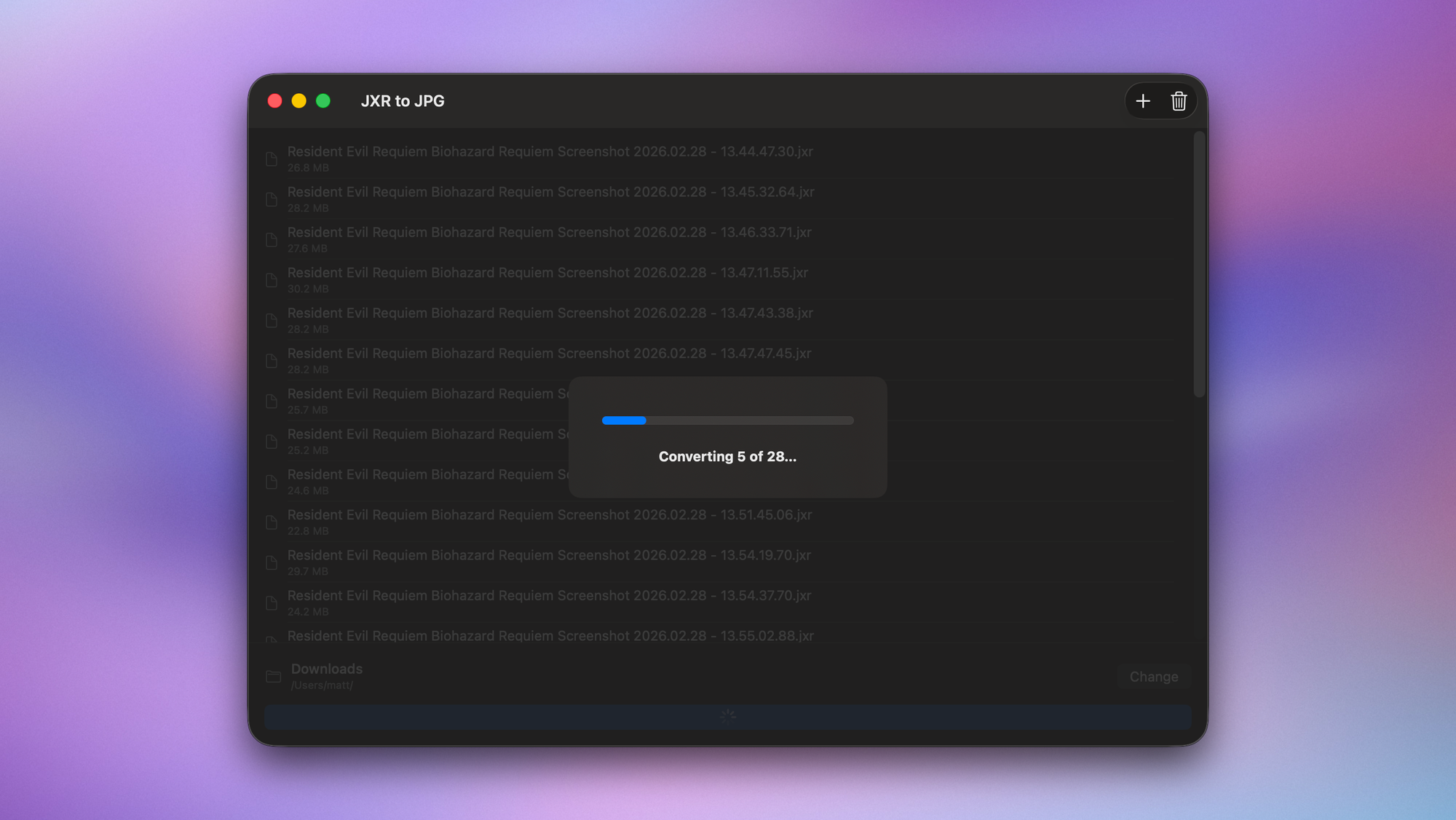
That's really it, there's no other UI, there's no settings, but it does mean that I can post stuff like this to social media, showing off the game.
Without getting too in the weeds, I'm doing this by dropping in the jxrlib library to the project to use its jxr_decode_to_rgb() function to convert the image into RGB data, which is then used by some pretty pedestrian Swift code to wrap that in a CGImage and export to disk as the file format of my choice. In theory, I could maintain the HDR data by saving the file as HEIC, so I'll probably do that next.
I don't currently have plans to make this available publicly.