Micro app 20: The Quick Subtitles CLI
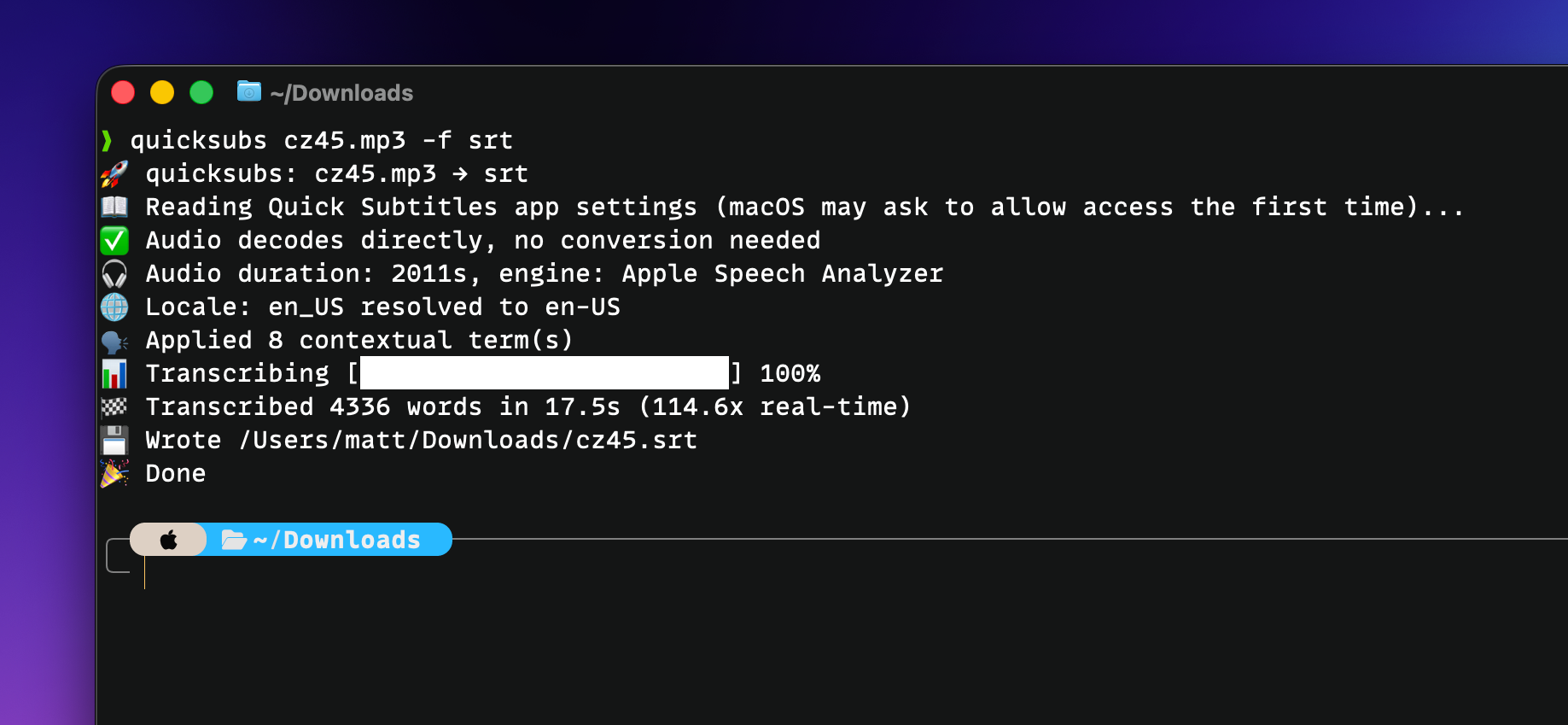
Quick Subtitles is a great app for transcribing files on your Mac (and iPhone and iPad), and I use it at least 3x per week for my various projects. It works great, but it's a little limited from an automation perspective.
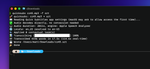
That's where the brand new Quick Subtitles CLI comes in, and you can install it with brew install mattbirchler/tap/quicksubs
Once it's installed, you can easily get .txt/.srt/.vtt transcripts wherever you want them, and even perform the AI cleanup.
quicksubs episode.mp3              # transcript next to input as .txt
quicksubs episode.mp3 -f srt       # subtitle files instead
quicksubs video.mp4 -o ~/Subs/     # write into a directory
quicksubs episode.mp3 --clean-up   # fixes transcription errors
quicksubs episode.mp3 --json -q    # silent run, JSON result on stdout
If you're looking to automate your podcasting or YouTubing workflows for subtitles, this is going to be awesome for you.
This CLI is 100% free and does not require the Quick Subtitles app to be installed on your Mac. If you do have the app installed, it will pull your settings for things like AI clean up and contextual terms.
If you're thinking, "hey, it would be cool to have a CLI for Chapterize so that you could automate moving into adding metadata to these files," then you've got a pretty good idea what micro app 21 in this series will be…