Micro app 21: ghosthunter CLI
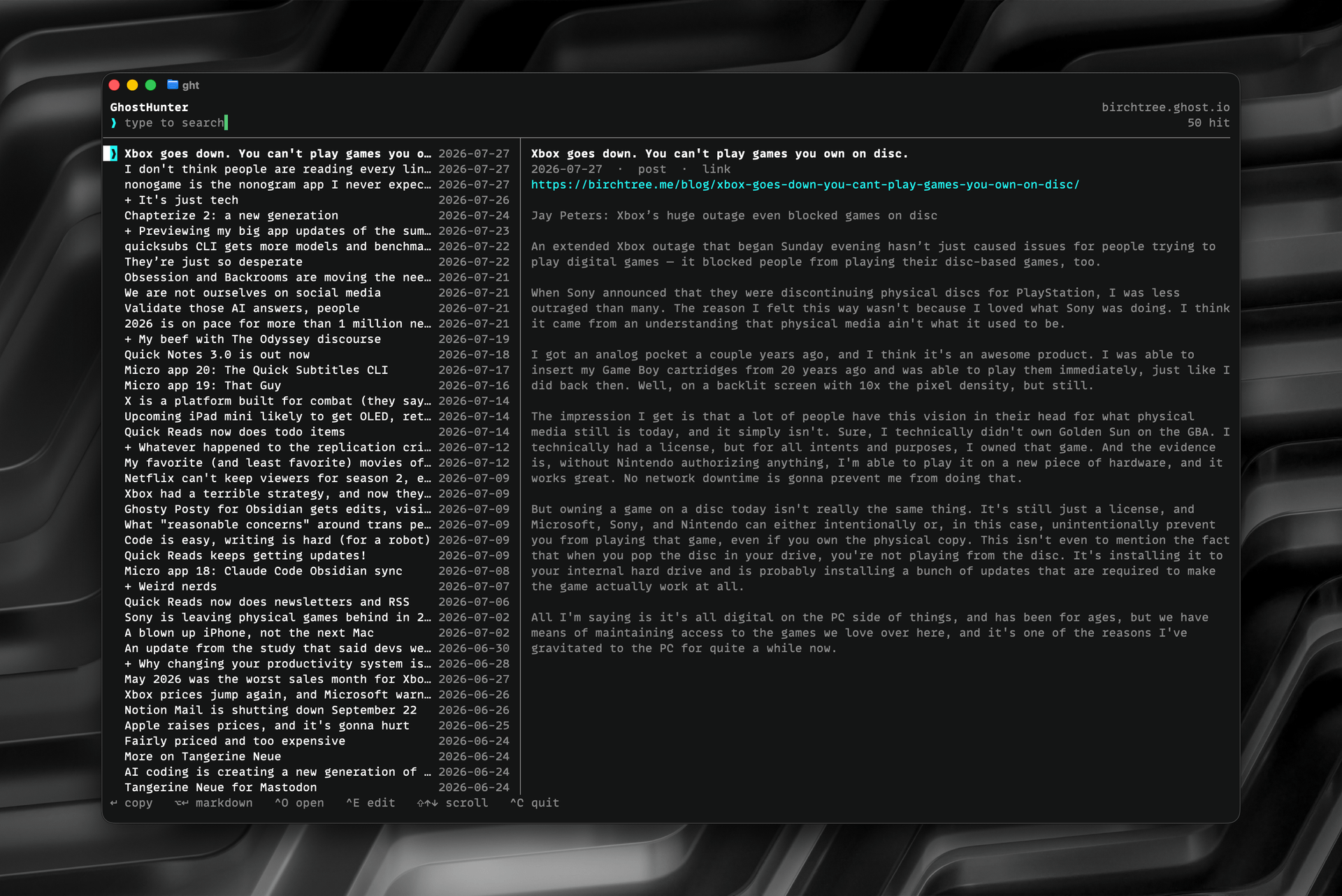
Ghosthunter is a new CLI that lets you browse and search your Ghost site. It’s free and works with any Ghost blog. You can install it via homebrew with:
brew install mattbirchler/tap/ghosthunter
After installed, you run ghosthunter init to add your site URL and admin key. This will run an initial sync so you have a local cache of your posts. From then on, you just run ghosthunter (or ght) and you get a super quick interface to see your whole history. From here, you have quick access to every post ever, complete with search. The use case I was trying to solve was for when I need to remind myself of when I wrote something, so I just need a link to something I wrote recently. I currently do it by opening my browser, coming here, hit Command+K to bring up search, and find what I need. It's okay, but it's a hell of a lot quicker to do this in the CLI on a local database (don't worry about storage either, my 4873 posts amount to 21MB storage with this tool).
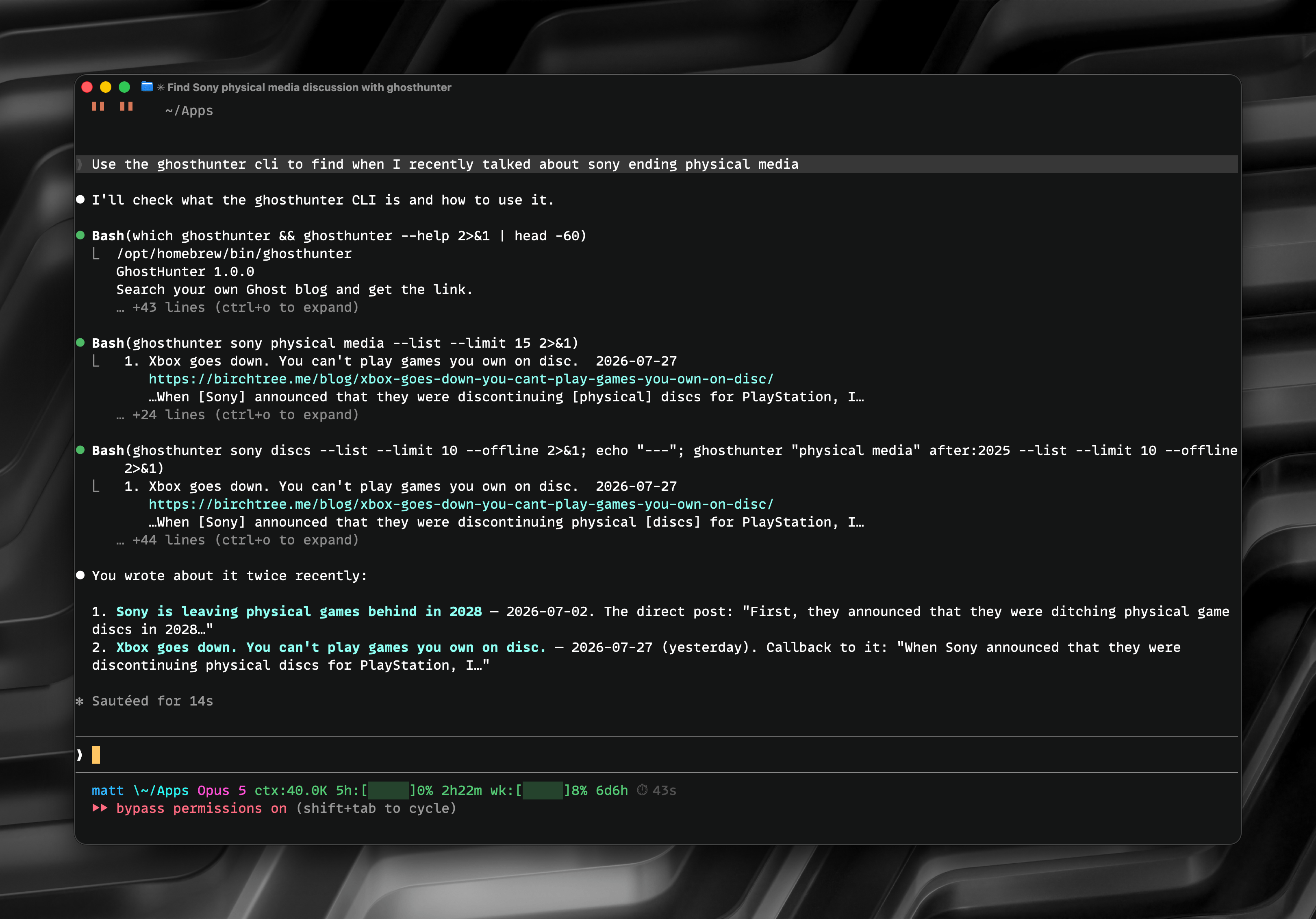
Oh, and because it's a CLI, your agents can use it as well. Here's an example of using an open-ended search that gets results in a way a normal search from the Ghost UI would not find results on its own. This won't be the main use case for me, but hey, if it's useful sometimes, that's lovely.
That's really all there is to it. If you have a Ghost blog and work from the command line, I think you'll like having this tool in your toolbelt.