Micro app 4: App Store Images
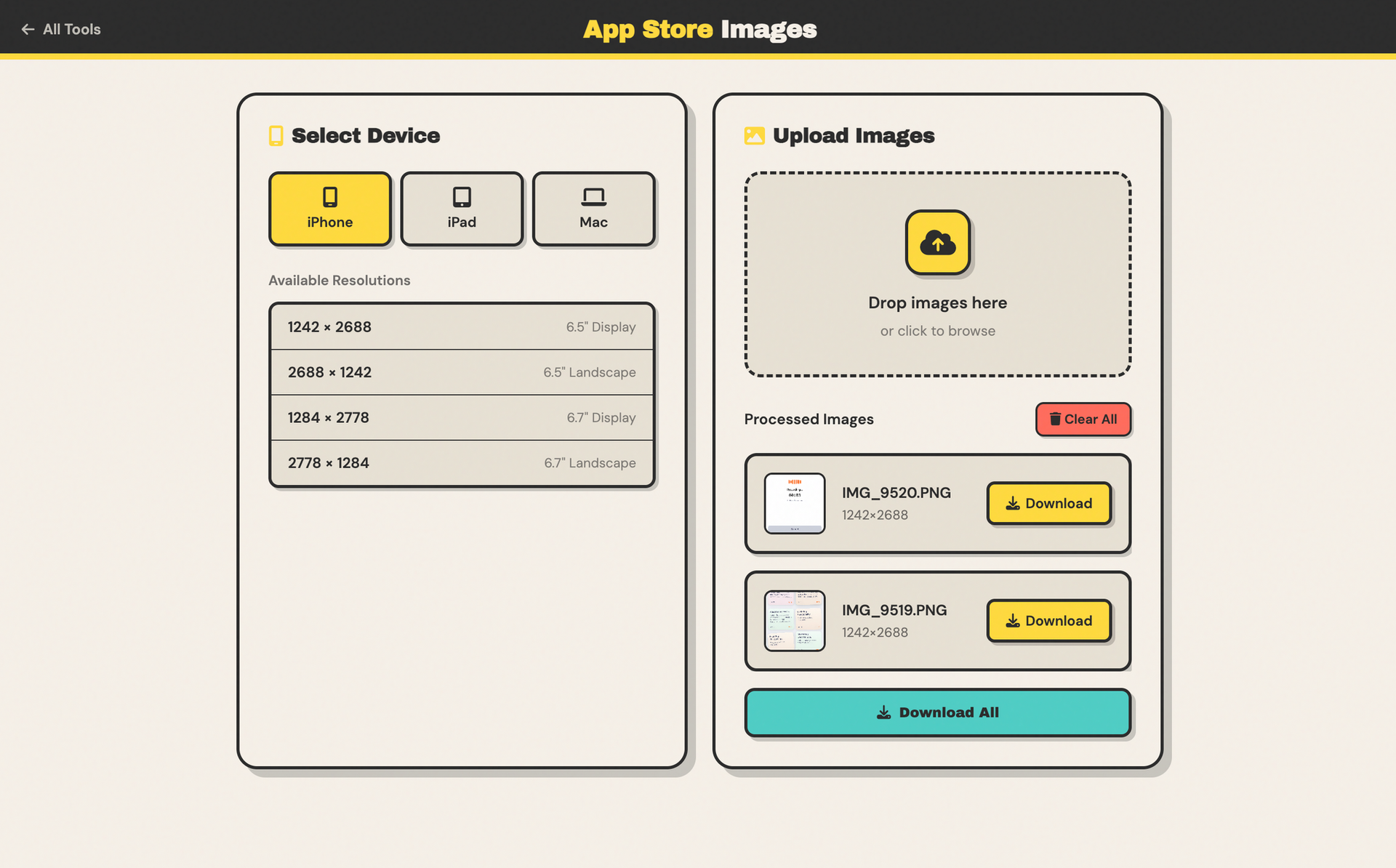
This is an exciting micro app because it's the first one I'm releasing to the public. App Store Images is out now on Quick Stuff, and it solves a very specific problem I (and I'm sure other Apple developers) have, which is perfectly sizing our screenshots for the App Store.
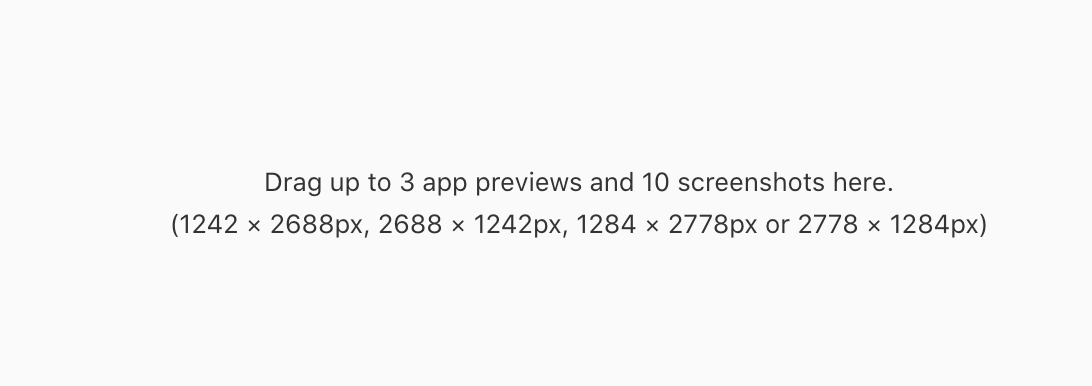
When you upload an app to the App Store, you need to include screenshots that are of very specific resolutions. Above are the required resolutions for an iPhone screenshot, for example. The challenge is that, as far as I can tell, these are not the resolutions of any current iPhone on the market. So when you take a screenshot on your device, you're going to get something that's close to this but not quite there.
The solution for me has been to open Pixelmator, create a document one of these sizes, drag in all of my screenshots, subtly resize them, export each one, and then drag them into the App Store. This is a pain, and I never want to do it again. Thankfully, with this new micro app, I never will.
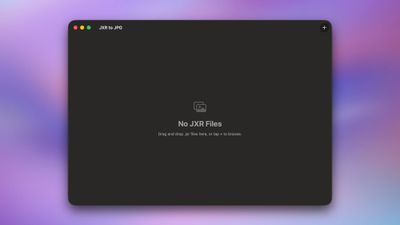
Any good micro app, it's super simple to use and just works. All I do is drag in the images that I want to be resized. In less than a second, I'll have the downloads available to me. I can download them one at a time or all at once. I currently support the default sizes for the iPhone, iPad, and Mac on the App Store, although there are other devices that I could add in the future, such as Apple TV, Apple Watch, and Vision Pro.
I'll probably iterate on this a little bit, but I'm pretty happy with it for my purposes. If you have any feedback, let me know! Again, you can access this from the Quick Stuff website, and I hope you enjoy the new look and feel for the Quick Stuff site overall!