My new screenshots folder
Ever since I was a child, my Mac screenshots have saved to my desktop. This is how macOS works by default, and it's what I kept doing when I finally made the jump to CleanShot back in 2020. It worked, it was fine, but it led to a desktop full of screenshots and videos that I needed to clean up on a regular basis.
But I didn't have to live like this, so I made the bold (some might say brave!) decision to finally have my screenshots go somewhere else. I'll hold for applause.
Holds…
Holds a bit more, gesturing in a way that implies "you're too much!"
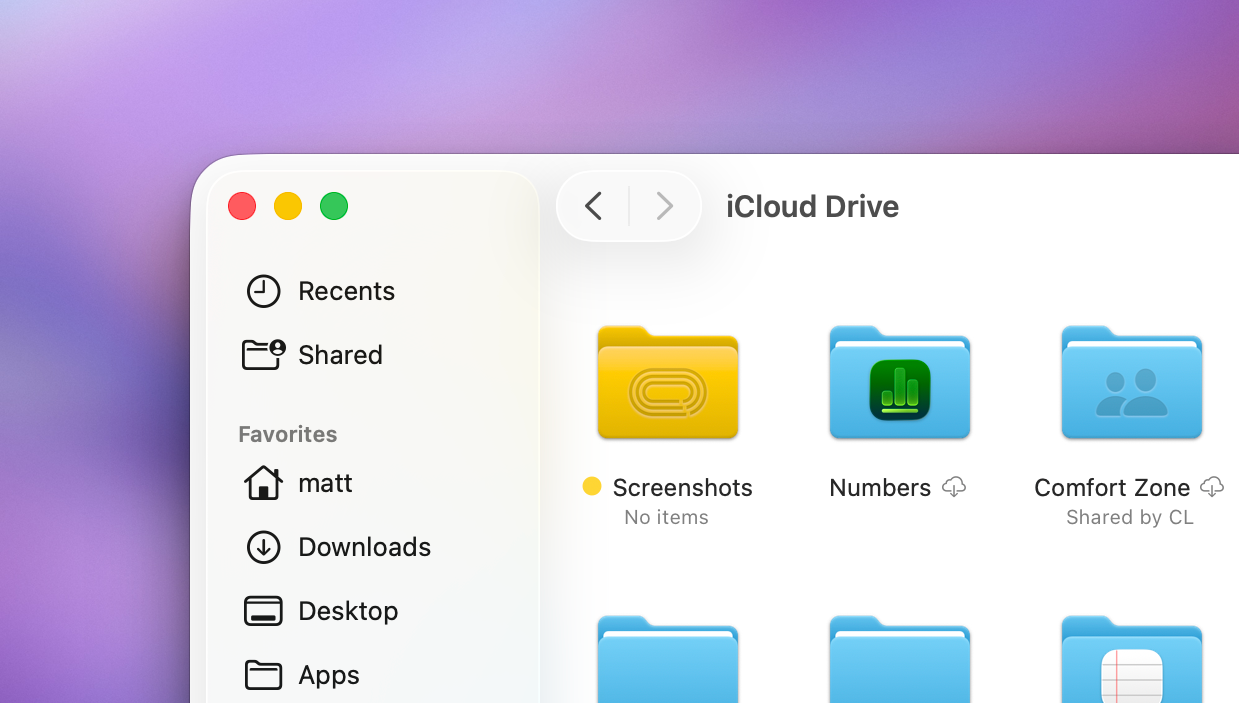
Anyway, I made a folder called "Screenshots" in the root of my iCloud directory and I'm saving all screenshots and screen recordings there. I also added it next to my Downloads folder in the dock for easy access.
The key thing here for me was choosing to put the folder in iCloud so that it syncs anywhere. It also means I have been able to set up both my MacBook Pro and MacBook Neo to save to this same place, so that I can screenshot something on one device and then do something with it on another.
For what it's worth, I think that the macOS default is perfectly reasonable for most people, but I take literally hundreds of screenshots a week, so I'm not exactly typical in this case.