Quick Notes 2.0 is out now
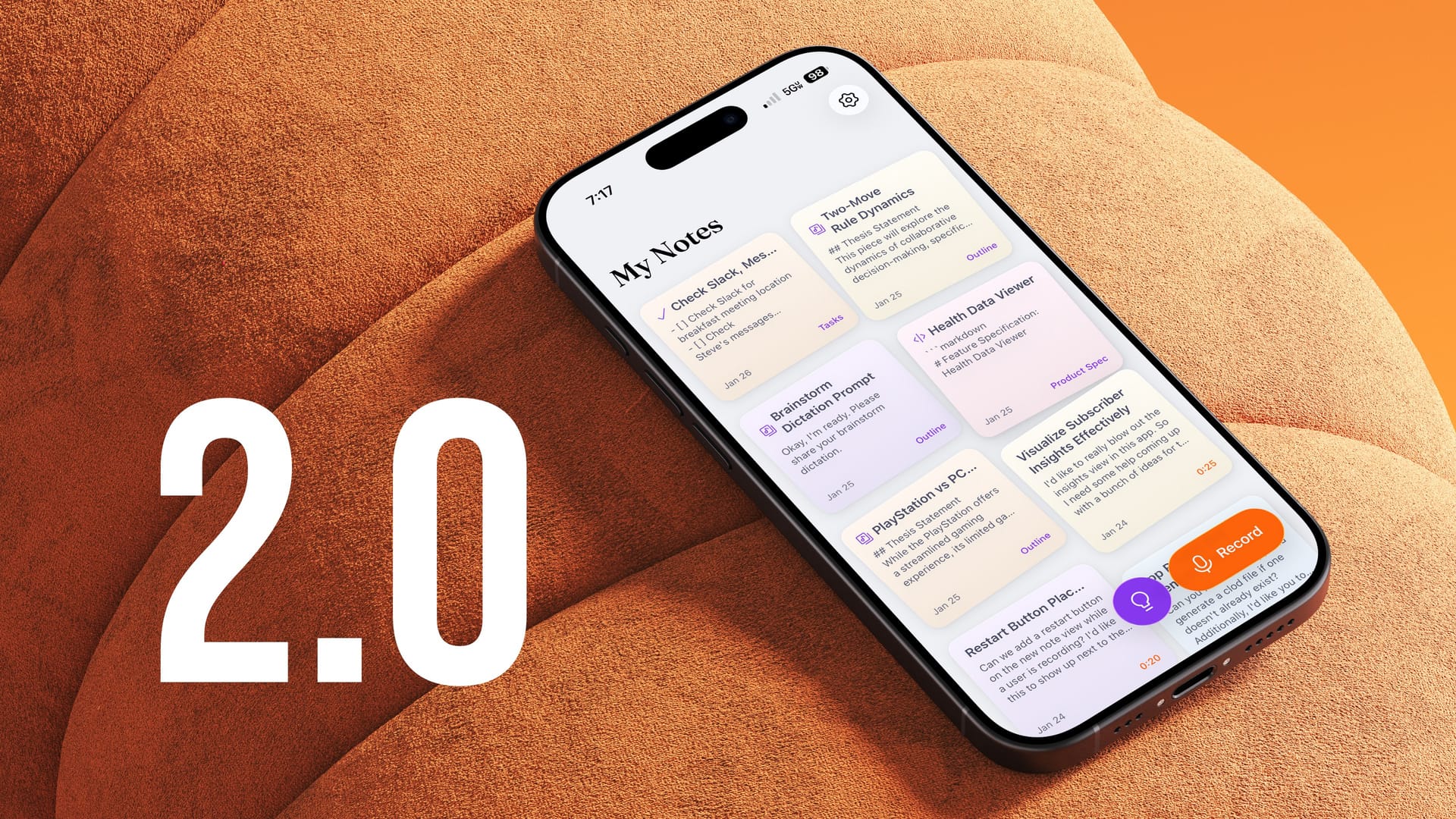
Quick Notes has a major update out now that has my favorite new feature in the app, a whole new design, the long-awaited ability to pause or restart recordings with ease, and oh yeah, iCloud sync.
Brainstorm Mode
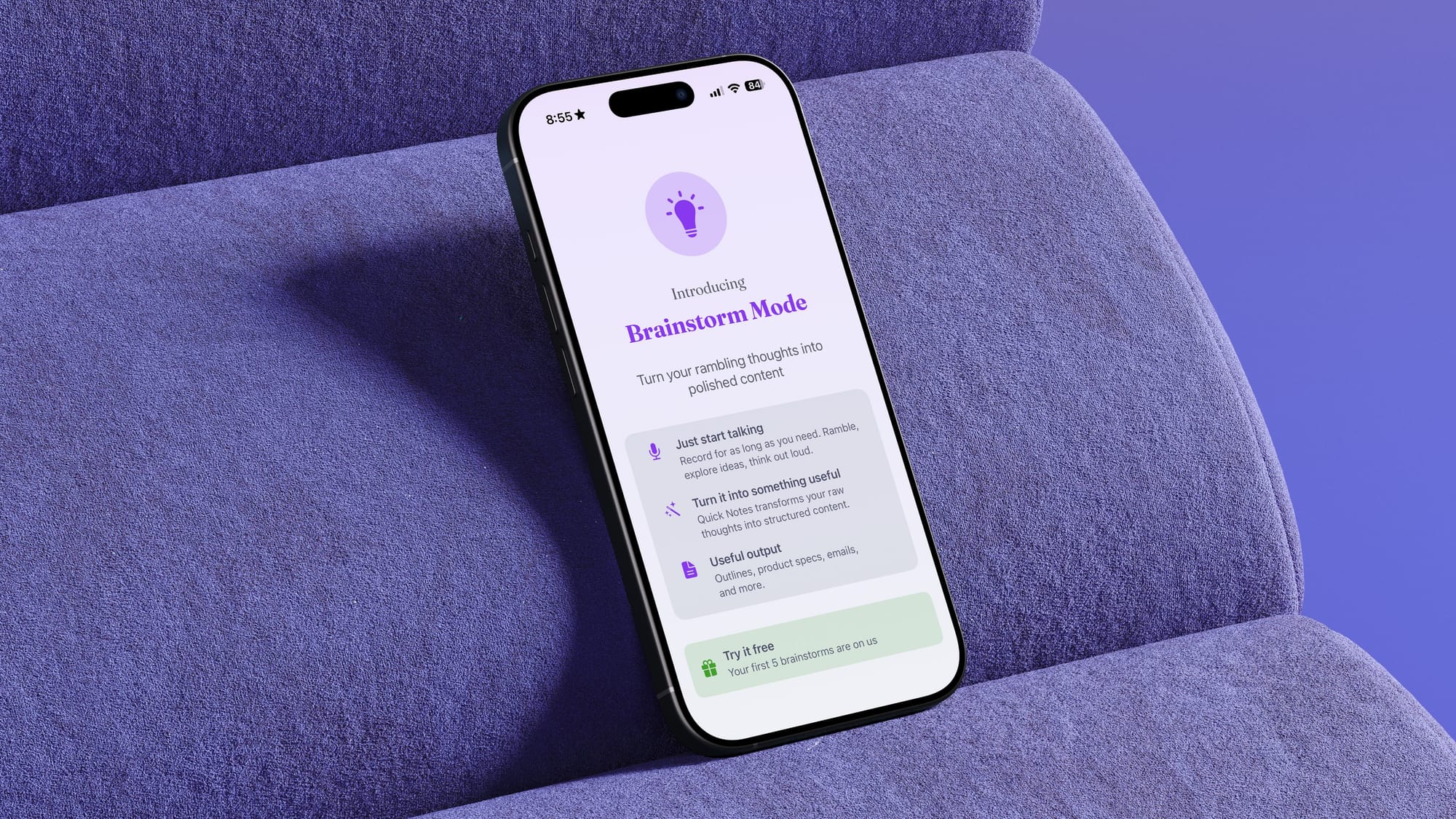
Quick Notes has always been very good at listening to you speak clearly and with intent, and the clean up feature has been quite useful in cleaning up little slips as you spoke. But sometimes I don’t know what exactly to say, or I’m gathering my thoughts and just need to talk it out. I found myself using Quick Notes for this quite often, where I would just talk into the app for a few minutes and then paste the transcript into an LLM chat app with some instructions on turning that blabbing into something useful.
Brainstorm Mode brings this process natively into the experience.
You can start a brainstorm, and then you can just start talking however you want. Repeat things, go out of order, whatever…just talk until you’ve gotten all of your ideas out of your head, and then this will turn your ramblings into either:
- Outline with a thesis statement
- Email draft
- Product spec
- Slide deck suggestion
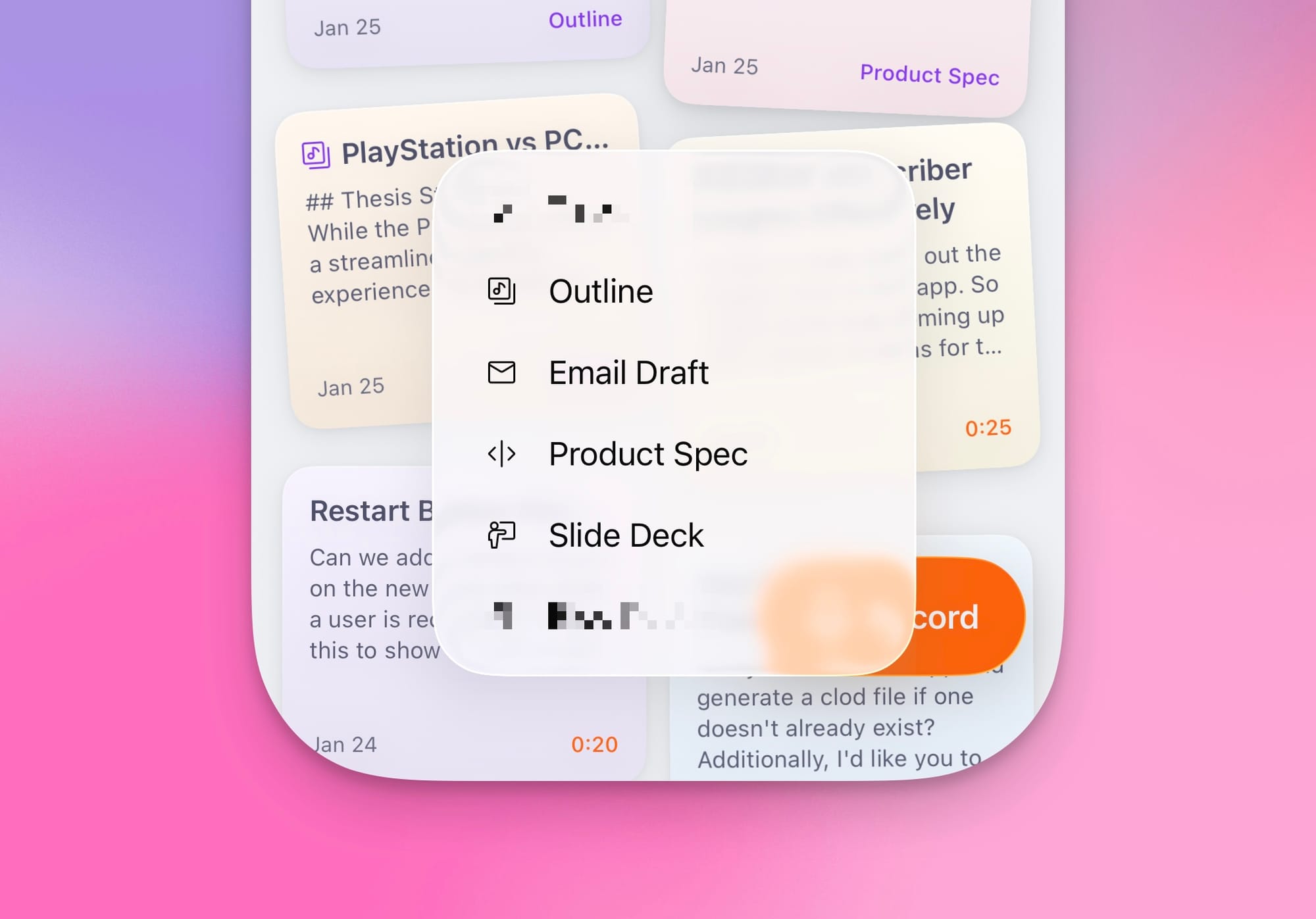
As you can see from the very professionally masked screenshot above, I’m working on adding more output formats (one of which is a task generator, which I’m more than a little annoyed that Todoist beat me to the punch on adding).
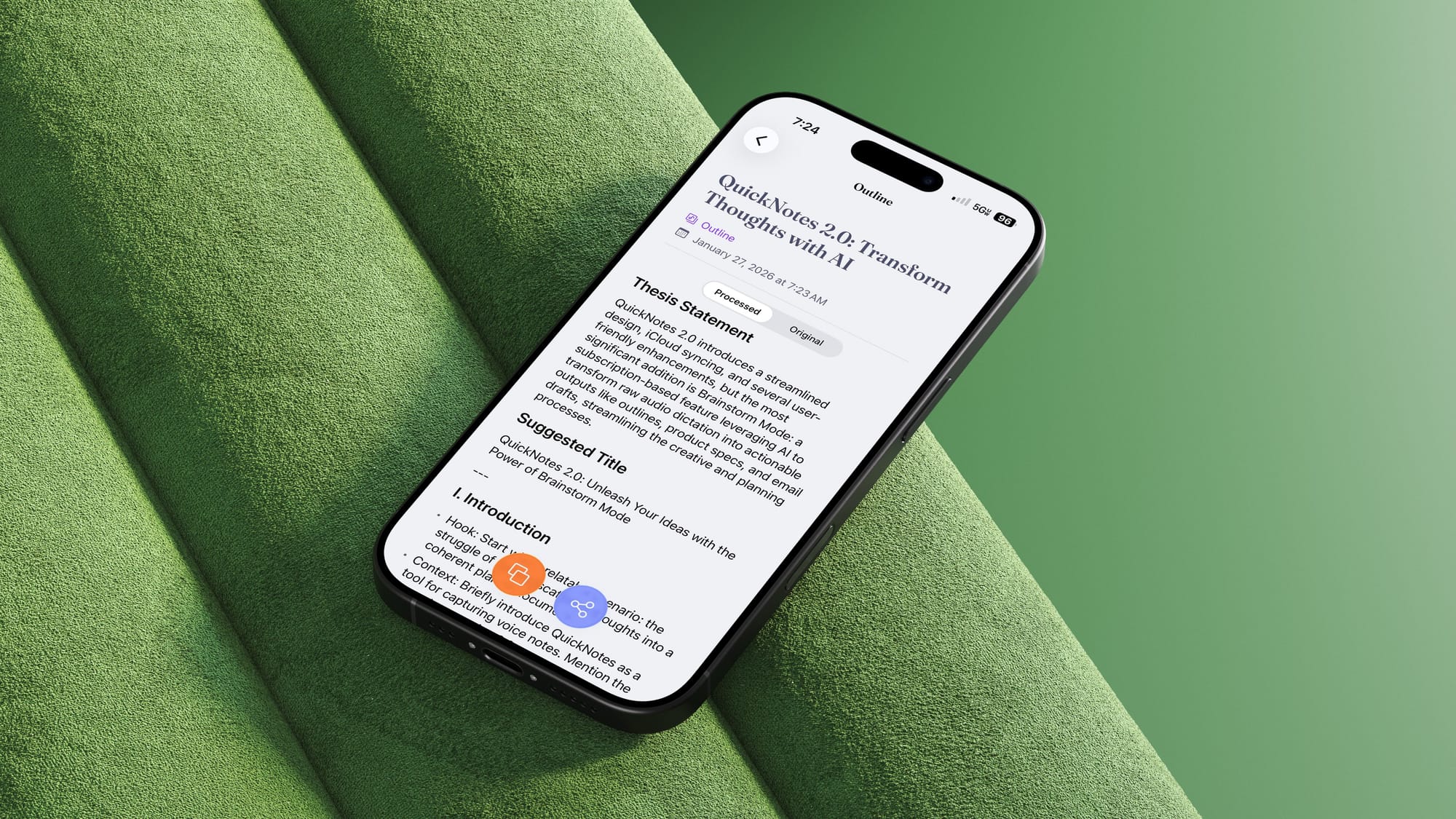
So now in addition to Quick Notes being my main long text entry tool of choice, it’s also become my favorite tool for thinking through tough ideas as I try to wrap my head around them. To be honest, sometimes I'll record into this mode for a few minutes, and I just discard the note because talking it through was all I needed to do.
Brainstorm Mode is free to try, but requires a $4.99/month subscription to keep using it after that. Due to the length of the transcripts in use for this feature, as well as the general quality gaps I experienced with Apple’s on-device model, this feature is powered by Google’s Gemini, which has real cost to me, and required a subscription to offset those costs.
The new design
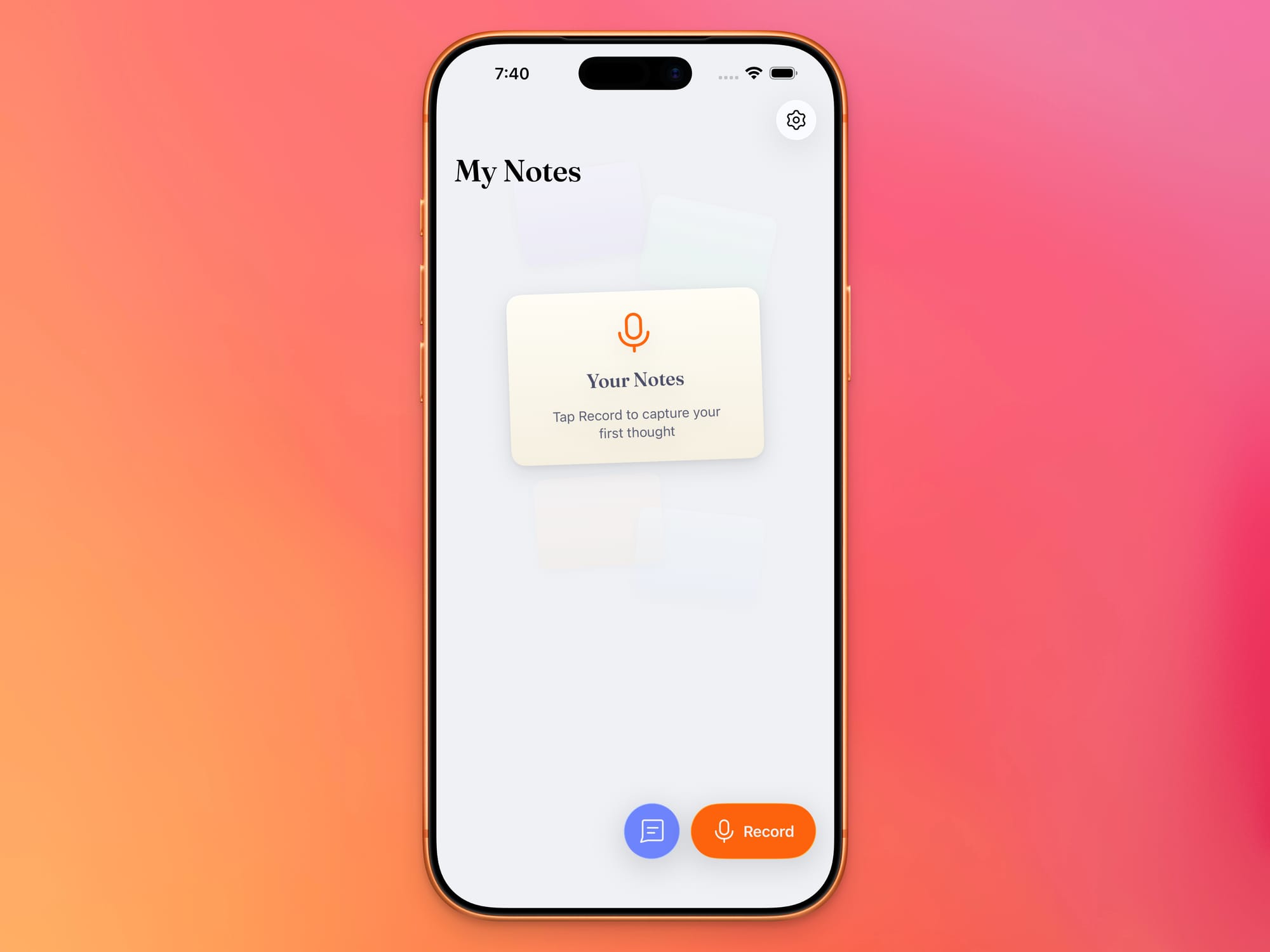
Even if you don’t care about Brainstorm Mode, this release will immediately be noticeable by the new UI design. The new card layout for the Home Screen is fun, and more space-efficient than the generic iOS table rows I used before, and the color scheme has been completely redone to use the always-lovely Catpuccin.
I’ve also added a new heading font (Fraunces) and swapped out SF symbols for (free) Streamline icons.
All the small things
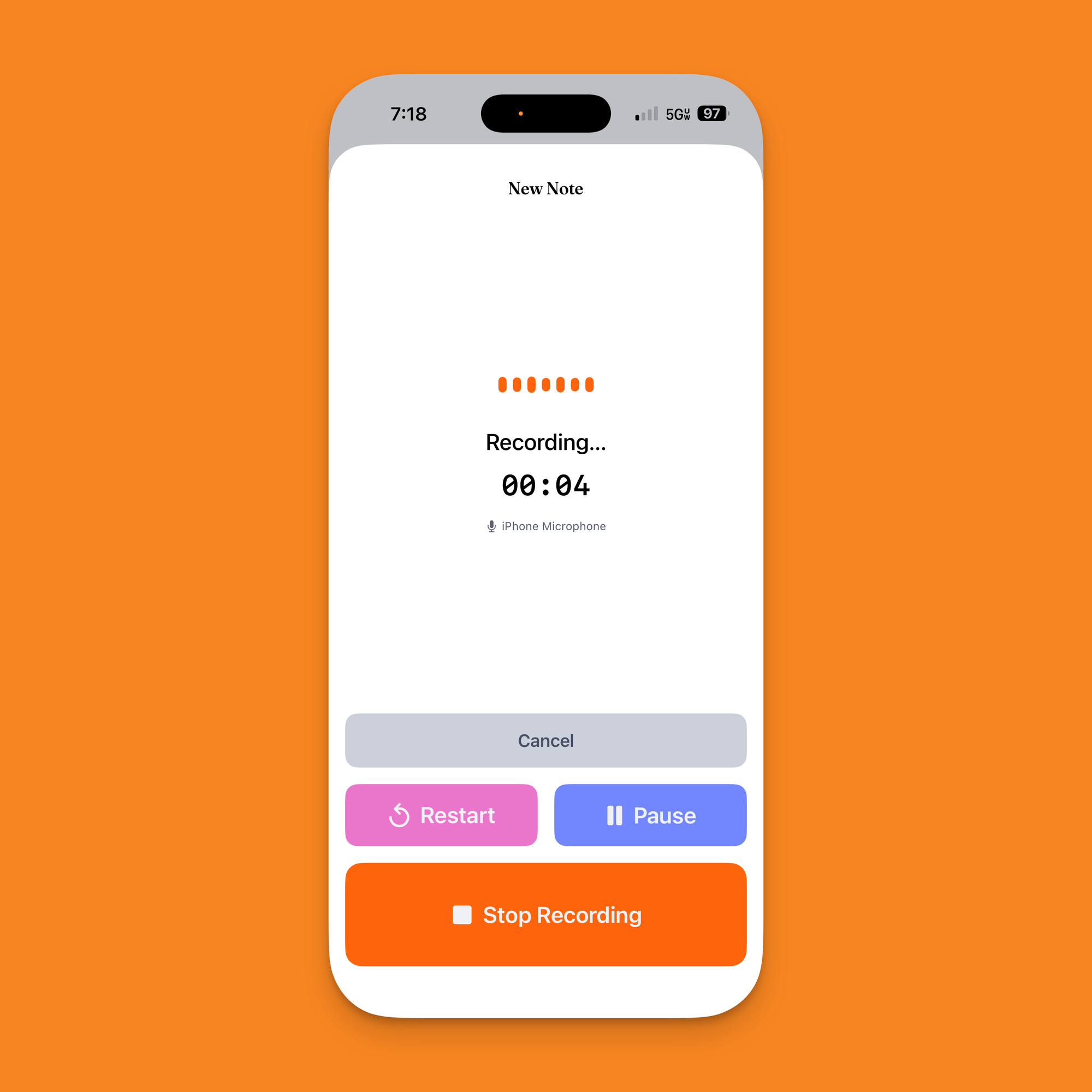
In addition to bumping up the size of the stop recording button on the new note screen, I've also added two new buttons here that I think you're going to really love. The first is a pause button to temporarily pause your recording while you pick up dog poop, talk to someone else, or do whatever you need to do. The second is a restart button that will restart the recording.
Several people have asked me for a pause button, which makes total sense, but no one had asked for a restart button. It's something I found I really wanted for myself, and I think you'll like it as well. I can't tell you how many times I started a note knowing what I wanted to say, slipped over my words, and then had to cancel, start a new note, and then do it again. Now I can just quickly tap one button and I'm instantly recording a new note.
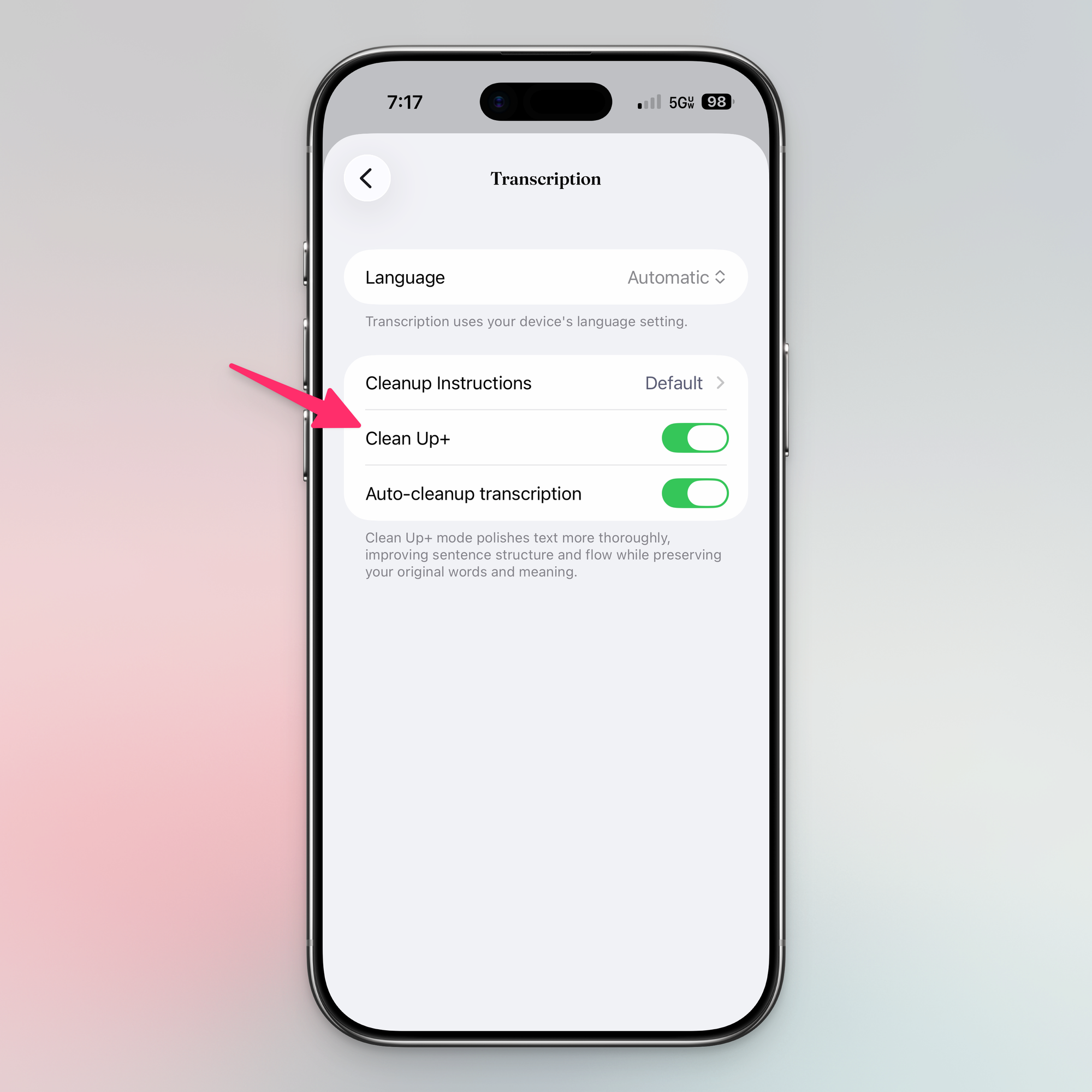
I've also added a new "clean up+" option to your transcription settings, which is effectively just a more aggressive cleanup feature. The current cleanup feature that's been there since launch tries very hard to keep your wording exactly as you said it, but to correct punctuation and remove things like ums. Clean up+ has a similar idea but is more aggressive at correcting your wording. When it's firing on all cylinders, it really feels great. I personally have this enabled now on my device.
iCloud
Oh yeah, and the app now supports iCloud sync! Notes will sync between your devices, and if you uninstall the app, when you reinstall it, your old notes will return from the dead (or the cloud database, whatever).
Privacy
It's worth saying out loud that, as ever, Quick Notes is maniacally focused on protecting your privacy. As it's been since day one, all transcription happens on device using Apple's on-device foundation model. When it comes to data leaving your device, there are three separate places data is sent.
First is iCloud, which is enabled by default, but you can disable from your iCloud settings in the Settings app. This is the full content of your notes, although being stored on iCloud means it's secured by Apple and only accessible by your devices.
Second is Google Gemini, which can be used for your clean up (although the on-device clean up is plenty good IMO) as well as the new brainstorm feature. In this case, I send the contents of your note, but no identifiable information about you (unless you start a note by saying "I'm Matt Birchler at 123 Fake St…).
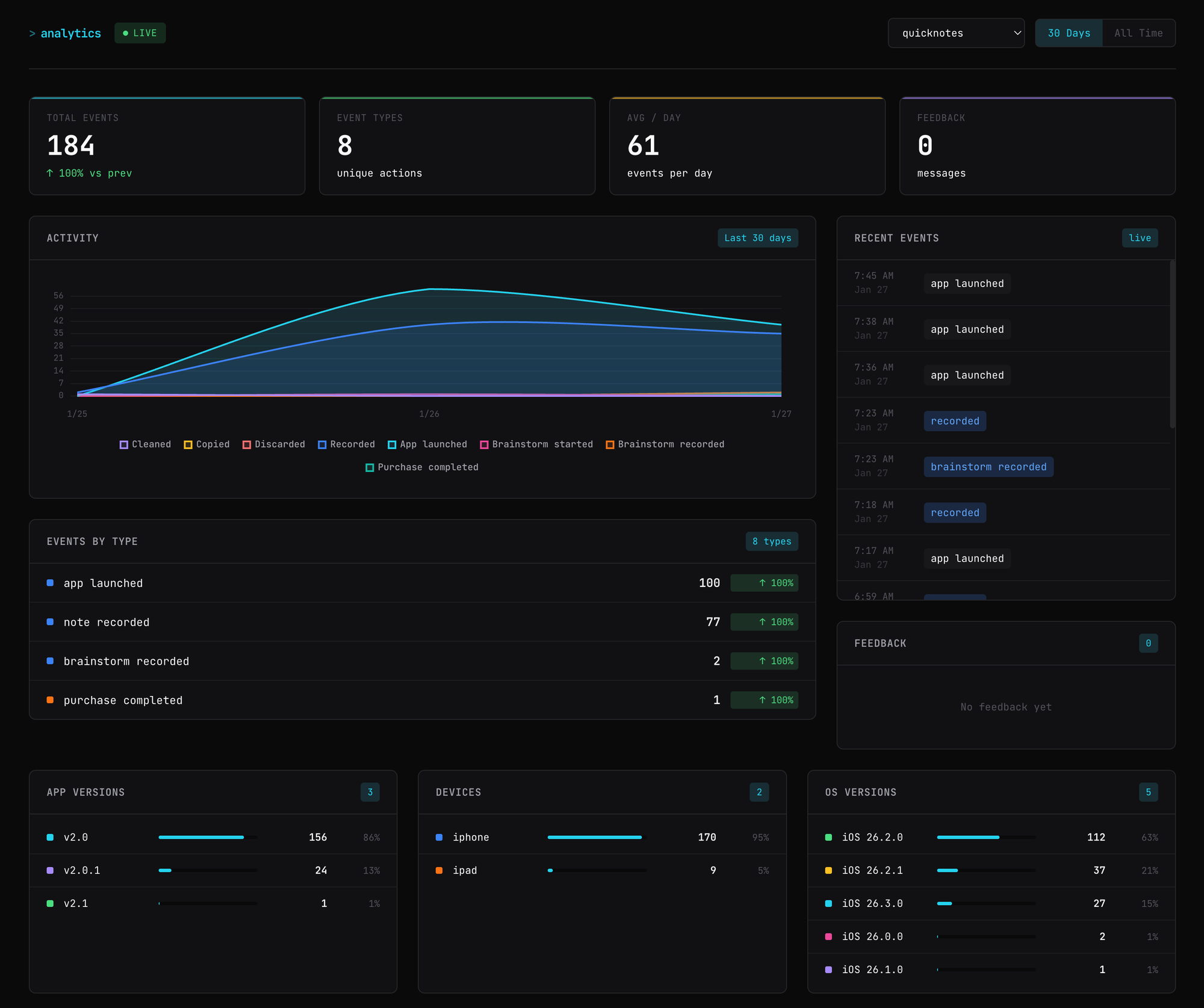
Third is analytics, which I roll my own, simple solution, so there are zero third party libraries for this. These analytics collect exactly four events.
- When the app is launched
- When a new note is recorded
- When a new brainstorm is recorded
- When an in-app purchase is madeIn all four of those cases, all I am logging is that the event happened, not the content of your note or any personally identifiable information about you. I do pass along your device class (iPhone or iPad) and OS version, but that's it. If you are curious, here is a peek at my new dashboard I'm using to collect this, which only has info from the last couple hours.