Quick Notes now records in the background
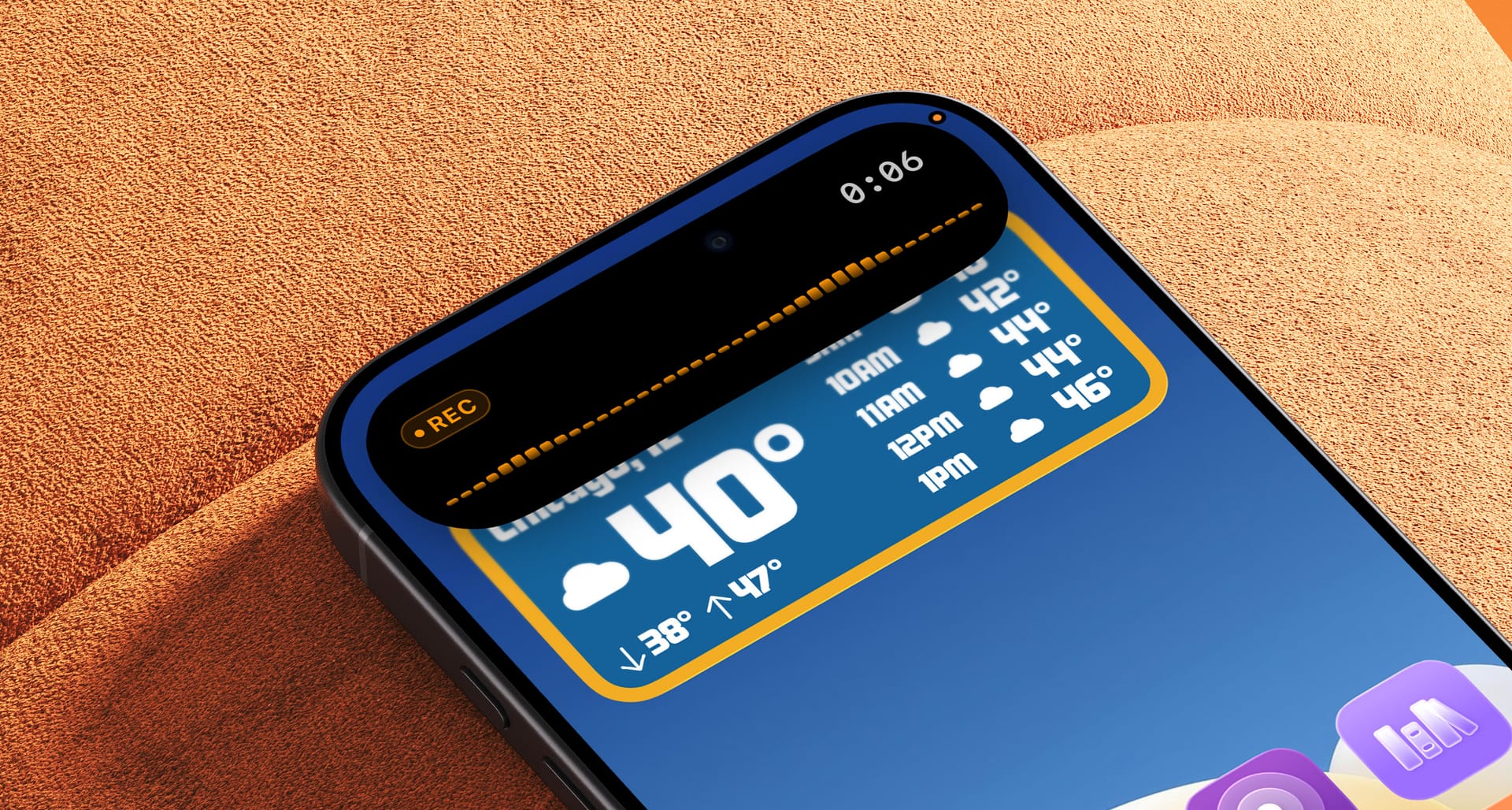
Quick Notes has a new update out now with a few nice improvements.
Background recording
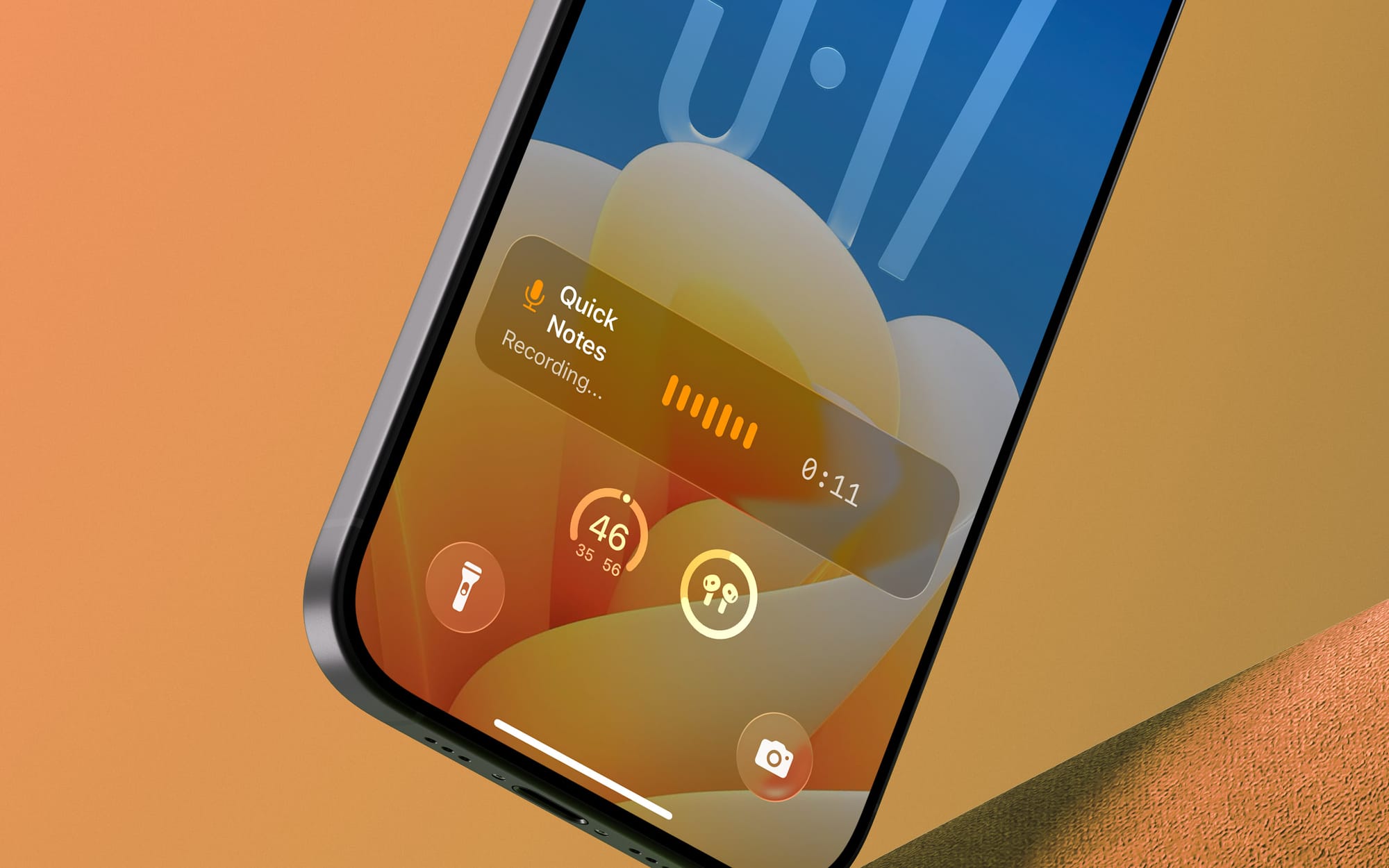
Have you ever had your screen turn off during a longer recording? Have you ever wanted to switch to another app and look something up while you were recording a note? Have you ever wanted ti dictate into your AirPods with your phone in your pocket? Now you can!
Quick Notes now runs in the background, and sports a live activity while it's at it.
New brainstorm modes
There are 2 new brainstorm modes: "tasks" and "long form".
Tasks lets you jabber into your phone for however long you want, and it will output a list of tasks based on what you said. They're a markdown-formatted list, and can be copy/pasted into some task managers (definitely Things).
Long Form is basically a way to talk for several minutes and get a better clean up with punctuation, paragraph breaks, and more aggressive removal of things like "um" and "…" which the normal clean up feature is unable to always get. If I know my note is going to be more than one or two minutes of dictation, this is what I've been leaning towards myself.
New transcription model
Added the option to use NVIDIA's Parakeet V3 model for transcription (enable it from the Transcription settings page). Most people probably don't need this, but it is quicker and a bit more accurate than Apple's model. That said, it's stupid fast, to the point that the "transcribing" screen doesn't even have time to appear on screen before it's done.
iPad fix
Fixed the iPad layout to have note content actually use the full window area. Sorry about that one!
Available now, still free!
Quick Notes is available on the App Store for iPhone and iPad, and Brainstorm Mode is a paid add-on if you're interested. Background recording and the new transcription model work great for free users, continuing Quick Notes' goal of bringing great voice memo transcription to everyone for free.