Quick Reads has been getting better all summer

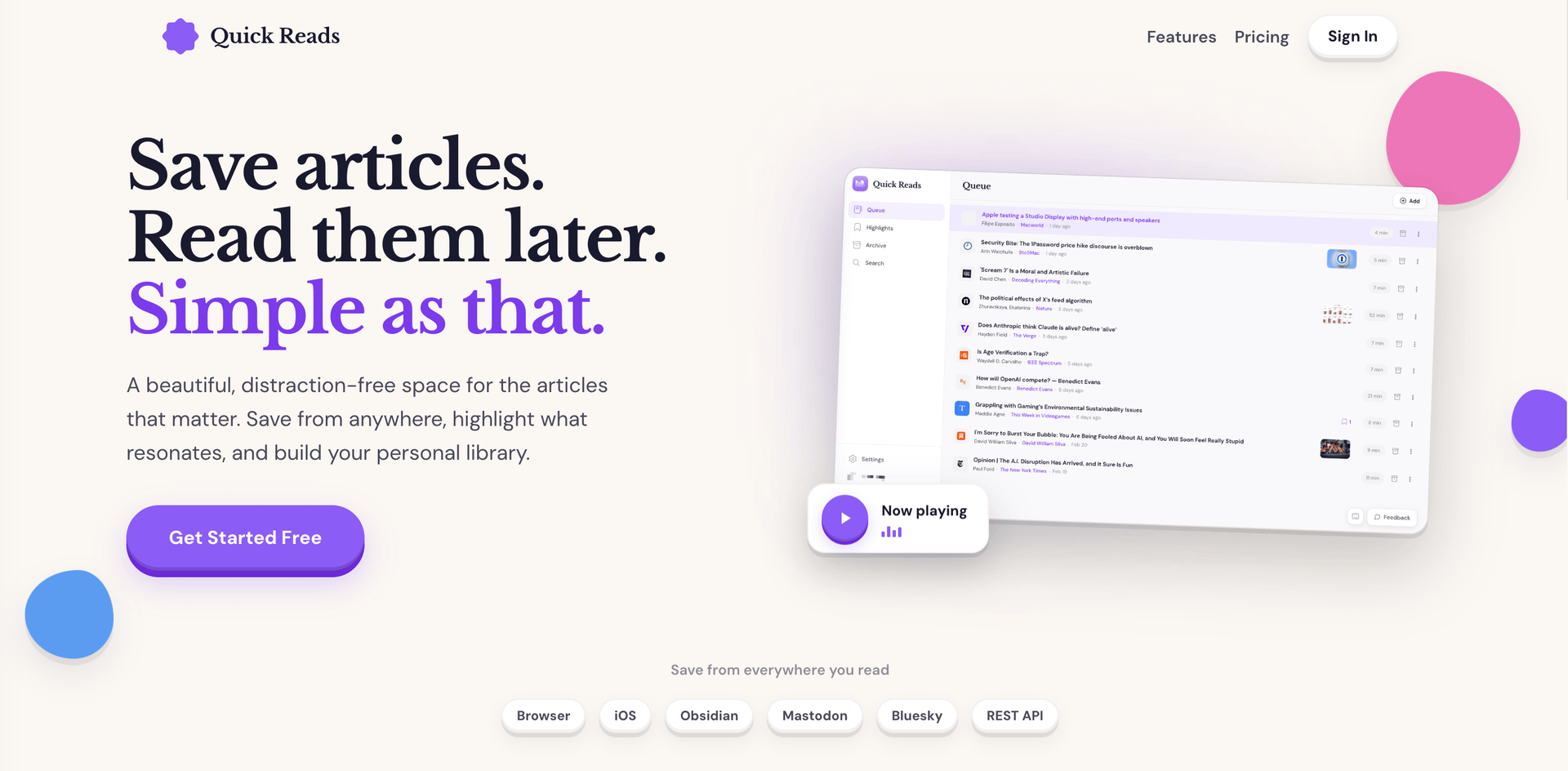
I've been shipping a steady stream of updates to Quick Reads over the past couple months, and while each one got a line in the changelog, I figured it was worth rounding up the highlights in one place.
Search is dramatically better
Since launch, search was a simple text match sorted by date, which worked, but it had a couple flaws that became more apparent the most time went on. First, performance was fine, but would only get worse as more data was added. Quick Reads has over ten thousand articles saved with about 15 million words to search across them, and those numbers only go up, so performance would always slowly creep down. Additionally, there was no concept of relevance in the results, they would just return from newest to oldest.
I rebuilt it on Postgres full-text search, so results are now ranked by relevance, title matches float to the top, partial words match as you type, and quoted phrases work like you'd expect.
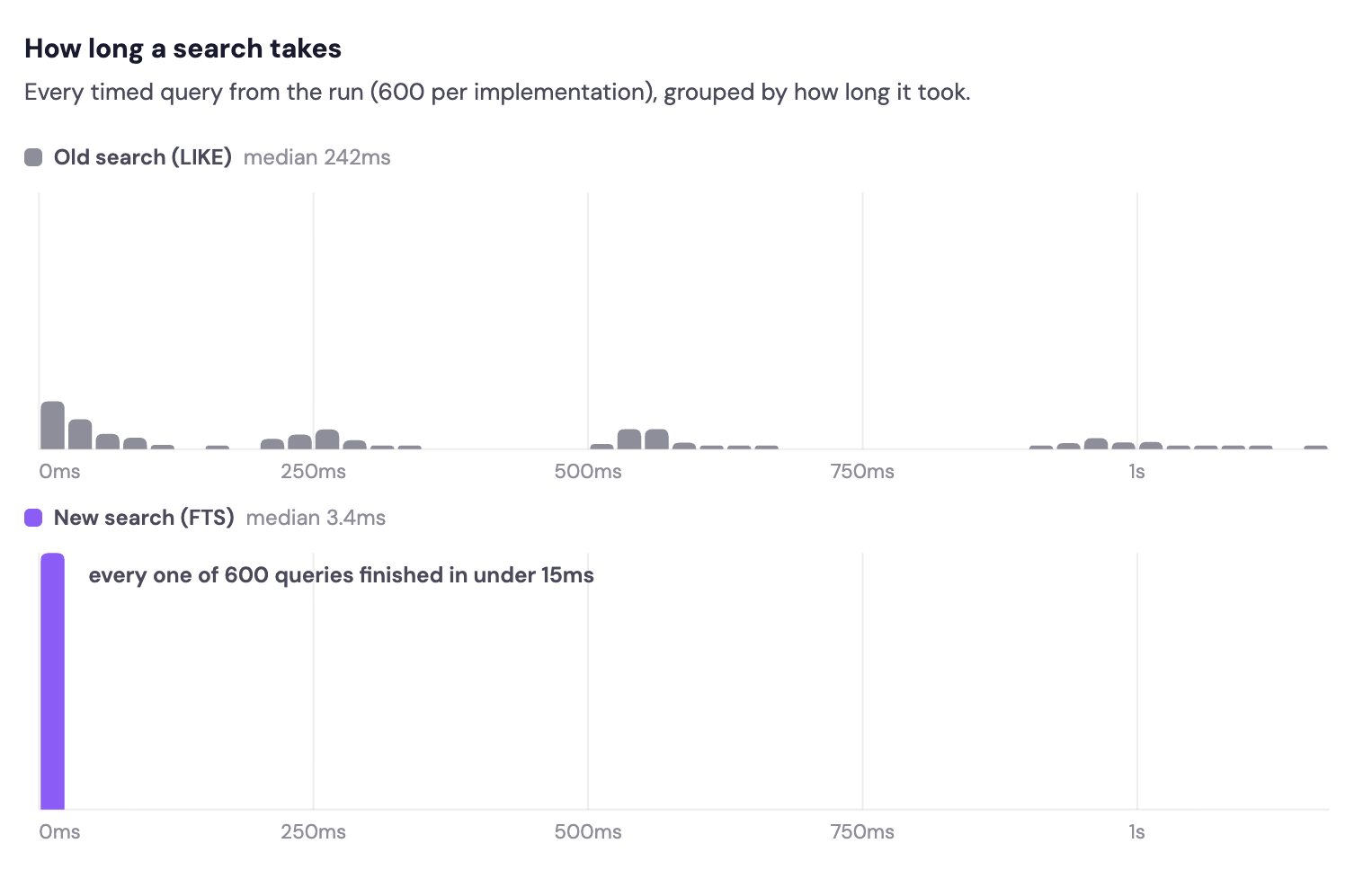
In my performance testing before and after the change, the results were striking. This new method isn't just quicker, it's ENORMOUSLY QUICKER. On a script that ran 600 queries against the production database, the median search time on the old system was 250ms, and the new one is 3.4ms. No big deal, just a 98% reduction in latency. For some context, a Mac with a ProMotion display refreshes its image once every 8.3ms, so it takes longer for your display to show the results than it takes to actually run it.
This back end upgrade applies to all searches via the API as well, so the iOS app and any third party integrations benefit here as well.
Yes, we've got an MCP server
From day one, Quick Reads has had an industry-best API for people to build on top of the platform. The API is really powerful and the docs are written in a way to be helpful for those using LLMs to code, but MCP can allow even simpler automations for people using AI chatbots and coding agents.
Quick Reads now has an MCP server, which means Claude, Codex, and basically any AI tool can search your library, read articles, save links, and organize things on your behalf. Ask Claude "what have I saved about Apple?" and it can actually answer from your own reading.
It works with the same API key you may already have, and the docs have copy-paste setup for the popular clients.
What you do with this is up to you, and I'm sure people will get creative.
Add plain text
In addition to saving links, you can also save whatever text you want to the app. Paste in your Markdown and get to reading.
This is good for auditing drafts of things you're writing and getting a way to generate text-to-speech (something I find myself doing with longer posts I write quite often).
Podcasts in your reader
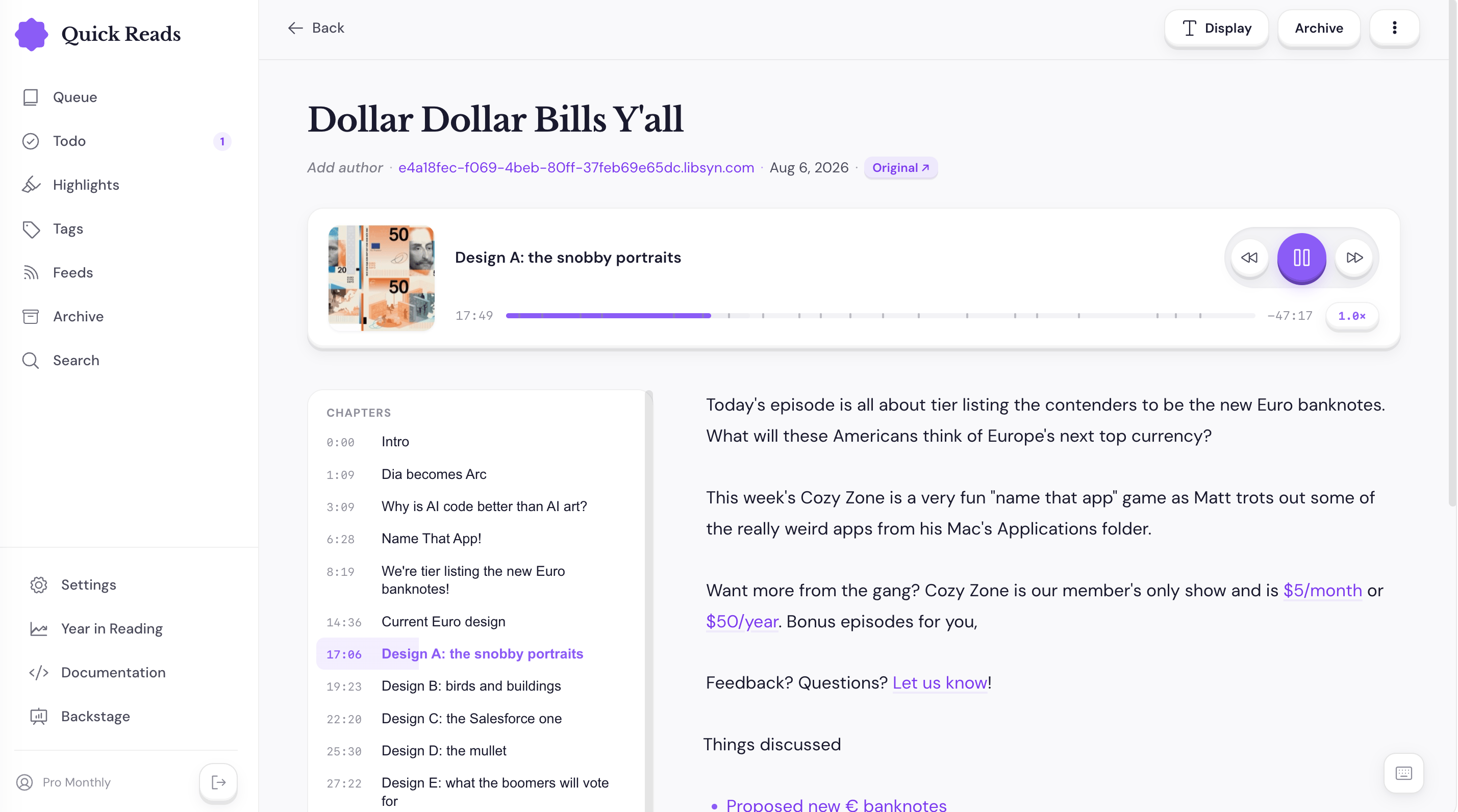
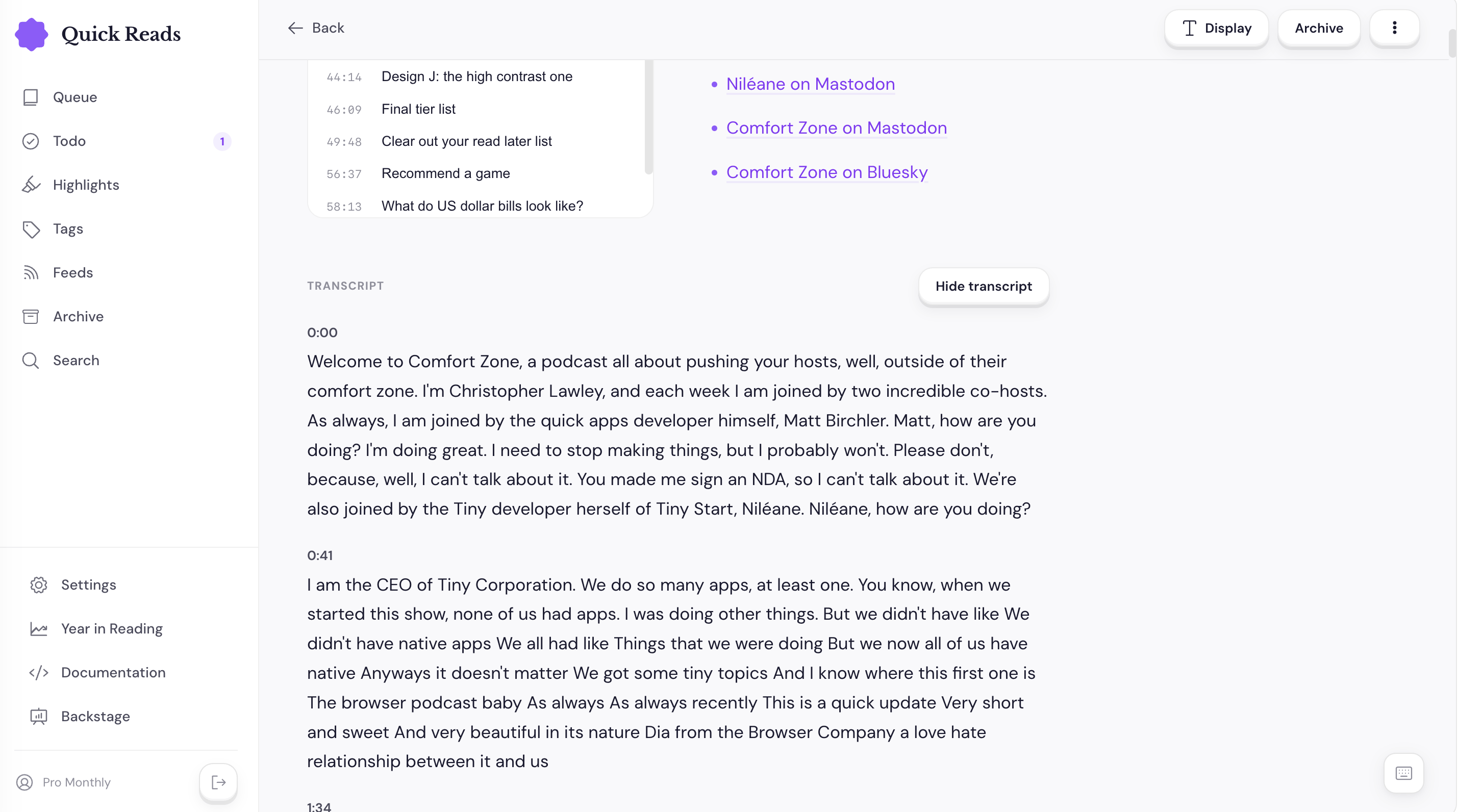
When you add an RSS feed to the app, you can mark it as a podcast. If you do this, when new episodes come in, you'll get a new podcast view in the web app. You can listen to the episode inline, chapters and show notes are both present, and your playback position is saved so you can resume later if you want.
Oh, and if the podcast has a transcript, it will appear as well.
Notes on highlights
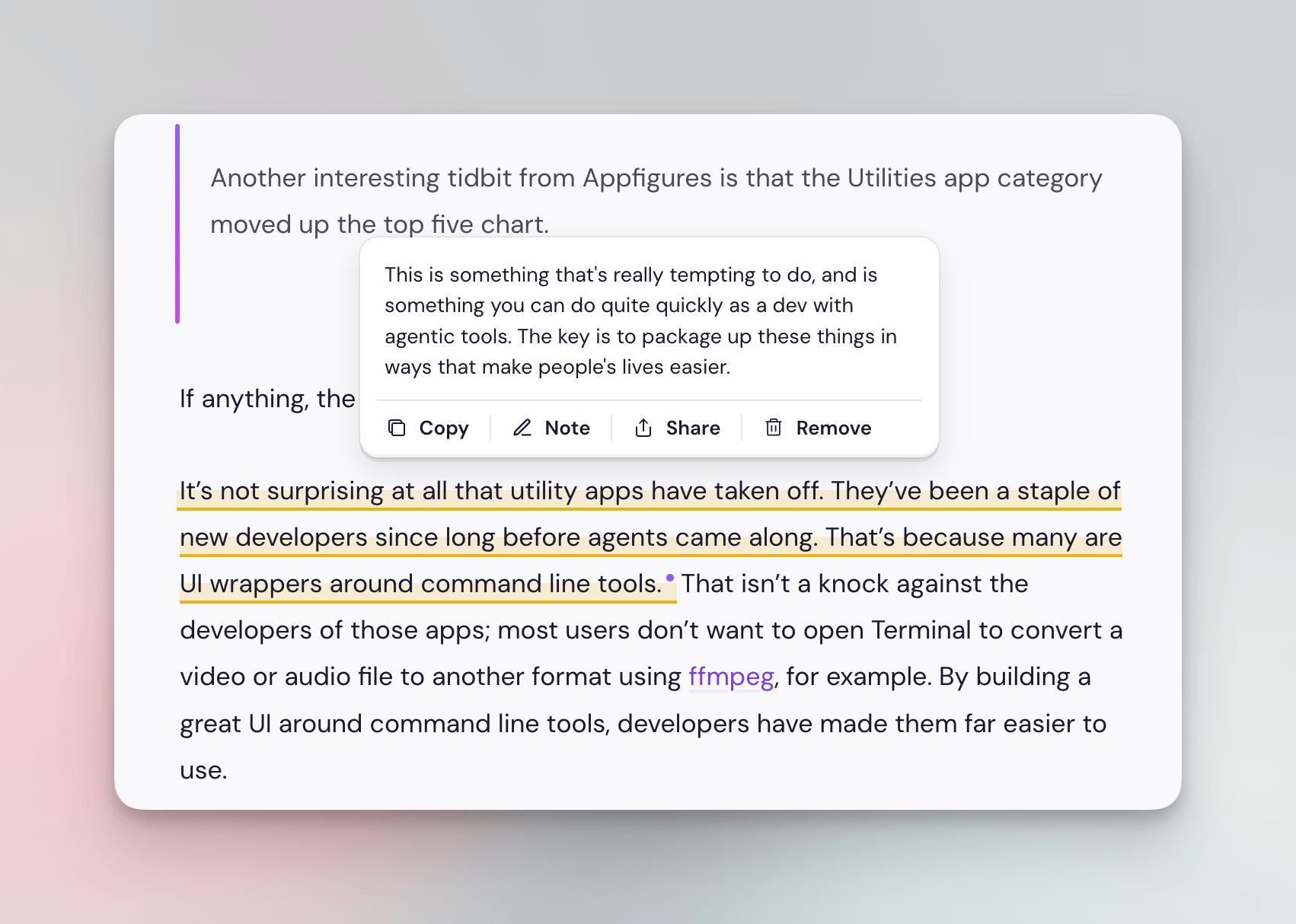
You can now attach a note to any highlight, so when you highlight something and think "this connects to that other thing," you have somewhere to put that thought. Notes travel with your highlights everywhere they go, including through the API.
Share highlights as images
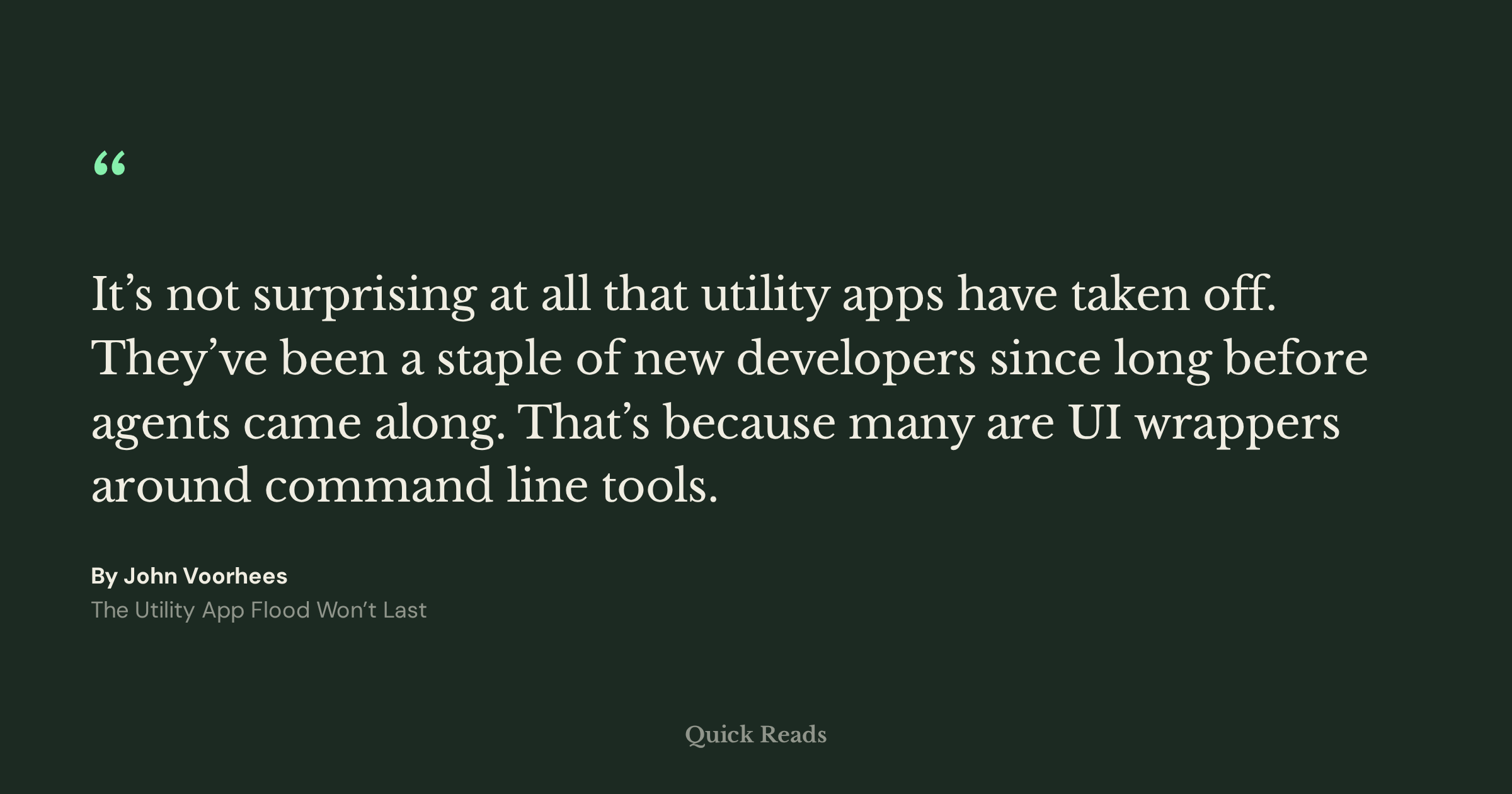
Turn any highlight into a lovely image for social media. Three layouts (landscape, square, and vertical), four styles, and you can generate one from the highlights page or by tapping any highlight while you read or from the highlights page.
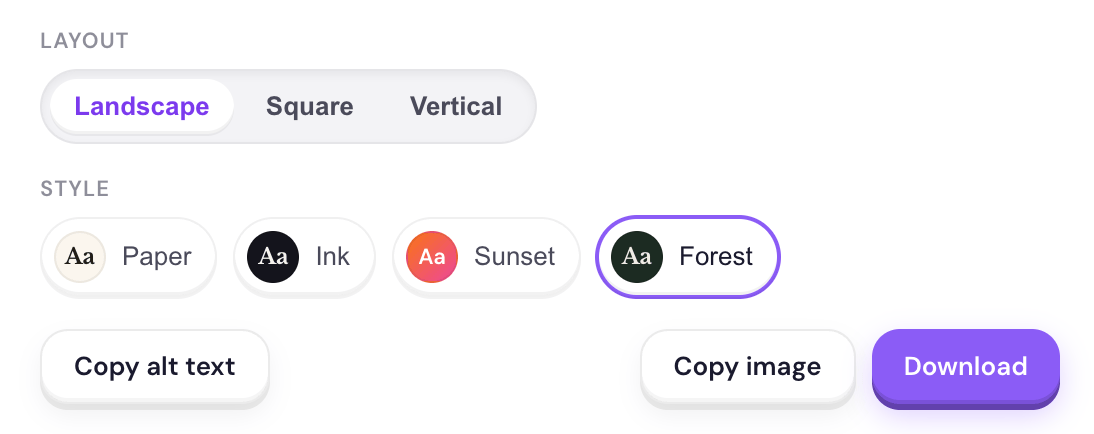
And because I'd like people to have proper alt text on these, I've added a simple button to copy alt text for these images, ensuring everyone can appreciate these when you post them.
Custom sidebar
There are more things in the app than there was at launch, and the sidebar has grown as a result. You may not need quick access to things like feeds, documentation, highlights, or tags, and now you can remove them.
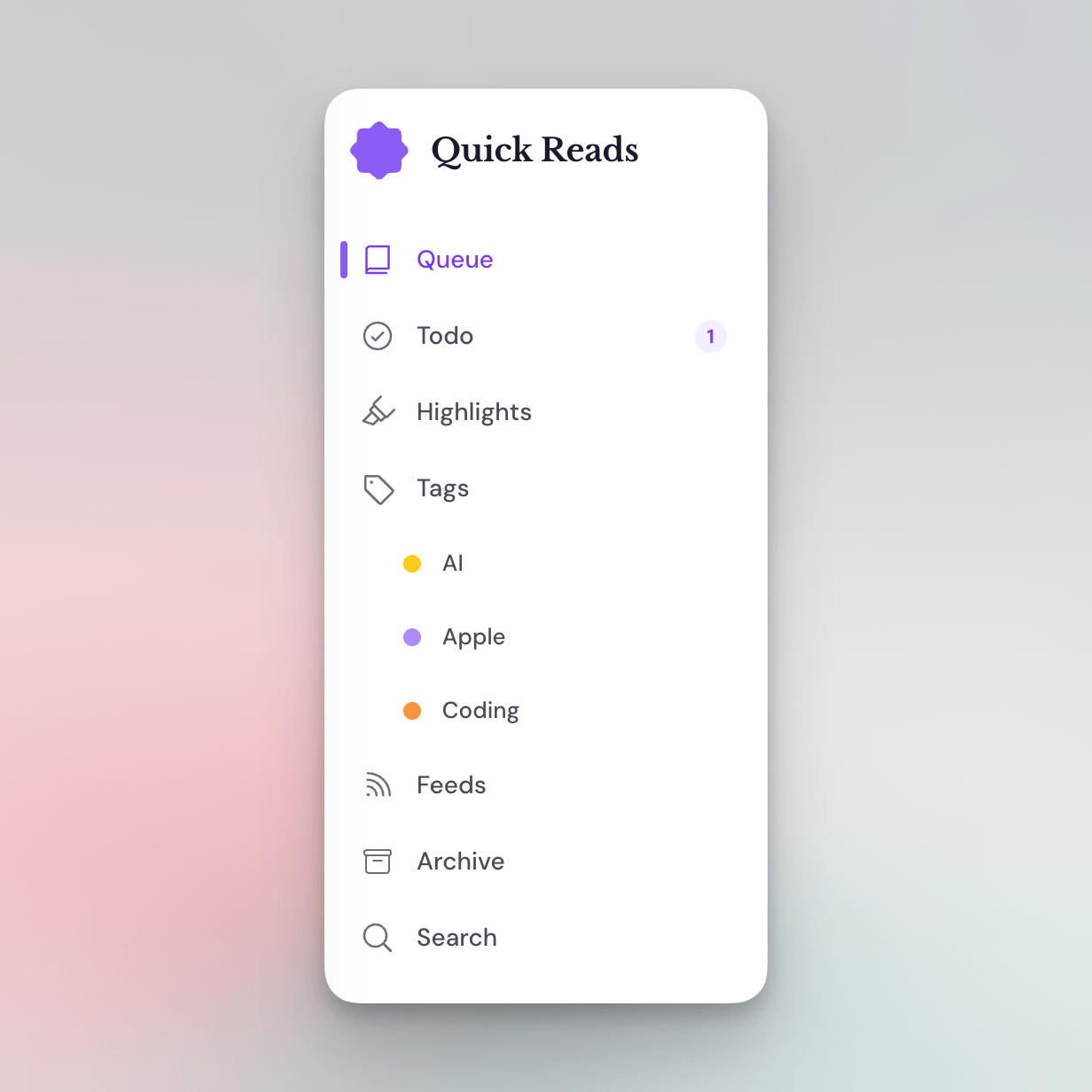
On top of that, you can pin up to 3 tags to the sidebar as well.
That's the roundup! If you've been meaning to give Quick Reads a shot, now is a pretty good time.