Quick Reads now does newsletters and RSS
Since its launch, the number one feature request I've gotten for Quick Reads has been the ability to subscribe to newsletters with the service. I'm happy to say that as of today, all users can do this.
Just go to your settings, go to the newsletters tab, and use the email address there to subscribe to whatever newsletters you'd like. New emails will appear in your reading queue automatically moments after they're sent. If you ever run into issues with the address, you can blow it away and generate a new one on the fly.
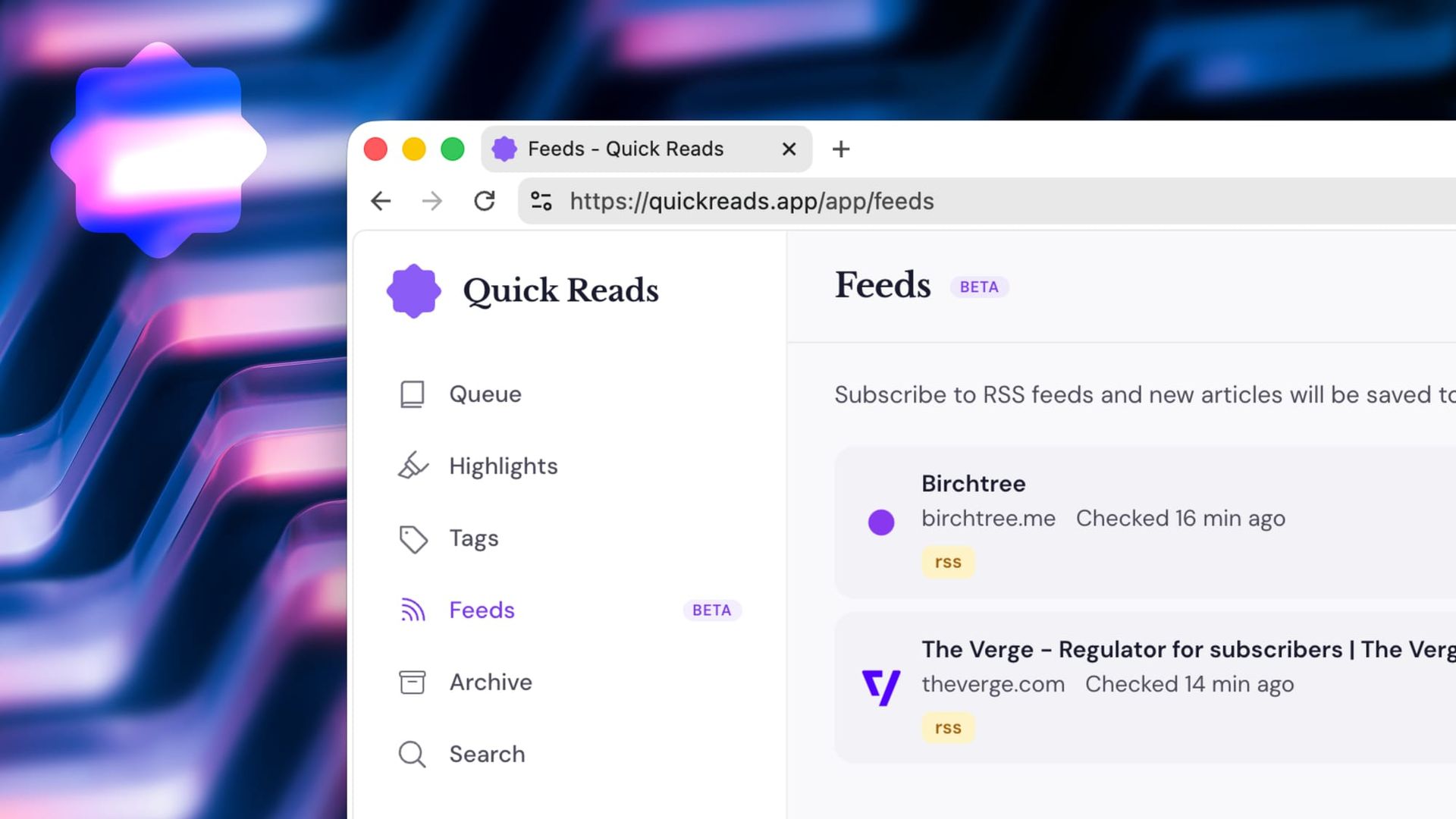
Additionally, there are some RSS feeds where you absolutely feel like you must read everything they post. If that's how you feel about a couple feeds out there, then the new feeds feature is exactly what you're looking for. Go ahead and add the website or the actual RSS feed, and we'll automatically add every post to that feed within thirty minutes of it going live. You can also set tags on those feeds, so they're automatically tagged just as you'd like.
Writers such as John Siracusa or Casey Liss, who only publish on an irregular basis, are great contenders for the feeds feature here. If you follow them, odds are you want to see everything they write, and this will let you do that. On the newsletter front, pretty much anything will work here. Just like any article you save, the service parses the content to try to pull out just the article itself. So it should be a really great reading experience for everything from MacStories Select to Christopher Lawley's Patreon. Hell, I bet you it'll work for Birchtree too 😉
Feeds are available to all paying users of Quick Reads, while newsletters are for Pro subscribers only, and you can use them today.