Quick Subtitles 1.6 (benchmark history, more stats, and more)

Quick Subtitles has yet another update out now, which brings a few new features to the mix.
UI tweaks
First up is a slightly refreshed UI. This is mostly a new coat of paint across the interface. The iPhone UI home page, for example, now uses all the available space to make it as simple as possible to perform the main task.
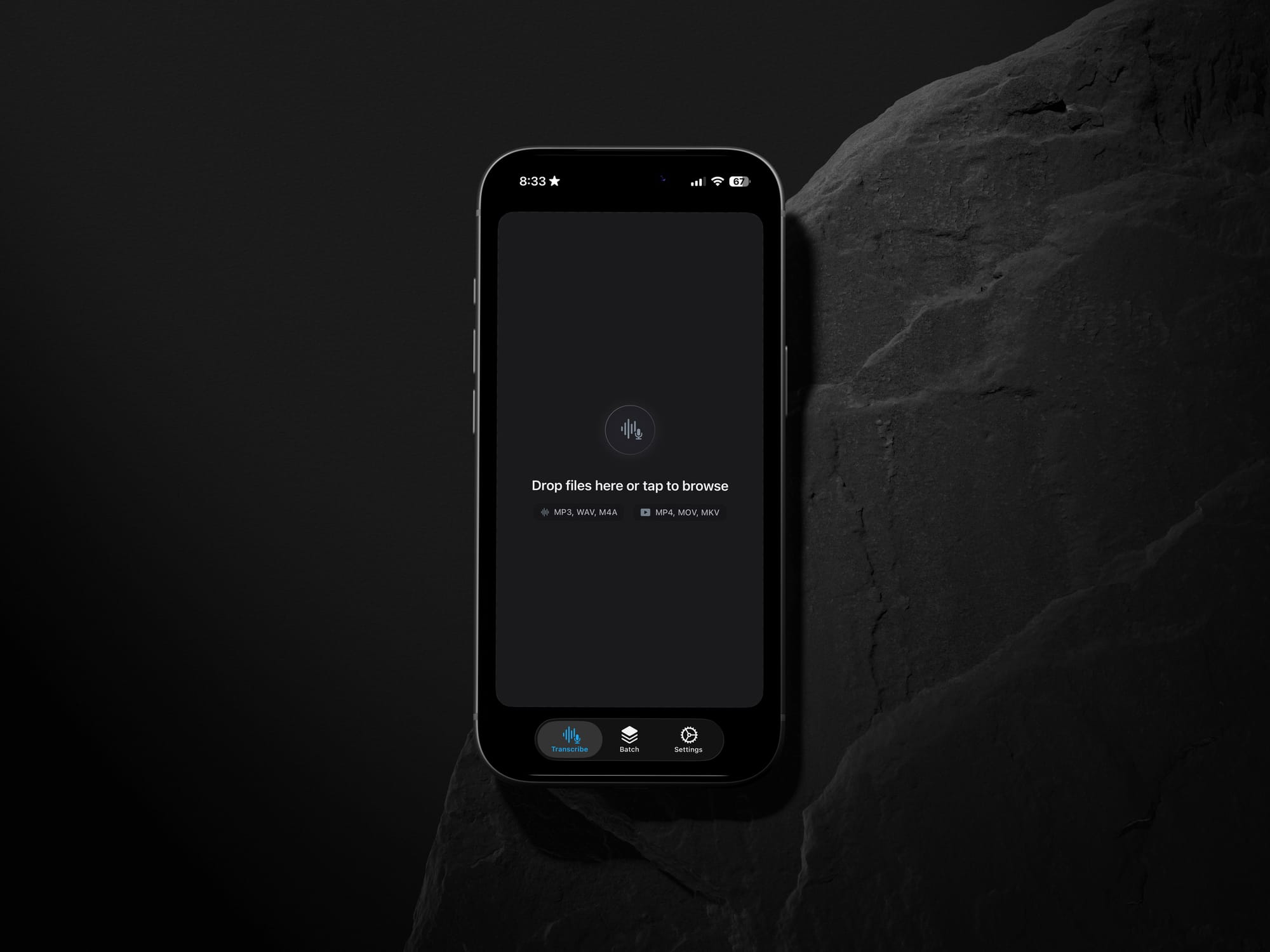
Also, this update removes turbo mode…or I should say, it's all turbo mode all the time. My analytics show very few people used it, which makes sense; watching the text render in real time is fun a couple times, but is it worth slowing down the whole thing? Probably not.
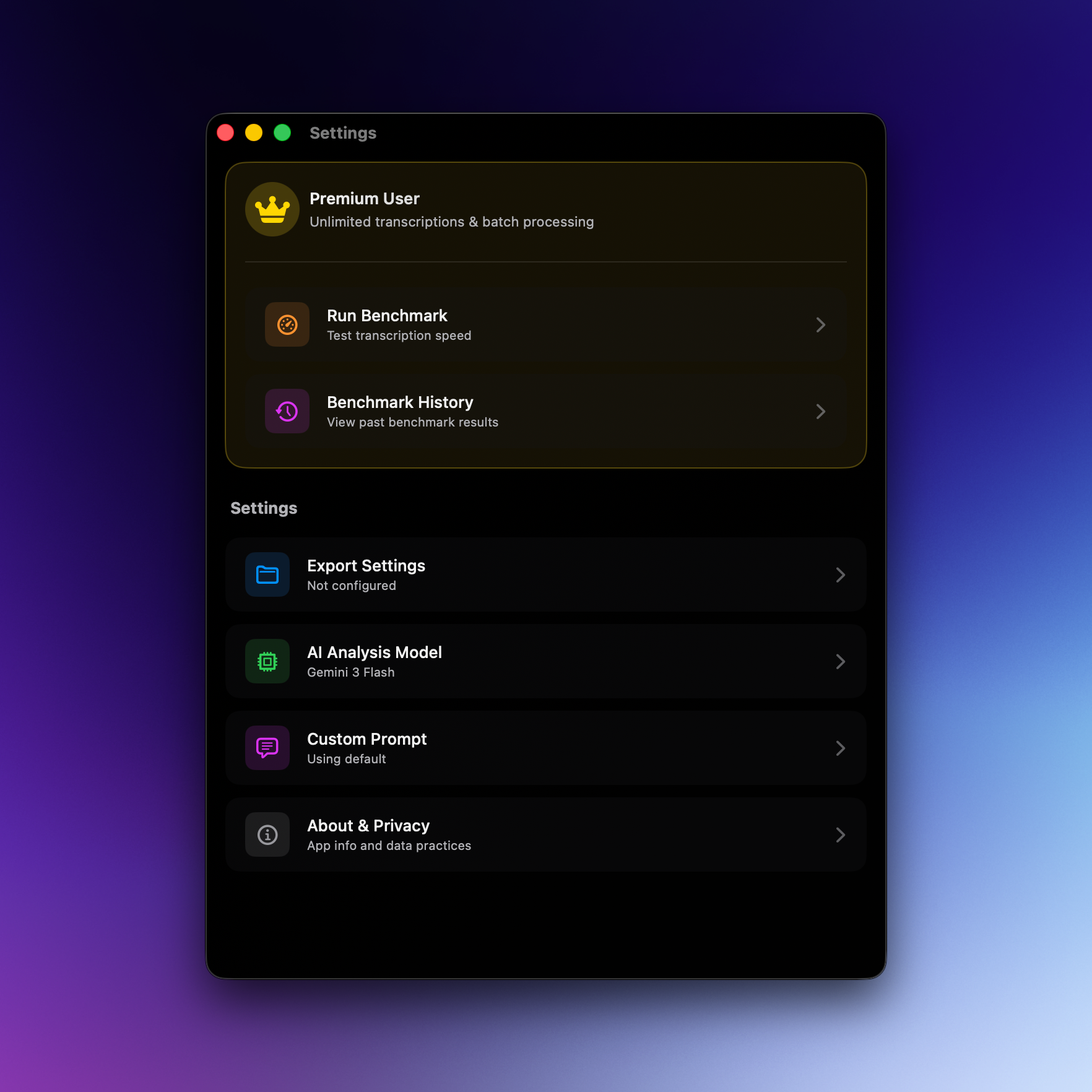
You'll also see this in the new settings page, which gives you more of an overview of all your settings at a glance.
Benchmark history
The last update brought a benchmark feature, and this time we’ve leveled this up to be a more serious tool for benchmarking devices.
The core feature here is that the app now saves your benchmark results (locally, of course) so you can go back and look at them later. This means I can present a basic chart in the app, comparing the results, and maybe more importantly, the data is downloadable as a CSV.
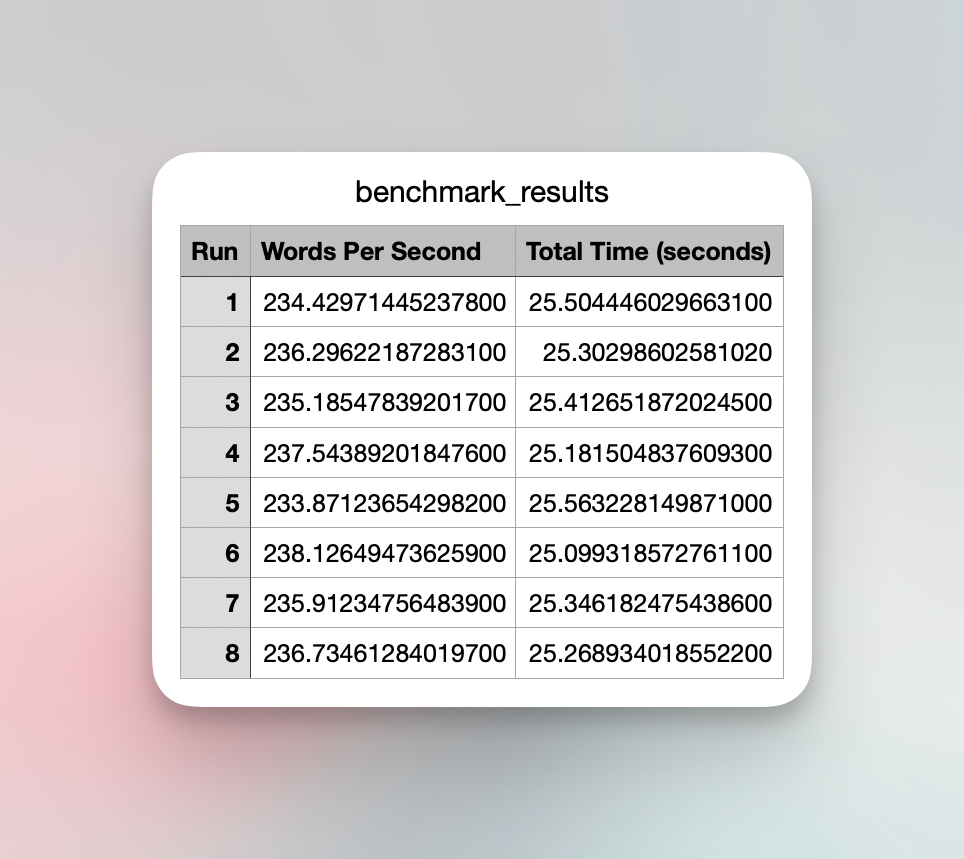
After you run a benchmark, I'll show you a chart in the app, but you can also export the data as a CSV so you can visualize it however you want.
Additionally, all benchmarks are saved locally to the app, so you can go back see how they compare.
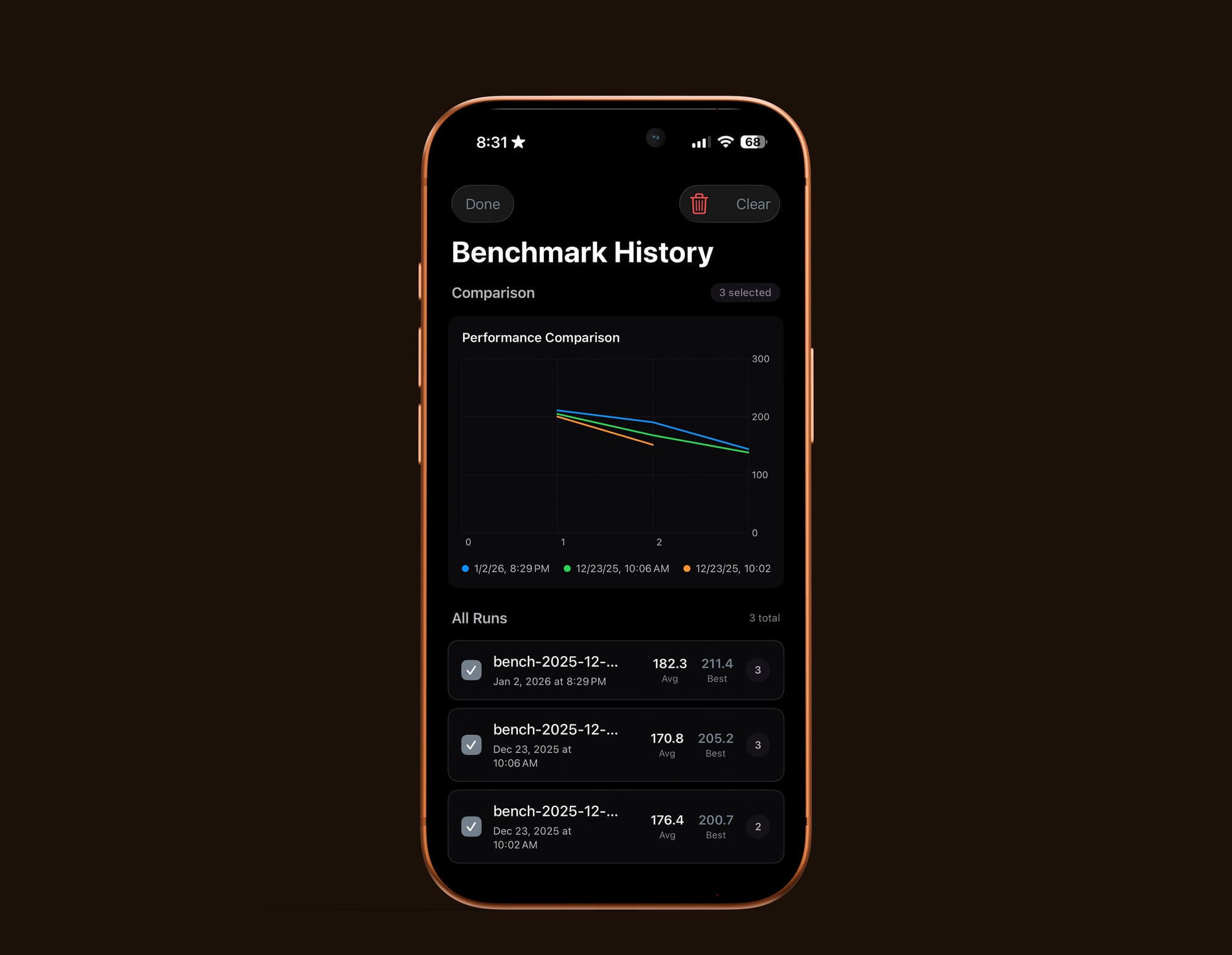
Anyway, it's pretty basic, but benchmarks are best when they're done multiple times, so making this easy to visualize was an important thing to get in there. And again, if you don't like this visualization, the data is yours, so export those CSVs and get to it! Also, a minor update will come out soon that lets you download your full history at once in case you didn't download after each run.
New (and more) stats
Then we're got an update on stats, which have been tucked behind a little "stats" button after a job is complete.
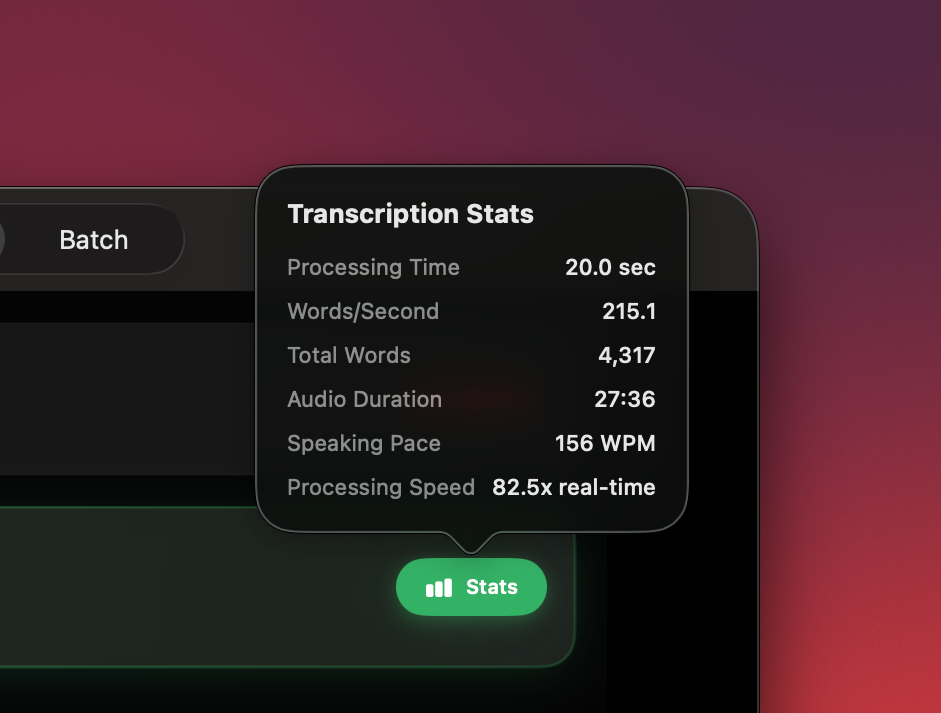
This isn't super useful most of the time, but if you're a sicko for stats (like me) then this is fun to check out.
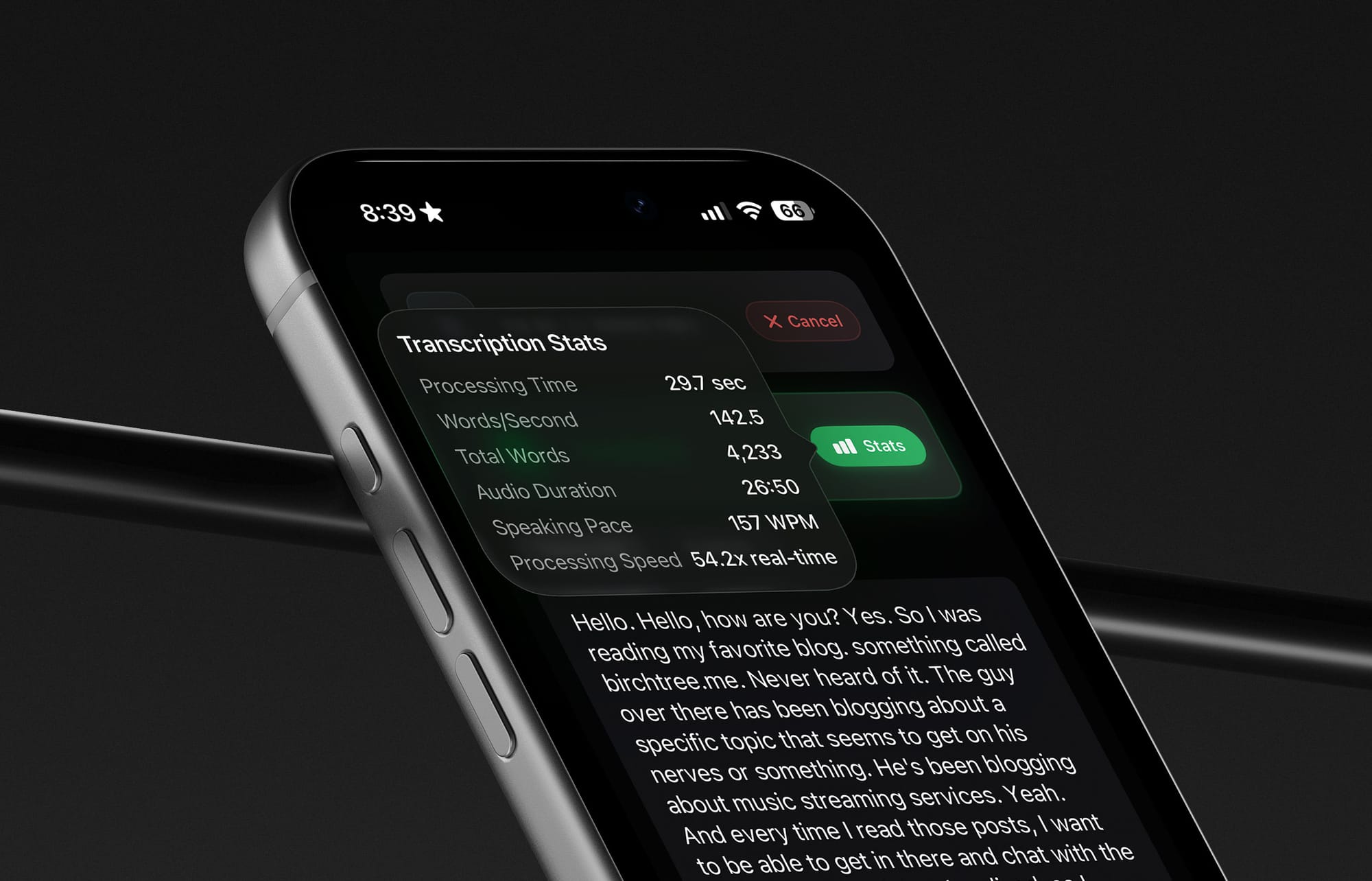
And yes, I believe in all features on all platforms, so of course these are on the iPhone and iPad as well.
I'm really happy with how this app has developed so far, and I'm still amazed how much work I'm able to do on this so quickly. As a reminder, the tools to run local transcription on Apple devices was announced in June 2025 and released in September. All of this progress has happened on such a small timeline, and I'm really happy that I and a good number of other people making podcasts and videos are using this regularly to do real work.