Quick Tier List gets Quick Look
This morning, I pushed a small, but important update the Quick Tier List, what I think is the best tier list web app out there.
Quick Look
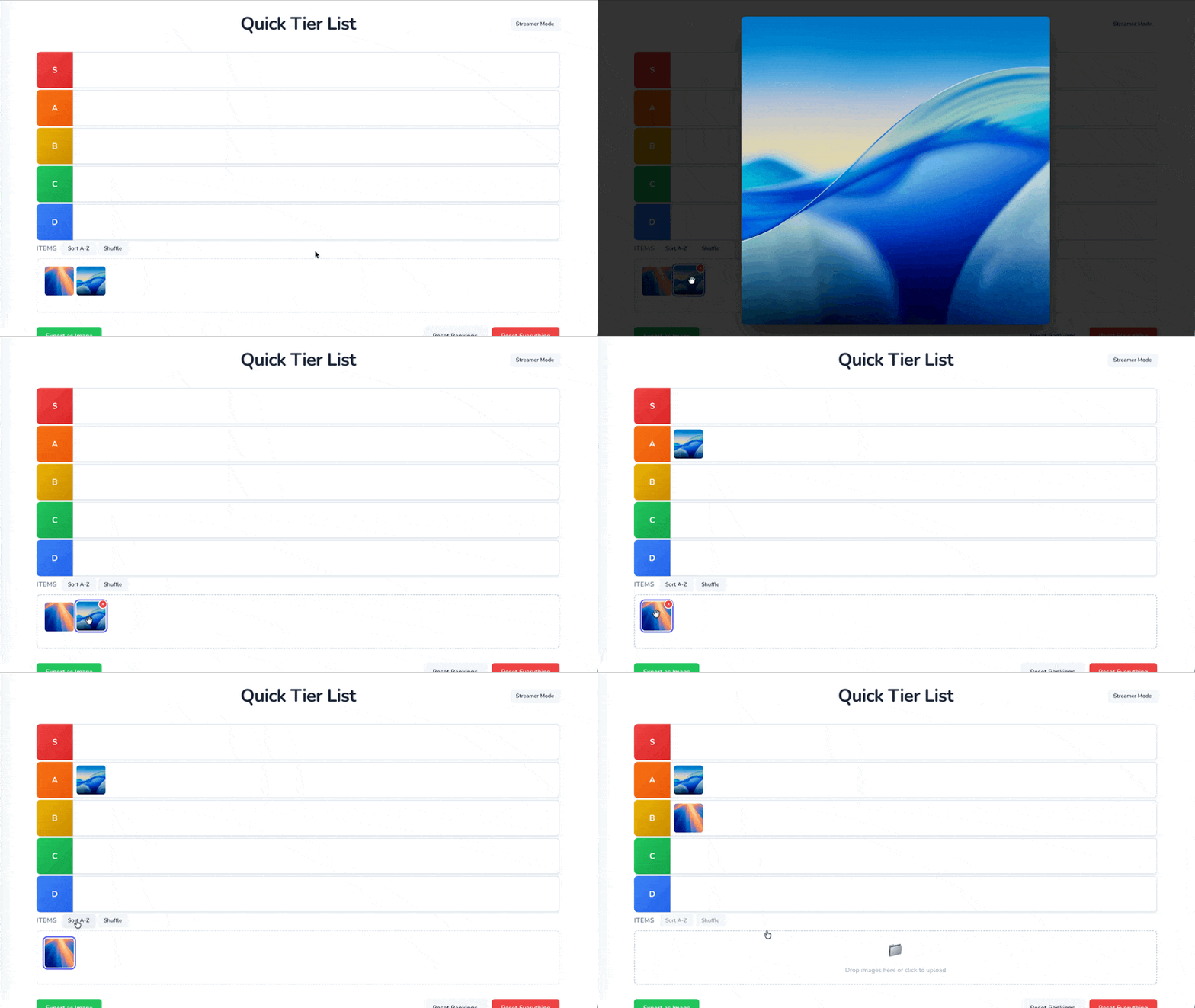
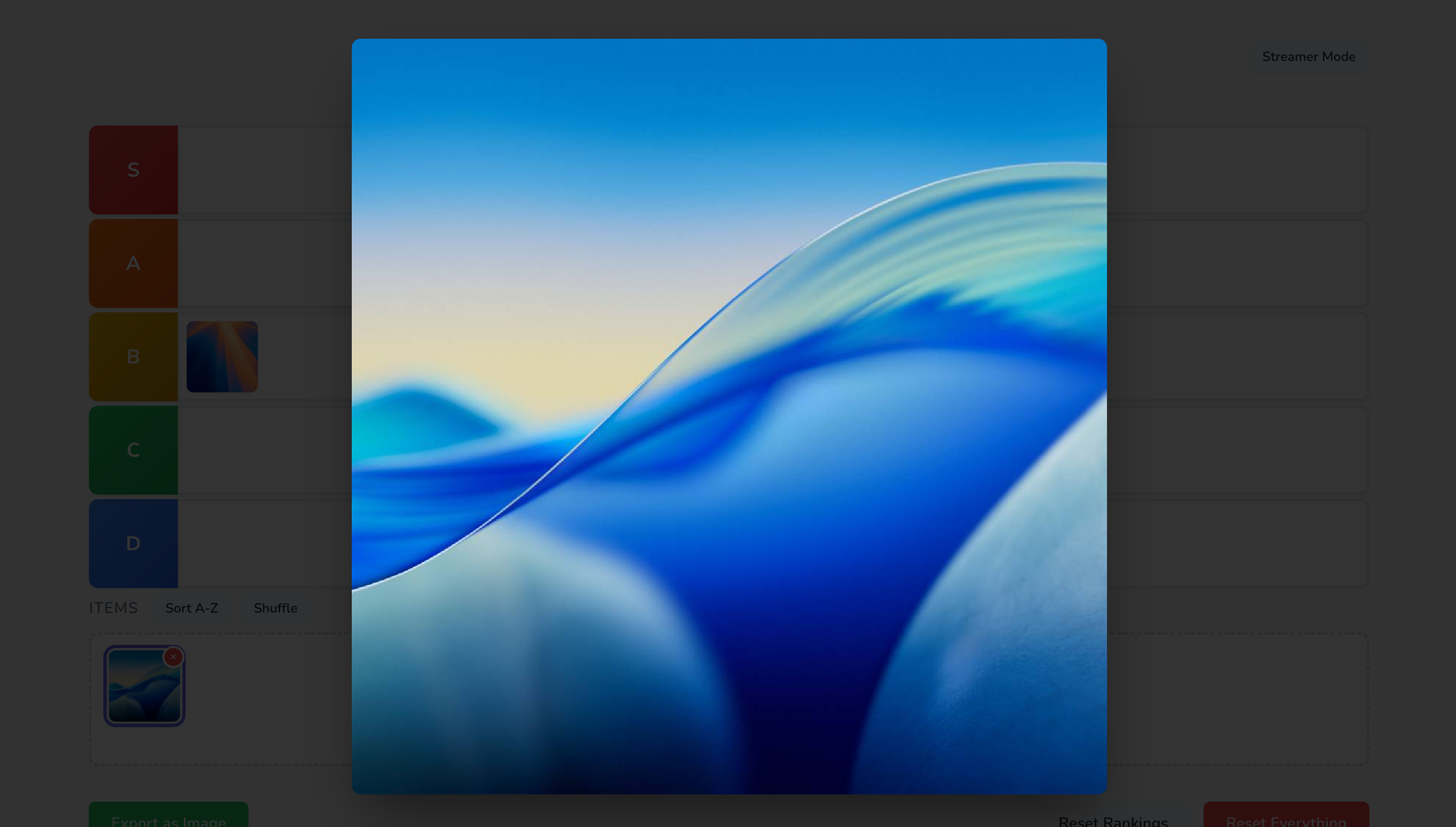
You can now select an item from the unranked section and press the spacebar to quick look that image, just like in the macOS Finder. When you're ready to rank it, just dismiss the lightbox (spacebar again, escape, or click outside the image), and drag it where it belongs.
What's the use case?
Often when someone is doing a tier list, they'll discuss the next item for a bit before ranking it. The tiles are so small it's hard for viewers to see, so I often see creators needing to add these images in the video edit afterwards, which is a pain.
This feature will let you bring up a much larger version of the image, which should let you have a more engaging video for viewers, as well as cut down on extra work you need to do while editing. Win win!
Quick Tier List is free for anyone to enjoy, and is also open source.