Some Quick Reads text-to-speech updates
One of the key features for a read later service in my mind is a text-to-speech feature, and while that was by far the most difficult thing to implement in Quick Reads, I'm really glad it's there and I use it every day. However, I did want to give it some love and improve the experience to really be top class. Here's what's been updated recently.
Different voice for blockquotes
I don't know who did it first, but a few services do this thing where they will have a different voice read out block quotes for you. So that while you're listening and not looking at the screen, you can easily tell that it is not the author you're listening to saying this. It is something they are quoting. I follow a lot of blogs that do links like this, and this is really helpful.
This feature just rolled out today.
Improved latency
One of the challenges with doing text-to-speech is latency. If you pass in a full article to a text-to-speech engine, it can take several minutes in some cases for the full article to be processed and returned to me via an API request. Obviously, I don't want to make users tap listen and then wait five minutes to actually hear it, so Quick Reads has some logic implemented that breaks articles up into much smaller chunks and makes sequential requests to get those chunks of the article back. You can actually see this in the user interface on the web as you'll see how many chunks the article was turned into and which one it's currently loading from the text-to-speech service (Async).
If you'll allow me to get into the weeds a bit here, text-to-speech is more natural the more context you can give it for each word that's being said. So you don't want to break it into a chunk for every single word, for example. So you need to find a happy medium where you can get the latency to a good place, but you're also giving each chunk of text enough context for the engine to know how to enunciate through everything. I won't bore you with exactly what logic I'm using, but effectively what I've done in the last couple of days is reduce the size of the chunks early in articles so that you start the audio playing back quicker. Which, in most scenarios on most network connections, should lead to a smooth experience. Kind of like how Netflix sometimes starts streaming at a slightly lower resolution until it can buffer higher resolution video a few seconds later.
A new voice
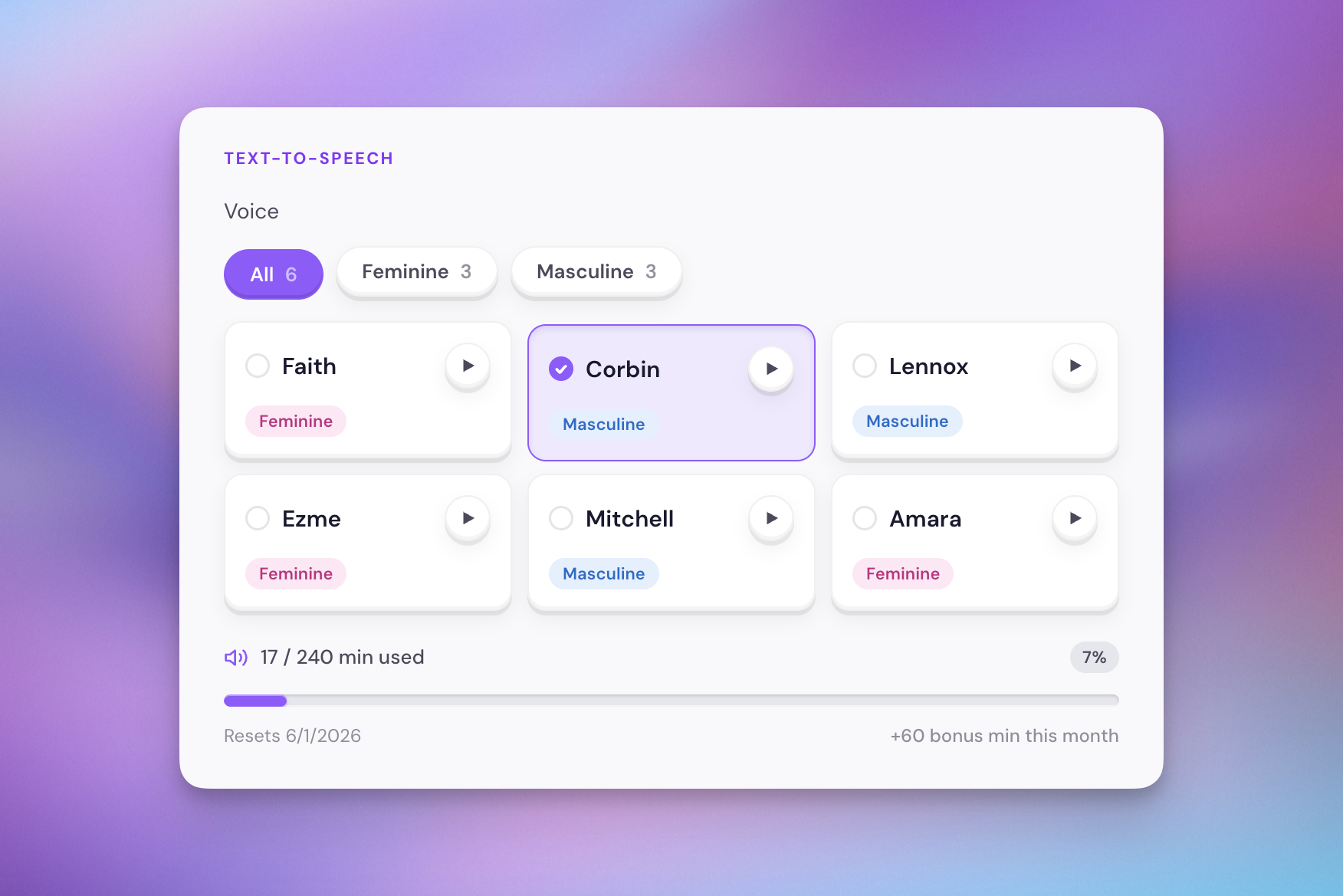
Amara is a new voice available in the service, and I think it sounds really nice.
Vocal character
I've added a masculine or feminine label to each voice to give users an idea of what they're going to get before they click the preview. There's only six voices now, but I suspect this number will continue to creep up, and letting users filter by whatever vocal character they prefer will be more and more helpful in time.
Now playing UI update
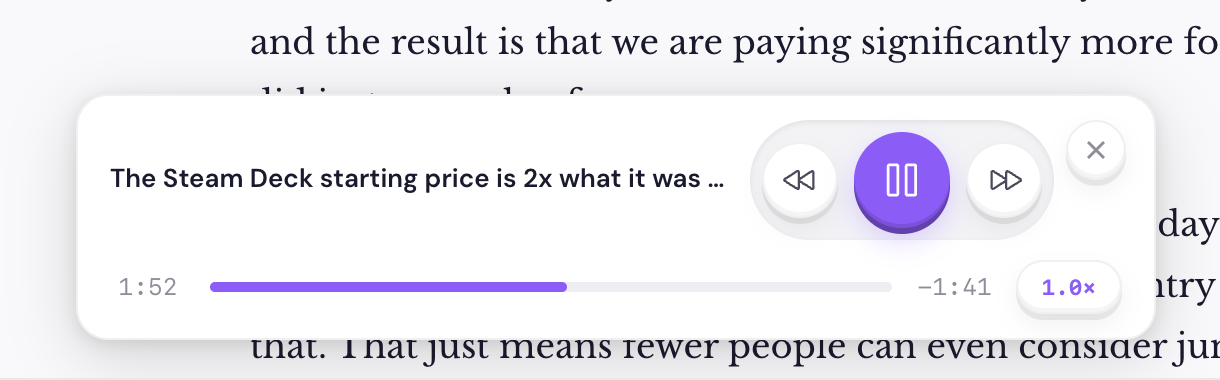
This week I made some updates to the general UI of the web app, and those weren't reflected in the now playing modal. So I've implemented some changes there to make the buttons use the same format that we have elsewhere. I hope you all enjoy this update because I really enjoy how tactile the interface feels now, and I've normalized how buttons work across most parts of the UI.
New voice previews
This one doesn't really matter, but I updated the vocal previews that play in the settings page when you're getting an idea for what each voice sounds like. There was nothing wrong with the preview that they had previously, but I wanted to make sure it was clear that these were specifically for Quick Reads, so I gave the service a call out in the sample.