The best way to publish to Ghost from Obsidian
Today I'm excited to announce Ghosty Posty, which is the best way to publish your Obsidian notes to your Ghost blog. It is available now on the Obsidian community plugins directory for free.
What it does
Ghosty Posty is a straightforward Obsidian plugin that lets you take any note from Obsidian and publish it to your Ghost blog as a new post. The plugin supports all manner of markdown formatting, as well as images. Some plugins dump all the post content in a single HTML block in the Ghost interface, which makes them incredibly annoying to edit in the future. But with Ghosty Posty, paragraphs, lists, images, code blocks, and quotes all render exactly as you'd expect in the Ghost backend.
This is the core of what made me create this plugin in the first place. I found that all of the existing plugins involved pretty significant compromises in user experience, and Ghosty Posty delivers a nearly no-compromises way to publish to my blog. This post, as well as probably 90% of the posts I've written in the past year, have been done through Ghosty Posty.
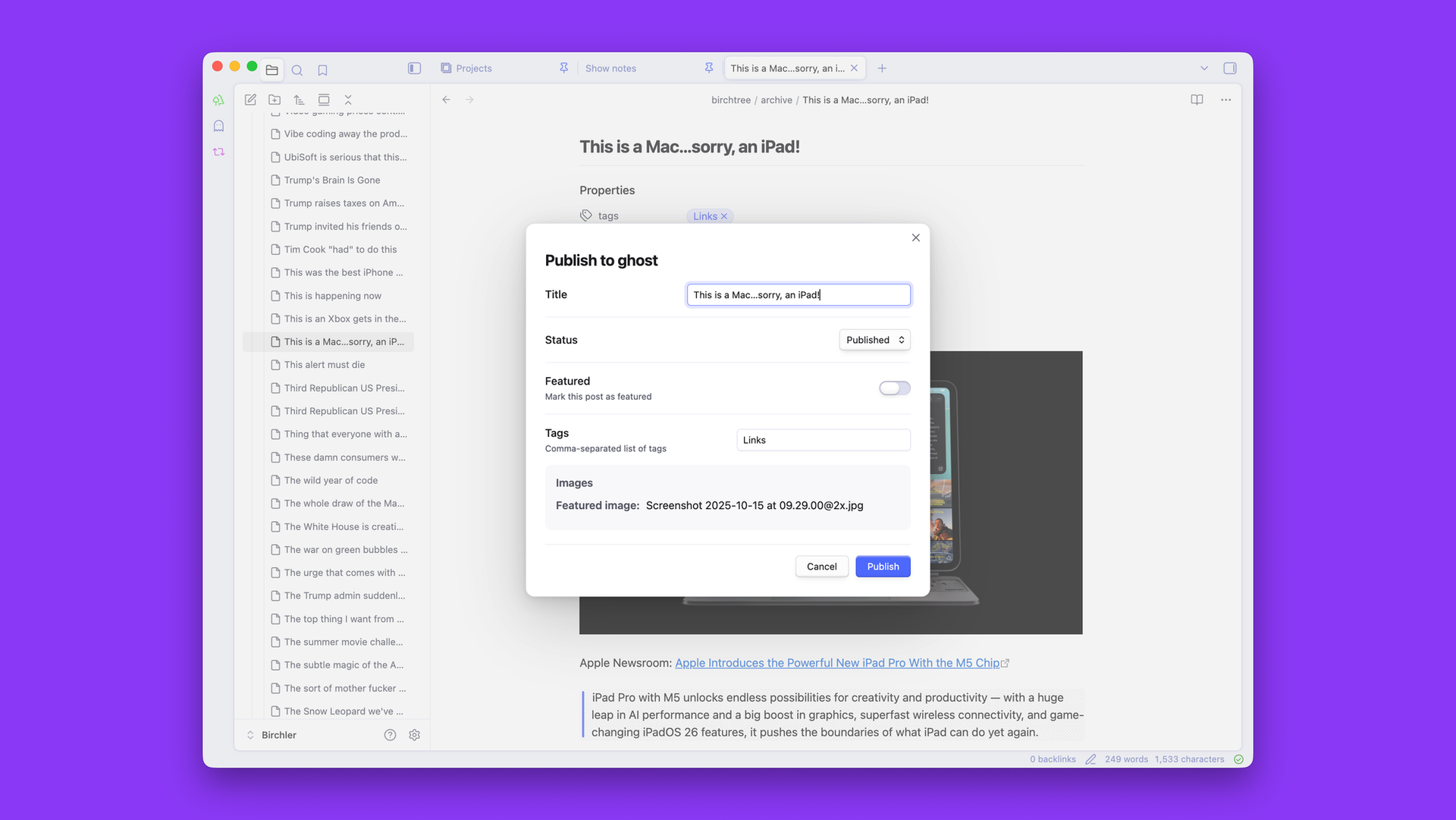
When you hit the Ghosty Posty button to publish, a screen appears in Obsidian, letting you set the title of the post, add tags, change its visibility and post status, and decide if you're scheduling it or posting it right away. It has sensible defaults, but you can also use Obsidian's properties on your note to set these appropriately for the post you're writing. I personally use the Templater plugin, so I have a template set up to add these properties to any new note with a single keyboard shortcut.
Great image support
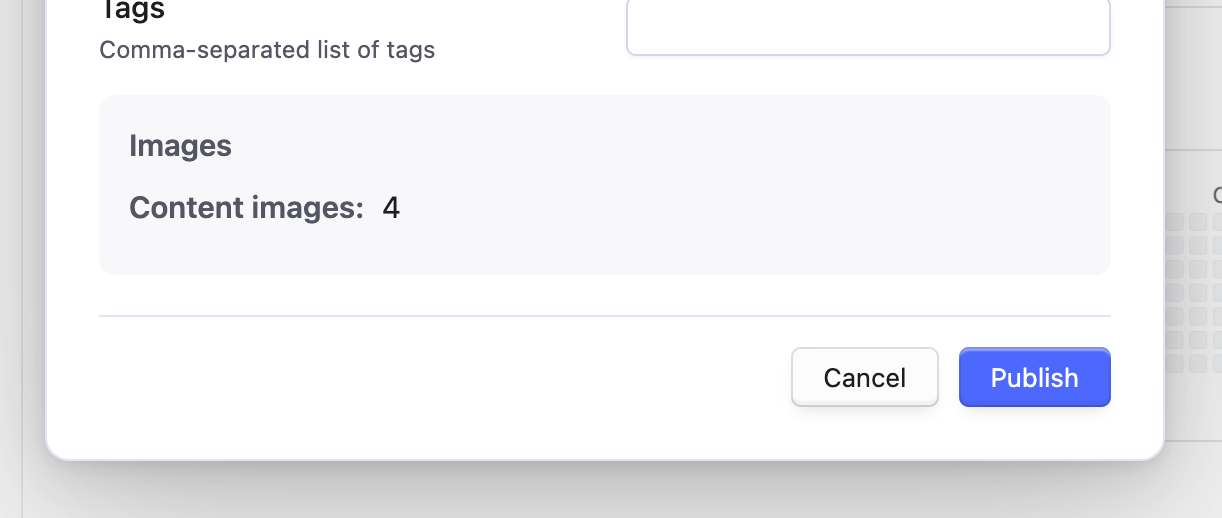
I'll also mention that the plugin fully supports images, and you can position them wherever you'd like in your post; they will get uploaded at full resolution to your blog. If the very first line of the note is an image, the plugin assumes you want that to be the featured image on the post and will assign it as such.
Auto-archive
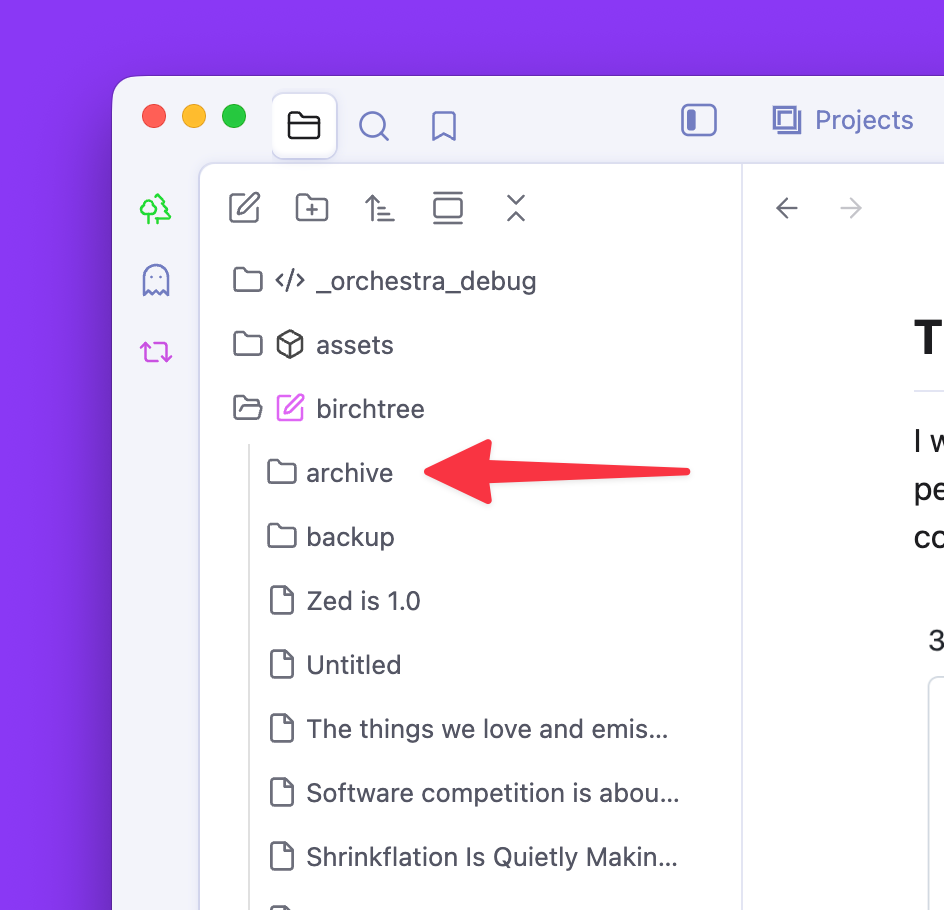
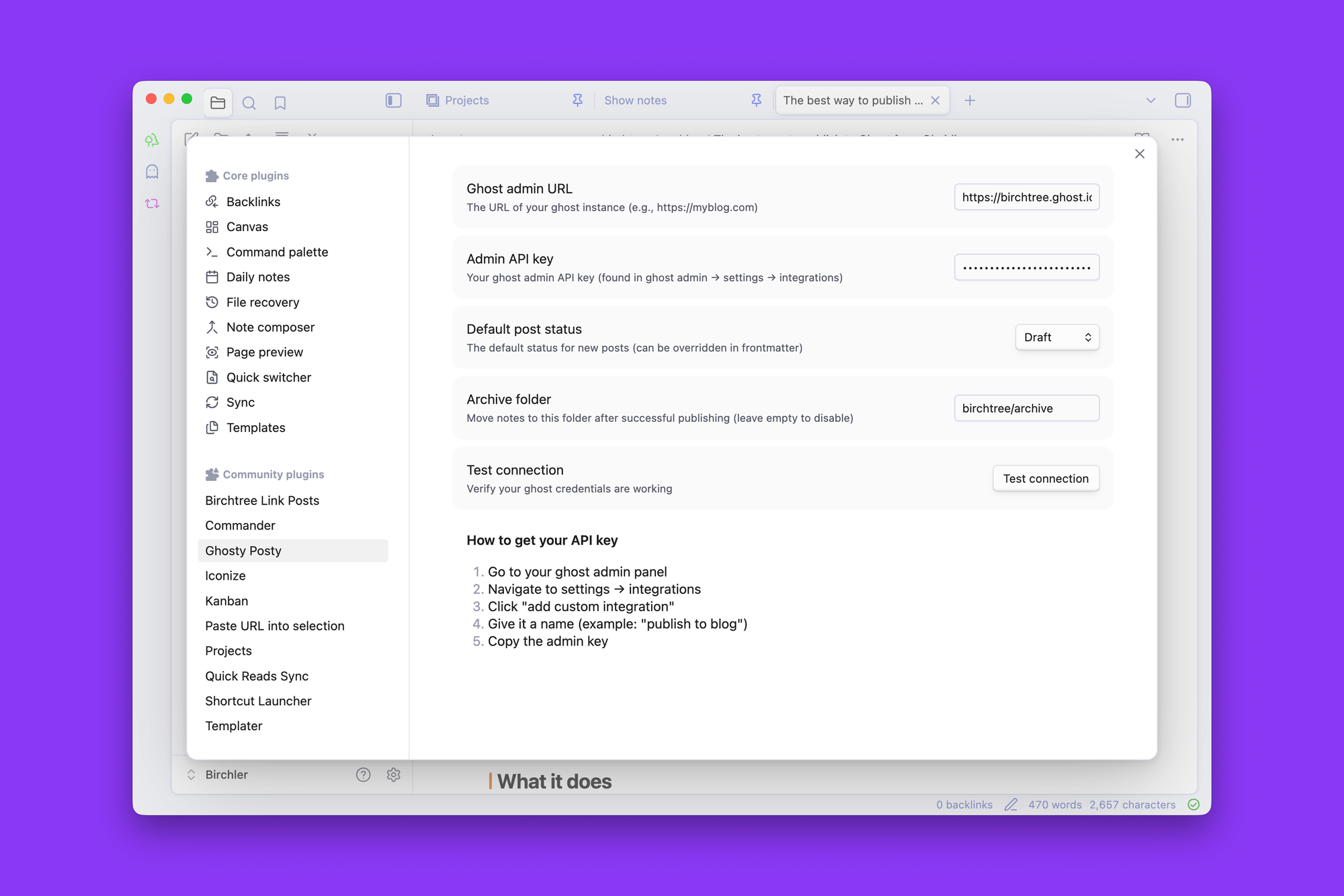
Finally, there is an optional archive setting, which will move a note from wherever it is to a specific directory of your choosing after you publish it to Ghost. My setup has a "birchtree" folder in my vault, which has all of the articles I have queued up and partially written. I also have a folder called "archive" in there, and whenever I publish something to the blog, the note goes from the Birch Tree folder into the Archive folder and disappears from my writing queue, which is really nice.
Get it now
Ghosty Posty is available for free for any Obsidian user. If you like Obsidian and have a Ghost blog, I genuinely think this is the plugin you've been waiting for.
If you were wondering why everything in the plugin is in sentence case and "Ghost" is lowercase all over, it's because I was fighting with Obsidian's plugin review process, which requires sentence case for most things, and does not understand that "Ghost" is a proper noun.