The OS 27 updates

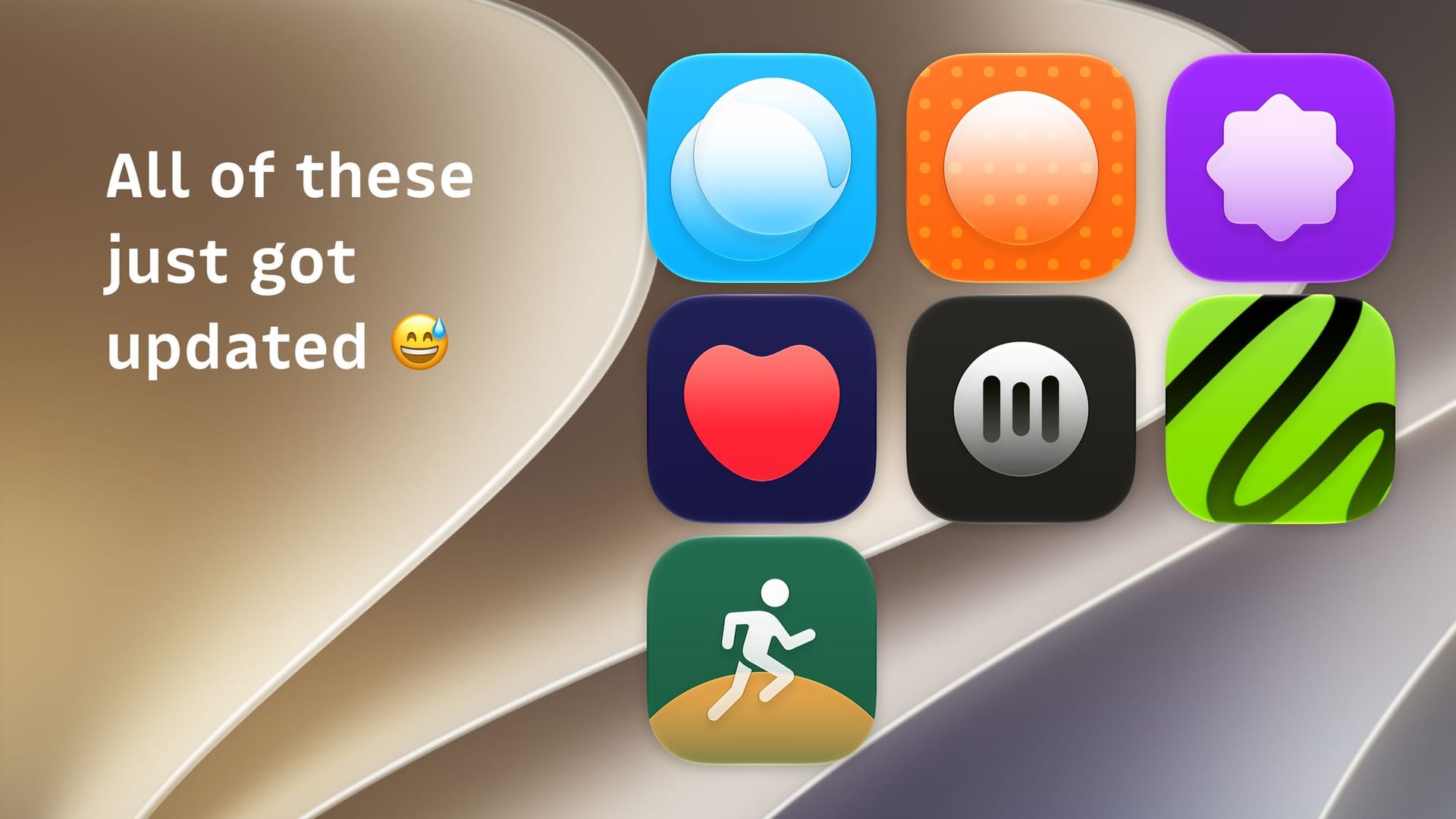
Apple has just started rolling out OS 27 across all their devices, and I think they're good updates across the board. As such, I've been working on updates to a bunch of my apps to get them ready for these new updates. Some features are specific to the new OS, while others are just things I wanted to include for the fun of it.
Here's everything new across my apps today.
As a quick but important note, I have created app intents for a lot of the apps, which theoretically allows you to ask Siri to do things for you. However, my experience has been that Siri is incredibly inconsistent in actually doing anything reliably. For example, I have asked it to find a specific movie review in Quick Reviews and summarize it for me, and it does it perfectly. Ten seconds later, I'll try the literal exact same request, and it will tell me it has no idea what the hell I'm talking about. As such, in the release notes below, I tend to describe these changes as implementing app intents and what actions I have added. They work great in shortcuts, but Siri is a complete wild card.
Quick Reads
I've upgraded the sync service for the Quick Reads service itself to allow faster delta updates. This will, in some cases, radically improve the loading performance of your reading queue and archive for those with thousands of articles saved.
Your reading queue can be sorted by things such as date added, title, and reading time. And now that setting syncs between the web and the app.
Added support for app intents, so you can create shortcuts that save articles, archive them, open them, listen to them, search for them, and open the app directly to specific pages.
Your library is indexed by the operating system, so you can find saved articles through a Siri search.
Quick Reviews
Alternate app icons are here! I still think the red heart is the best, but alternate options now do exist for those who want them.
App intents are available to find reviews, open reviews, get review images, and logging a new review.
Quick Subtitles
As of the last major update, all paid users get AI features with a monthly quota. Now, instead of a hard limit being in place after you go through your monthly limit, the AI analysis and cleanup features will still function, but will be powered by Apple's model. The results will not be as good, but they tend to get the job done.
If you never want to fall back, you can still use your own API key.
The iOS version of the app will now transition to a multi-column Mac-like layout when given enough space. iPhone users today won't see any changes, iPad users will see an app that looks very much like the Mac version, and next month, iPhone Duo users will get the iPad/Mac experience.
App intents have been added to transcribe files, export subtitles, get an existing transcript, and open an existing transcript.
Chapterize
There are quite a few reliability improvements in this update. iCloud Sync and the export engine have gotten notable improvements. Syncing between devices should be more reliable, and exports should have fewer edge cases.
Magic Chapters is a new feature that allows you to use on-device Apple Intelligence to suggest chapter markers. Placing your own chapters will always be more precise, but this can be a really good way to get something into an episode you're working on quickly so that you can tweak to get it perfect.
Once again, quite a few app intents have been added, including the ability to open a show, open an episode, add chapters, get chapters, create magic chapters, get your chapters as text, or to transcribe an episode.
Weave for Typefully
The big update here is a completely fresh design, this time leaning heavily into the glass aesthetic. Dynamic text is also now supported, improving accessibility.
Your scheduled posts section now more reliably shows scheduled posts that you didn't create in the app. Previously, if you scheduled a post from the web app and then opened Weave, that scheduled post often would not appear.
App intents have been added to write a post, show your posts, and see your scheduled posts.
Yearly Run Goals
I'm approaching my yearly goal that I set for myself back in January, and it made me realize that when you're in the final stretch, this app should change the UI a bit to drive home that you're nearly there. Now, once you're within 10% of your yearly goal, the app UI will more clearly display this on the main view and will try to predict how many more workouts you'll need to do to hit the goal.
Your stats page will have a plain text overview of how you're doing, powered by Apple Intelligence on device.
You can toggle between different years' data.
Say it with me: app intents! You can log a workout, you can automatically add your recent Health Kit workouts, and you can see your current progress.
Quick Notes
This one went out a couple days ago because there was nothing specific to iOS 27 in it, but this update does feature some tweaks to the recording waveform and the processing spinner. It adds the date to the file names when you have notes automatically saved to the Files app to make them easier to sort.
And not super exciting, but I have updated the data collection screen to be more accurate. When you enable the brainstorm feature, it does make it pretty clear it's using cloud AI models that the app must inherently send your notes to. However, the data collection screen did not state this explicitly, and now it does.
Also, it would appear that Apple is prioritizing updates over new apps at the moment, so Nonogame has been waiting for review for a while now, but that should be out of beta any day now.