The Quick Reads CLI
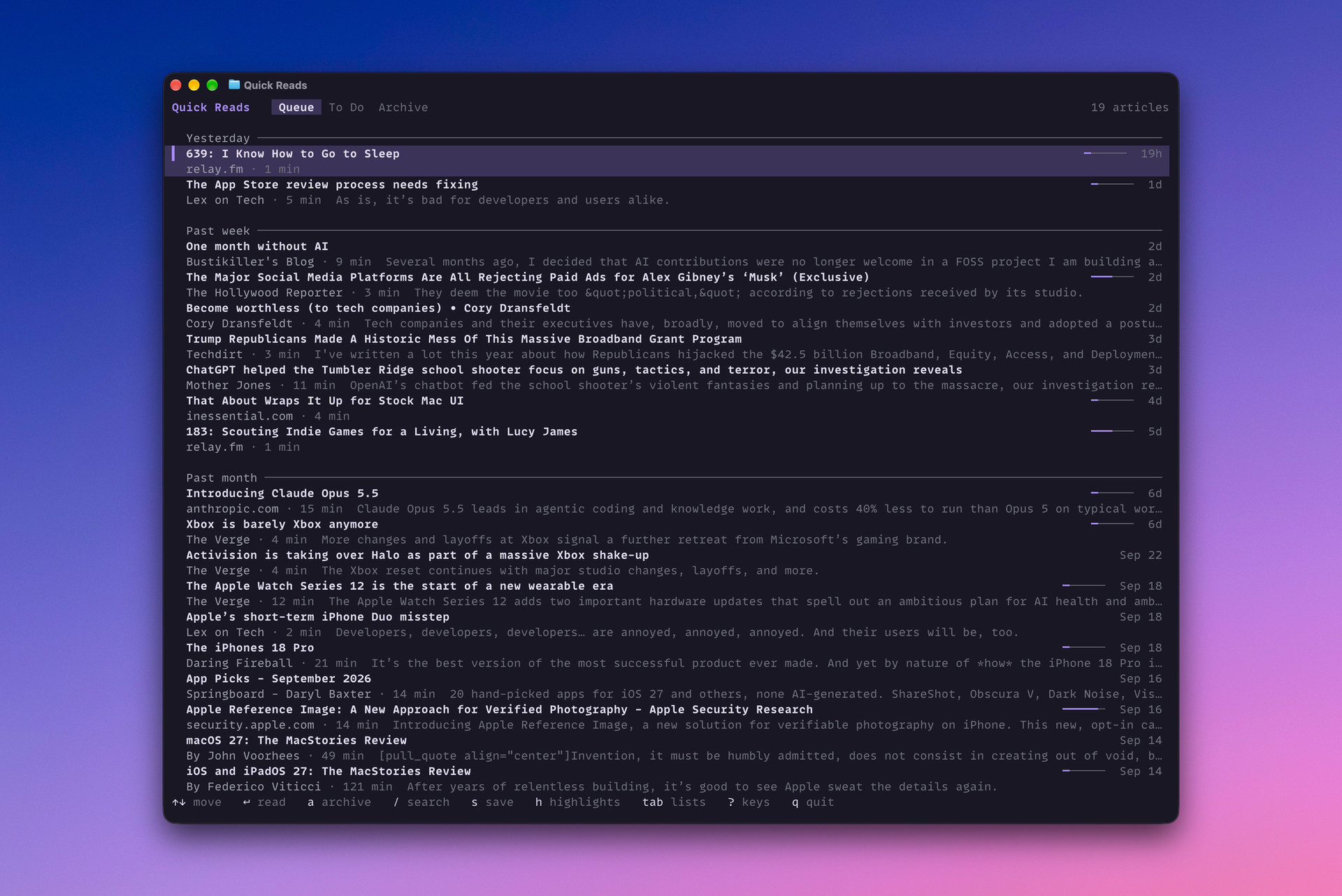
As of today, you nerds who like to read later can do so from your terminal with the Quick Reads CLI. Install it with:
brew install mattbirchler/tap/quickreads
And from then on, it will update with brew upgrade like everything else.
Okay, what does it do?
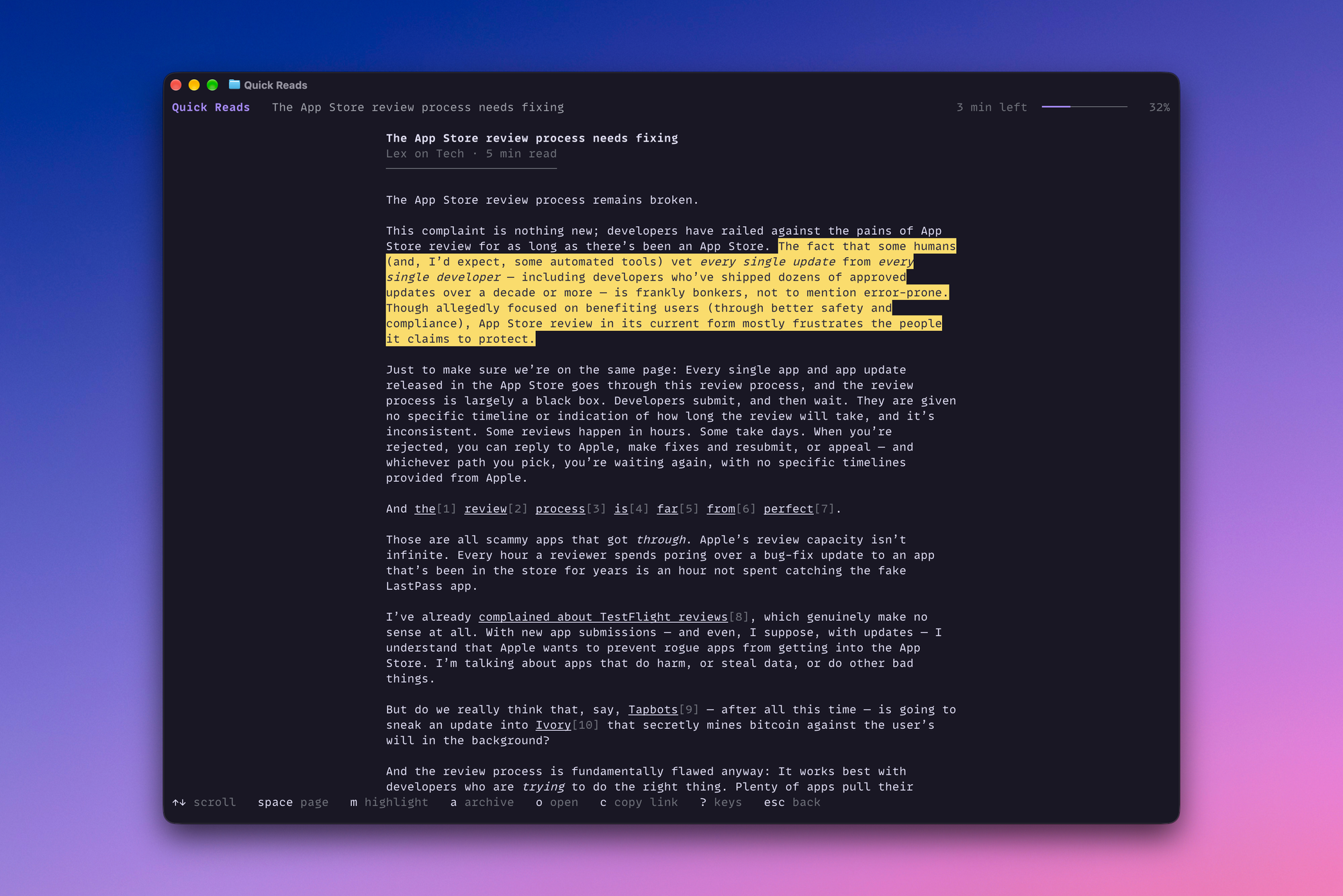
It does a lot, actually. When you run it, it opens straight to your reading queue, just like the app and the web do. You can read whatever you want. You can add highlights. You'll see highlights already added. You can look at your to-do list and archive. You can search across your entire account. Most of the things you can do on the app/web are here.
But why?
I don't pretend to think that this will be the most common way people interact with Quick Reads. Clearly not. However, there are times where it is useful to have a command line interface. Quick Reads aims to be the most flexible and developer-friendly read-later service out there, and that means meeting people where they are, even if they're in a niche. With this update, you are able to interact with the service through the iOS app, on the web via Apple Shortcuts, directly with a fully functional API, an MCP server, or now, a CLI. That's something simply nobody else in this space can match.