Welcome to the new Quick Tier List!
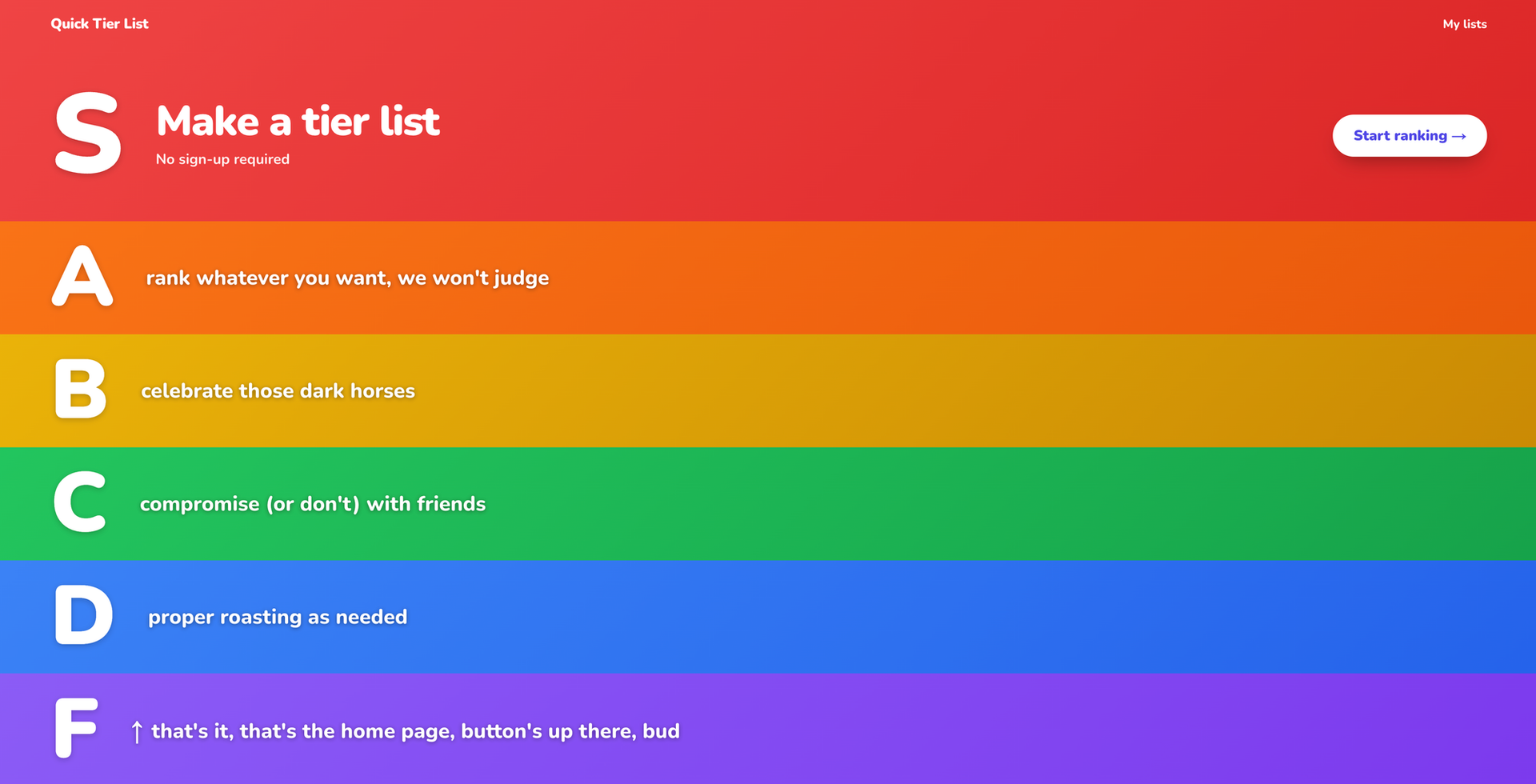
For the last few months, I've been running Quick Tier List, which is a very simple but I thought nice to use tier list website. We've used it quite a few times on Cozy Zone, and I've made some improvements to it that make it easily the go-to choice for us. And based on my analytics, a decent number of other people are using it as well.
One of the limits of the site was that everything was stored locally, though. There was zero cloud component at all, and the website was effectively just a static HTML file. This was great for me because it was simple and required zero cloud infrastructure or costs beyond serving up a bunch of CSS and HTML. All the images were stored on your local device. Simple.
However, the stud did come with downsides. For example, your lists would not sync across browsers or devices. Also, you were only able to work on one tier list at a time. There was no way to save them for later or work on several that you might be planning to do in the future. You just had the one.
The new Quick Tier List
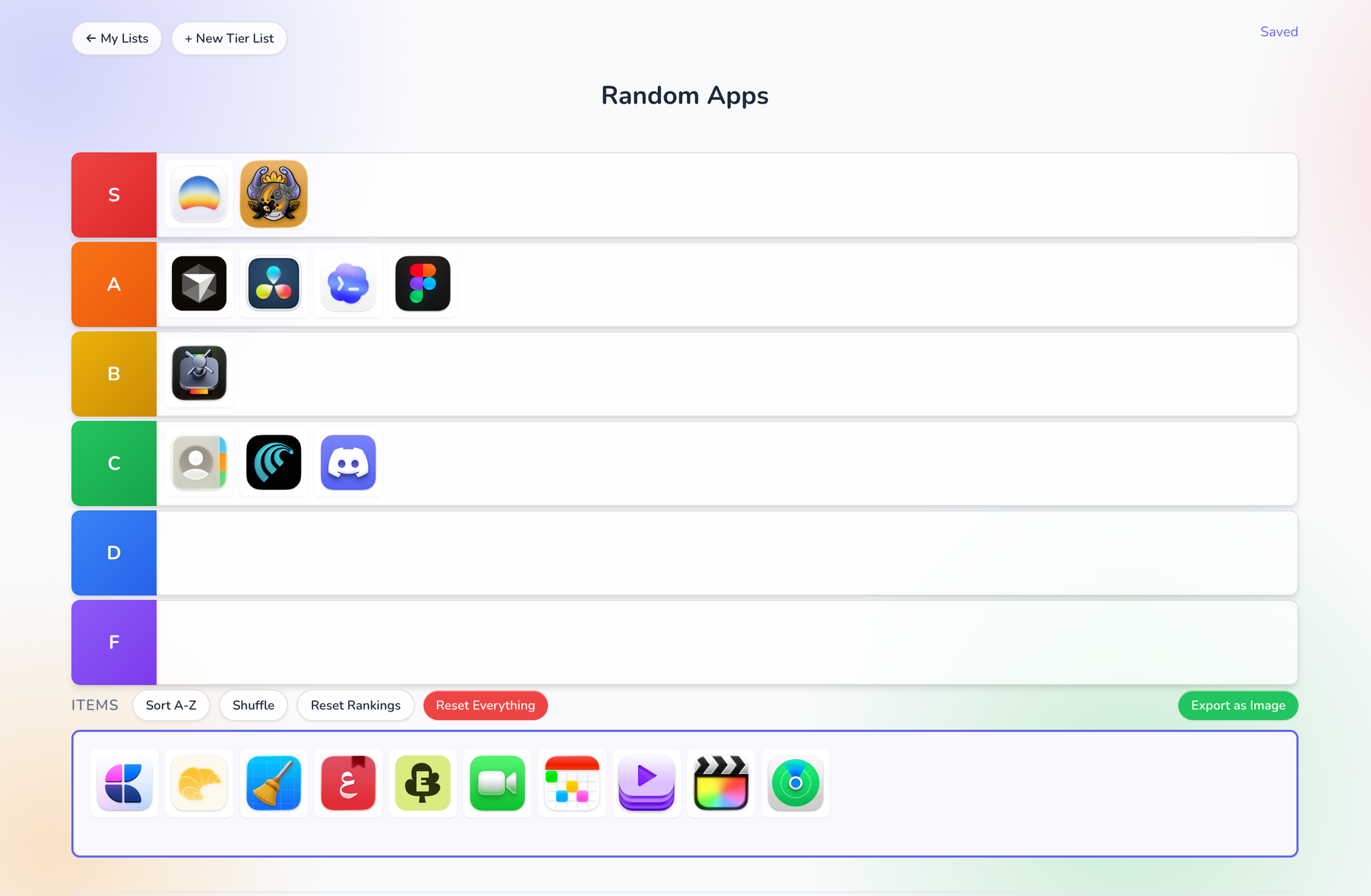
I was really happy with the experience I was able to build on the old site, so that is effectively unchanged in this new version. As you can see from the above screenshot, the experience looks basically the same.
Avid users of the current app will notice a few changes near the top though. The list has a name, and there are two navigation buttons at the top left that indicate the existence of a list of tier lists as well as the ability to create a new one.
Let's click to see my lists.
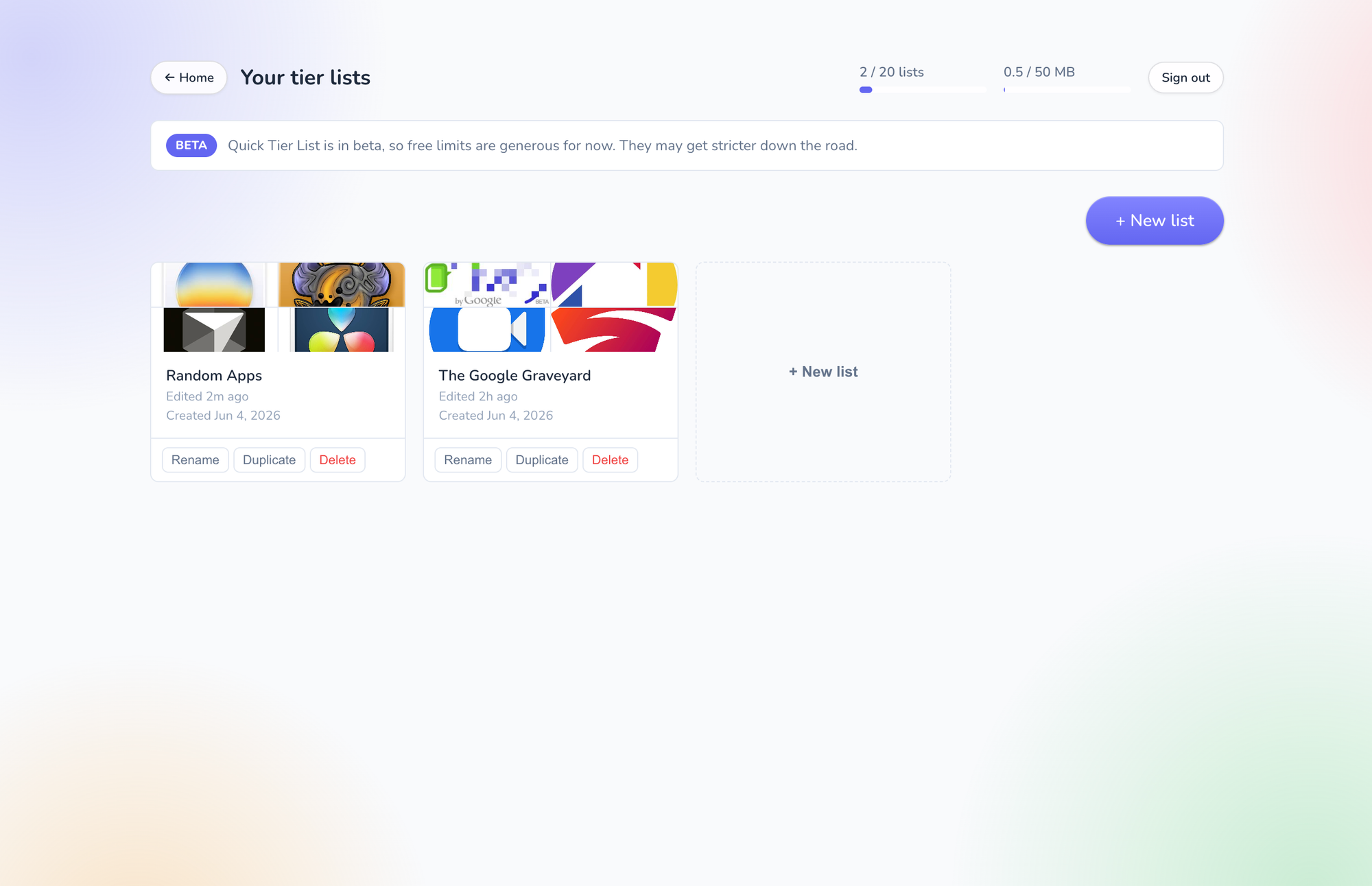
As you can see, I'm signed into the site and I have two tier lists saved that I can go back to whenever I want. I can create new lists, and in the current rollout, every user is allowed to create up to 20 lists and use up to 50 megabytes of images stored to the cloud.
You'll also notice the beta tag, which I'm labeling this as right now because I'm working out kinks. I would also like to implement a paid model that allows for expanded use for those who need it. For the time being, I've tried to set free limits that are within reason but are unlikely to be hit by most people.
No account necessary
I should also state clearly that you do not require an account to use the website. If you liked the old model and wanted to do everything locally in the browser without any sync or giving me any information, go for it. This is what you'll see if you just don't log in.
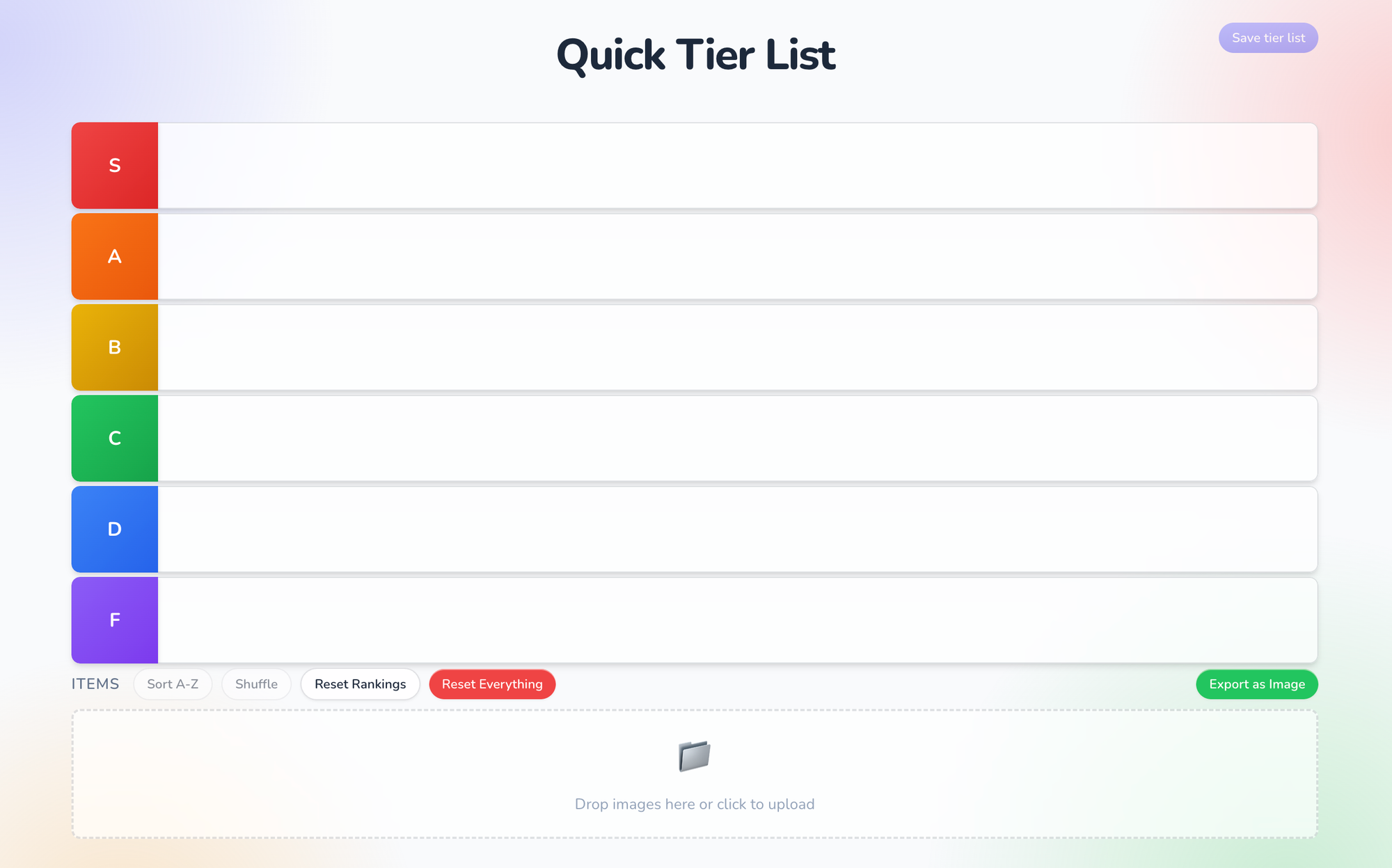
Yep, basically exactly what the old site was. The only difference of note is up at the top right. Once you start adding images, you can save that tier list, and that will of course require you to create an account and sign in.
Oh, and if you were in the middle of a tier list on the old site, I tried to make it so that all that info will carry over to this new version. Just click "start ranking" on the home page and you should be taken to right where you left off.
Auth
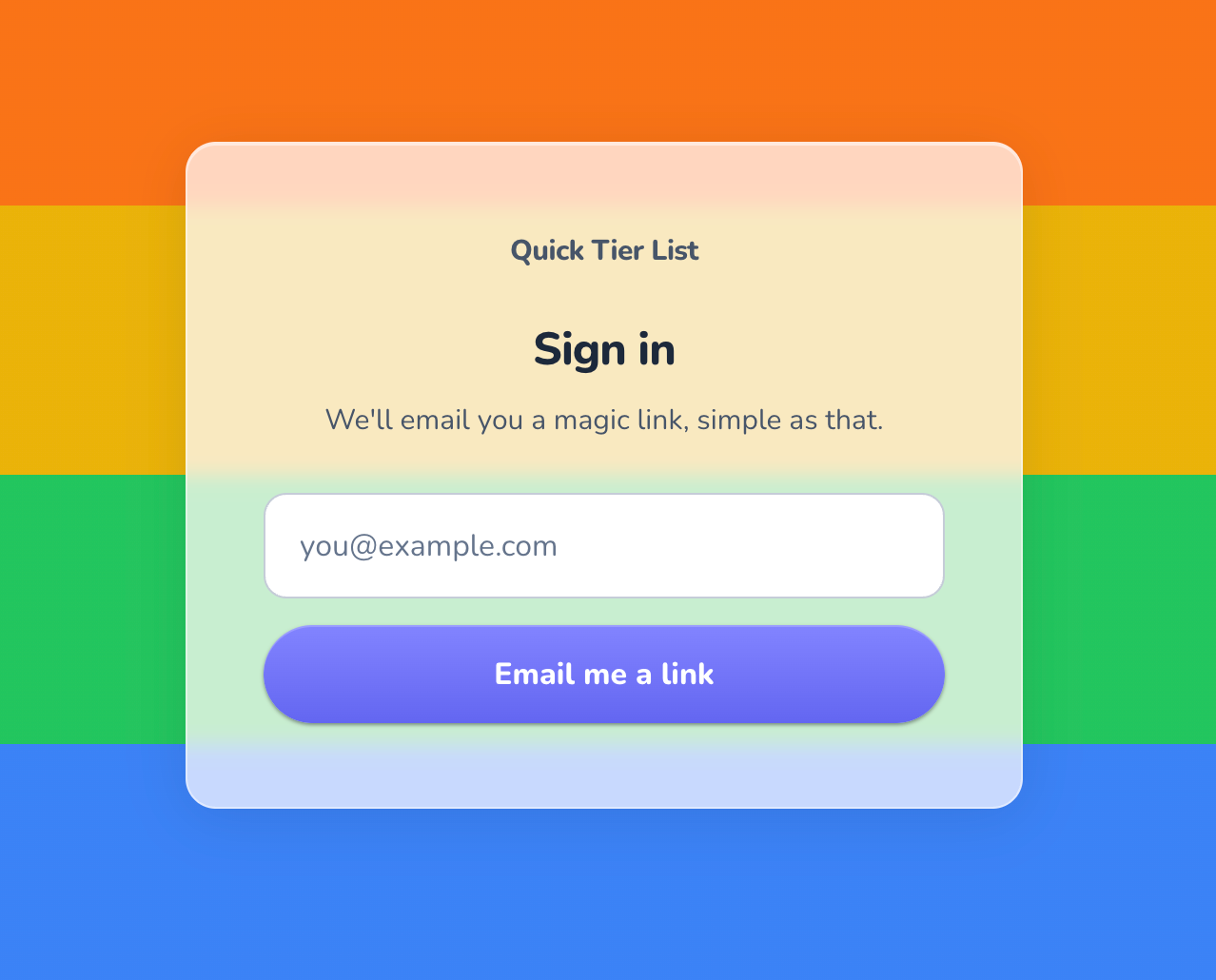
I still don't want to store any passwords, so this service uses a MagicLink system to sign you in. Don't worry, you should stay logged in for a very long time, so don't worry about getting these emails too often.
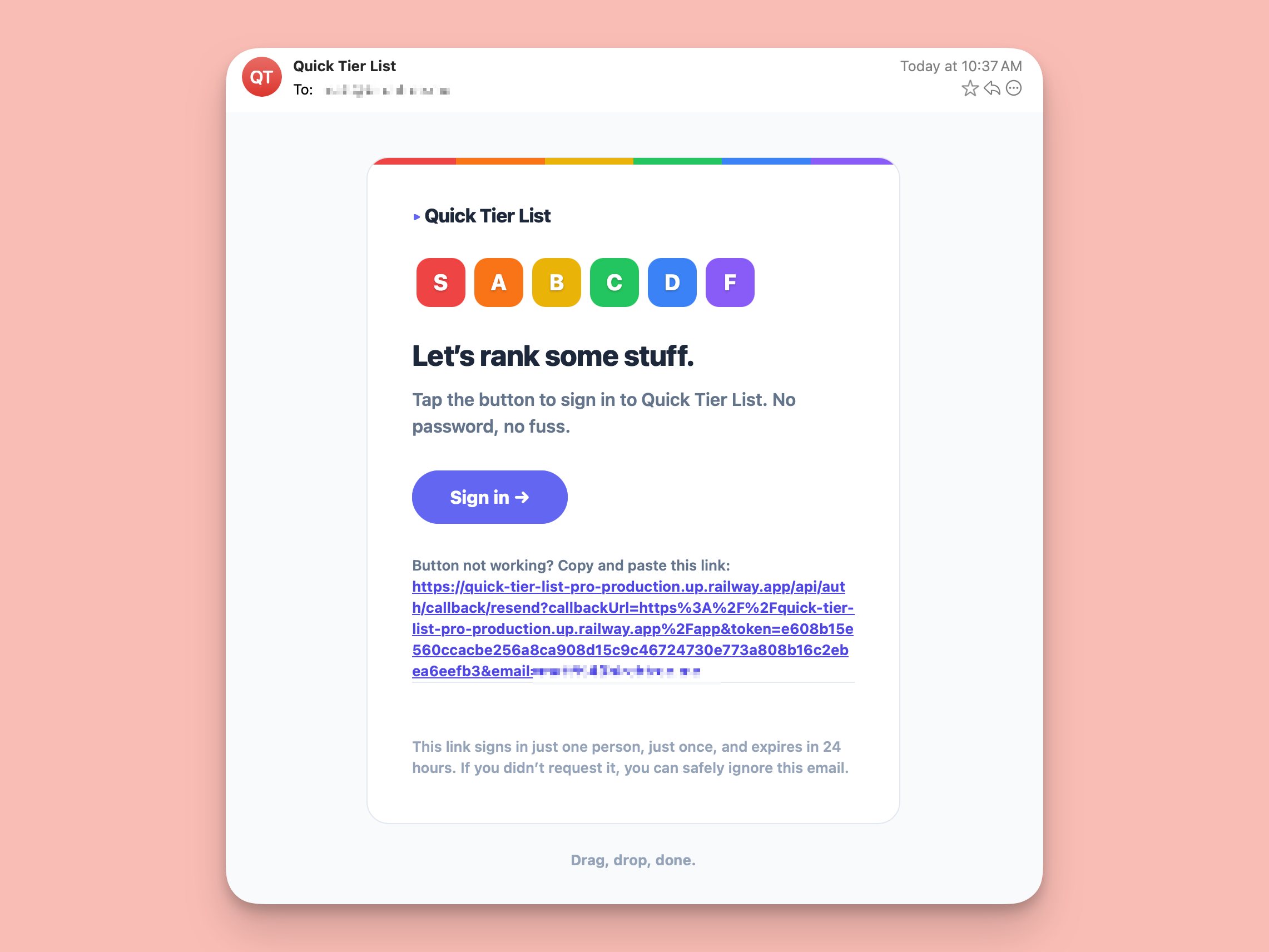
And because I think welcome emails should reflect the tone of the service, therefore, I've made a fun little email template as well.
Enjoy!
I hope you enjoy the new version of the app! If you're someone who liked the app, but has always wanted to work on more than one list at a time, today is the day you've been waiting for.
One more thing, the old version of the site was open source, and it remains so, it just won't be getting any updates from me going forward.