Workbench 0.9

Here's what's new in today's update to Workbench. It's another really significant update and I want to assure folks that this is not how it will continue to be forever. I'm fixing bugs and adding useful features and improving performance but I think we're getting to a place where it will be much more slow going with updates. That said, if you have any issues, feel free to use the in-app feedback form or create an issue on the GitHub page.
Download the app for Mac and join the iOS TestFlight.
Keep working
Sometimes you want to restart Workbench, but you don't want to interrupt your agents. So you wait for them to be done. And they keep going so you wait some more.
This is off by default for now, but there is a new feature you can enable from the general settings called "Keep Working". When this is enabled, your Claude Code sessions operate independently of the Workbench UI. What this means is that if you have 1, 2, or 20 agents grinding away on stuff, and the next Workbench update shows up, you can install it and restart without slowing your argents down at all.
I'm not the first person to implement something like this by any means, but it's so cool once you get used to having this.
Performance improvements
I've been adding a lot of features to the app, and this release is clearly no different, but I did take some time to go through some of the core code flows in the project and make sure that they were solid. And I took a look at some of the performance issues in the app and figured out ways to make them better.
There's more to do here for sure, but hopefully some things will feel a bit more zippy than before.
Switch models and effort from the chat
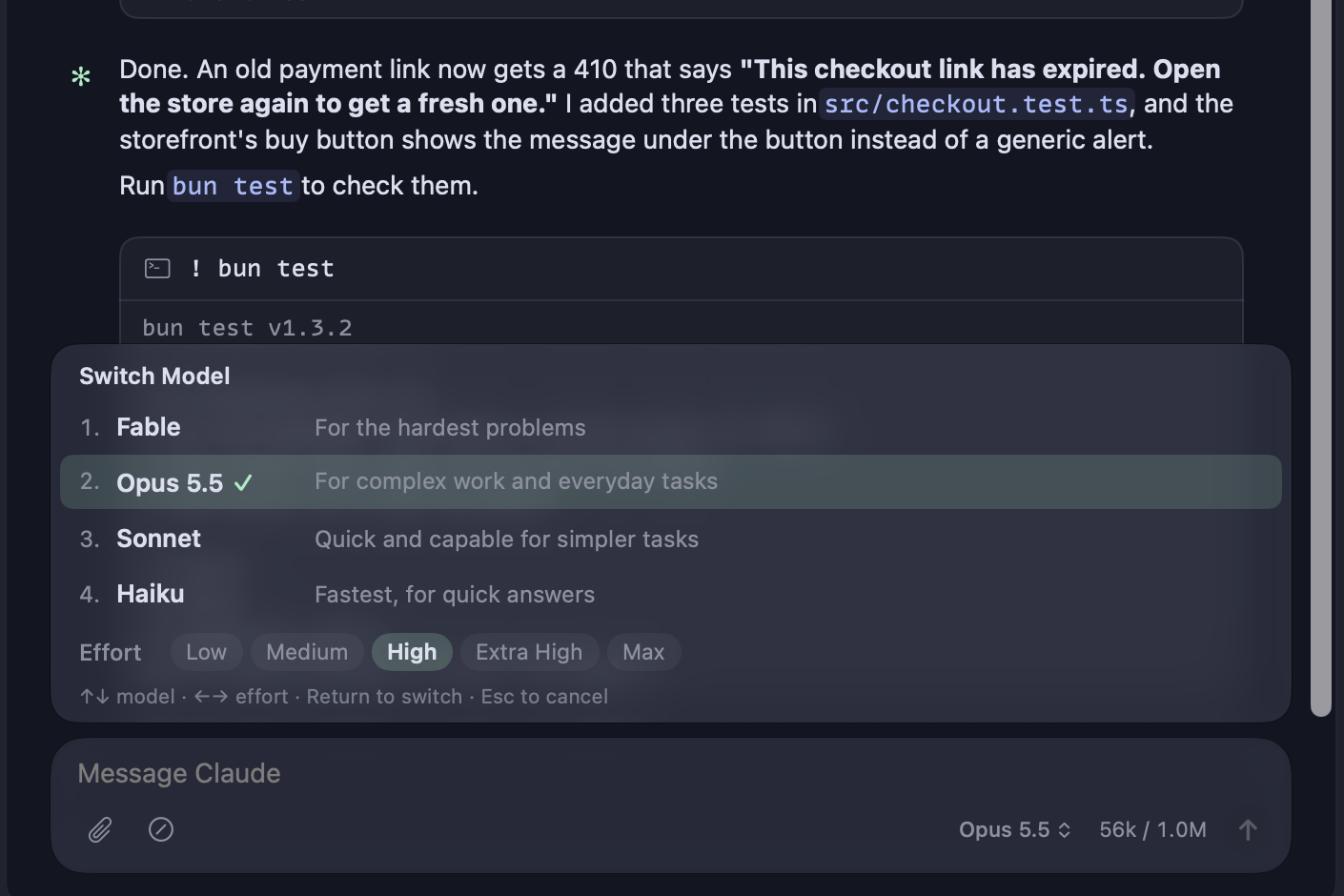
Type /model in the chat, or click the model name under the message box, to get the same list of models Claude Code shows in its terminal. The list sets effort too! On iPhone, tap the model name at the top of a session, or send /model as well.
Run a command from the chat
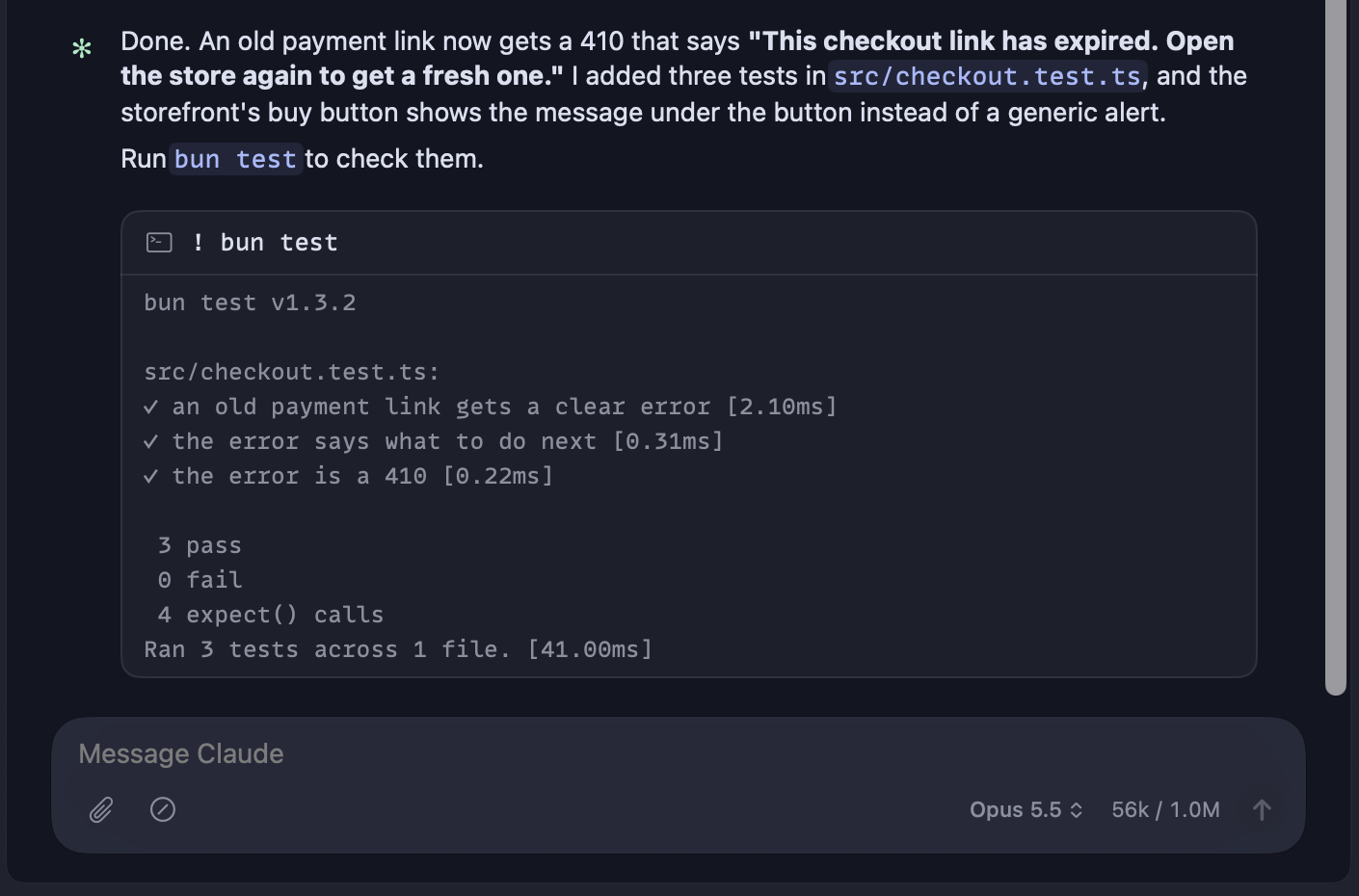
Start a message with ! to run it in the shell, the way you would in Claude Code's terminal. This works from iPhone as well.
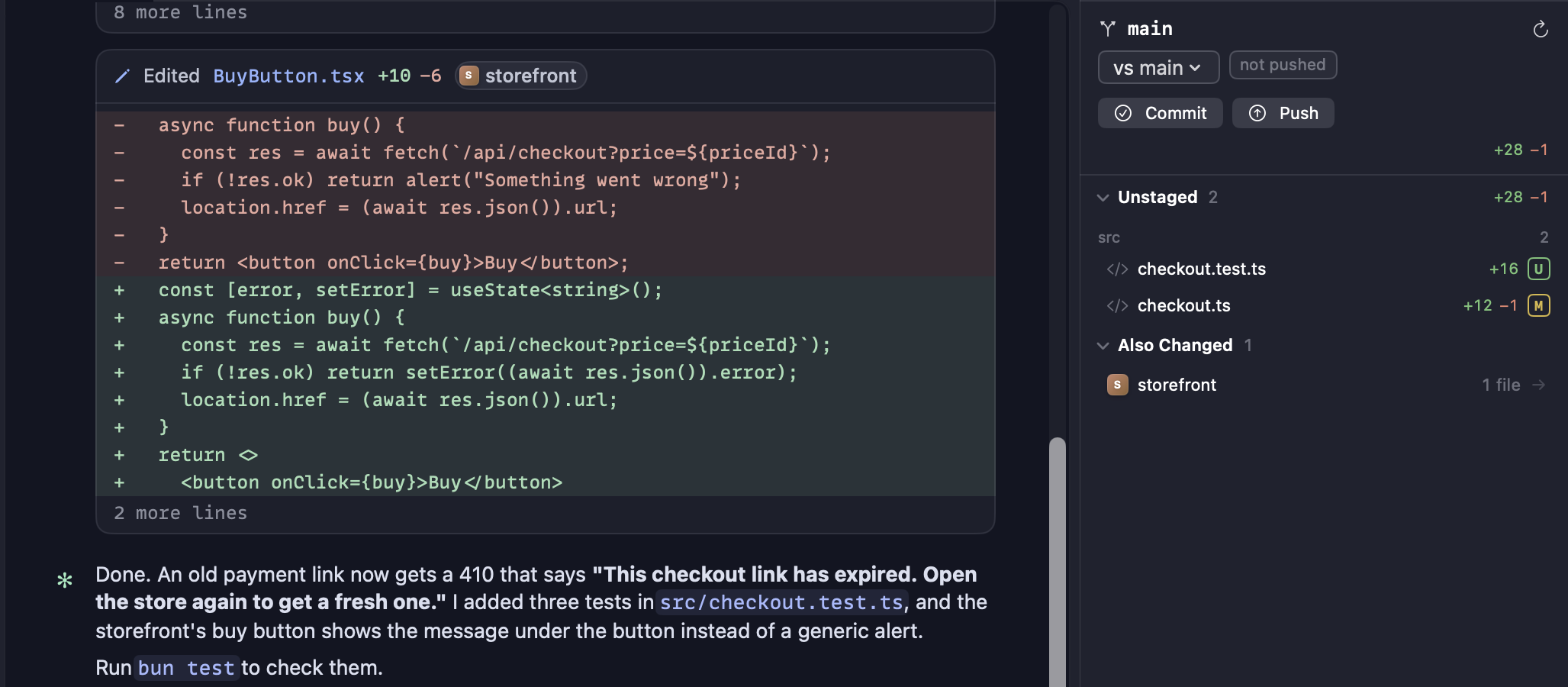
See when Claude edits another project
Sometimes you have related projects, and while your chat exists in one of them, you need it to update a different one. Previously that was effectively impossible to track, but now the right sidebar shows you what other projects are being edited by Claude in a new "Also Changed" section.
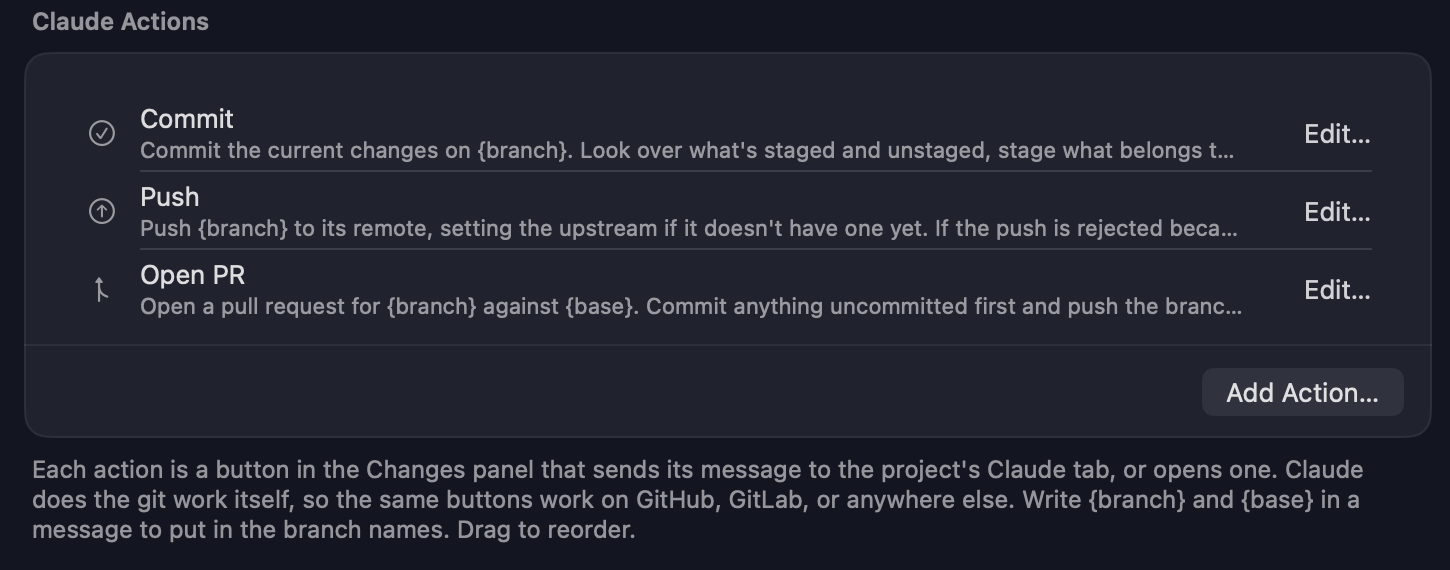
Commit, push, and open a PR in one click
The Changes panel has Commit, Push, and Open PR buttons. Each one sends a message to the project's Claude tab, and Claude does the git work, so the buttons work with GitHub, GitLab, or anything else. Reword them, reorder them, or add your own in Settings › Shortcuts › Claude Actions.
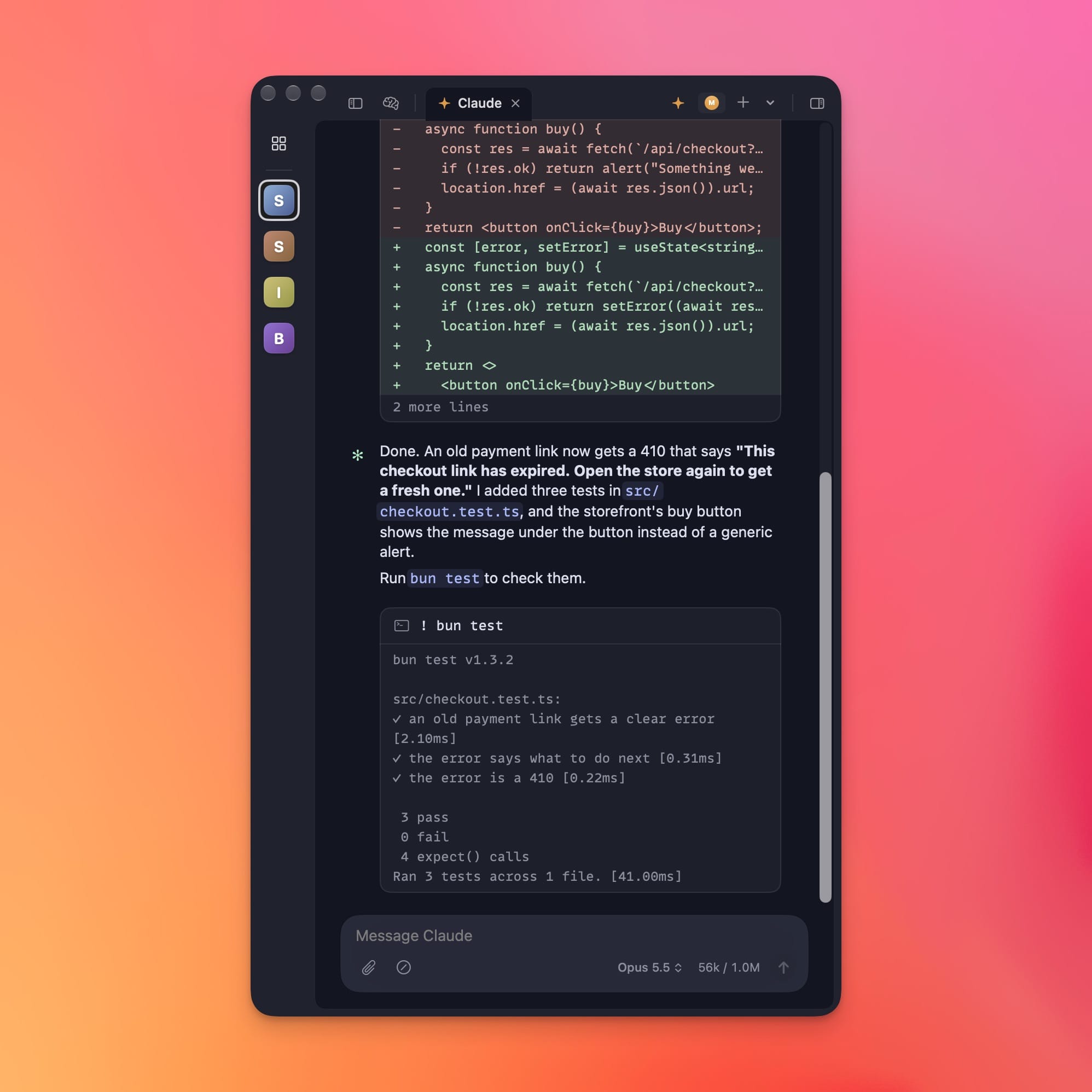
Better narrow windows
Sometimes you just want a narrow window, and Benchmark now does this better than before. As the window gets smaller, the side panels will collapse to make sure you can still see the chat and you can still see them as needed. Also when the project sidebar is collapsed, you can still see project icons, so you can navigate from a more streamlined view if you prefer.
A new app icon
Workbench has a new icon that's more fun! Five others are available, from Settings › Appearance on the Mac or in the iPhone app's settings.

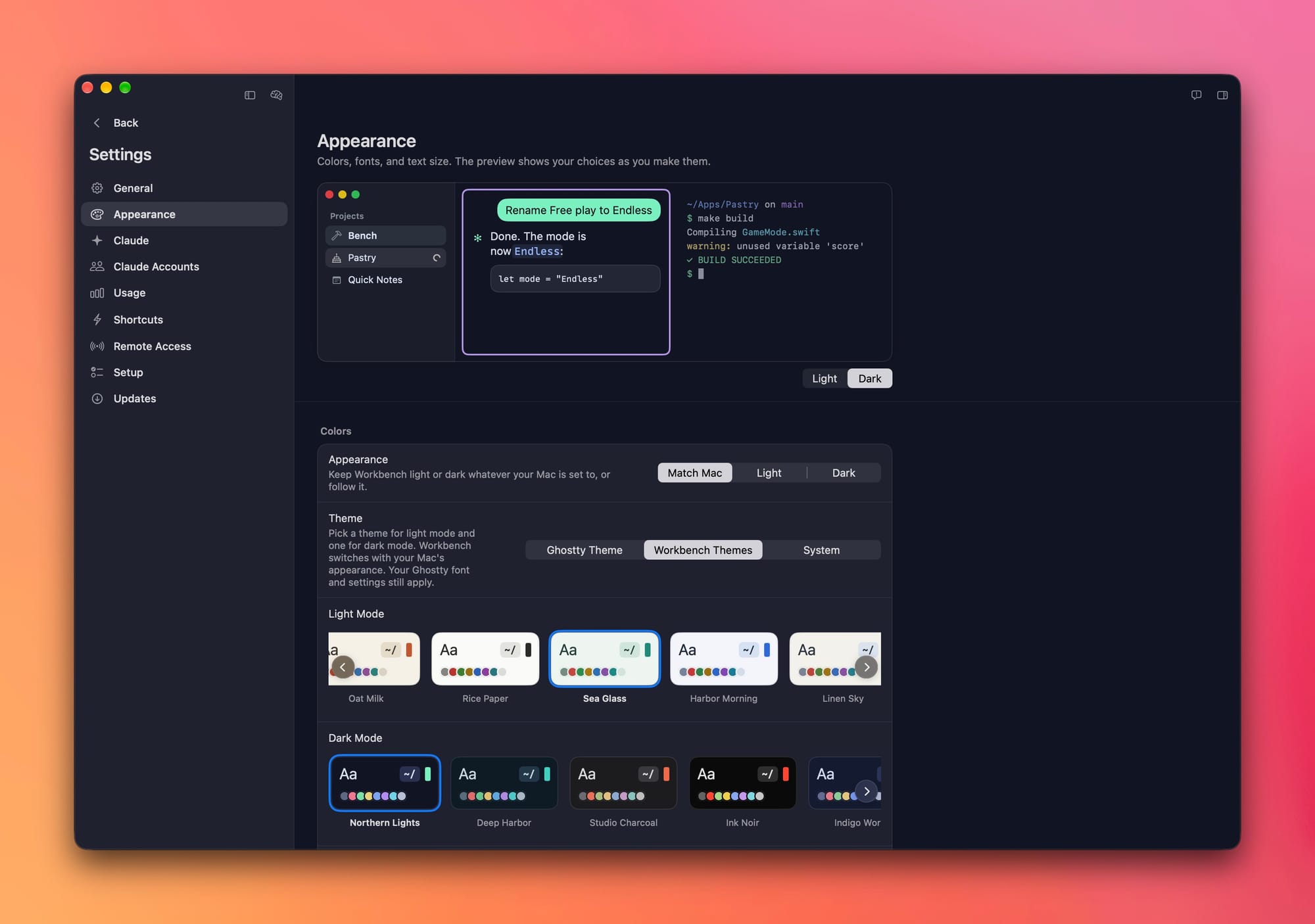
Appearance settings
Colors, fonts, and text size have their own page in Settings, with a live preview that changes as you do.
Appearance also has a new Motion setting, for when the sparkles and glows are more than you want:
- Full is how Workbench looks today, and it's the default.
- Calm stops the big effects, like the sparkles on a working project and the glow on the start page. The small spinners keep moving, so you can still tell when Claude is working.
- Still stops everything that moves on its own.
Calm and Still also use less of your Mac's power, so play with these if you want to make the app as light on your system as possible. If Reduce Motion is on in System Settings, Workbench uses Still automatically.
Fixes and smaller changes
- Notifications from Claude. Claude can run
bench notifyin a Workbench tab to send you a notification on your Mac and your paired iPhone. - Lists in the message box. Type a dash or a number, then press Shift-Return (Return on iPhone), and the next line continues the list. Your own messages now show as Markdown, so lists read as lists.
- File paths open in the Finder. Click a file path in Claude's reply to show that file in the Finder.
- A steadier iPhone connection. A dropped connection is noticed within a minute, and a reply that didn't reach the Mac says so and gives you your draft back.
- The version is in the sidebar. The bottom of the sidebar shows the version and build you're running.
- Crash reports. If Workbench crashes, it sends a report so the bug can be fixed. It's part of Share anonymous usage data in Settings › General, so turning that off turns this off too.
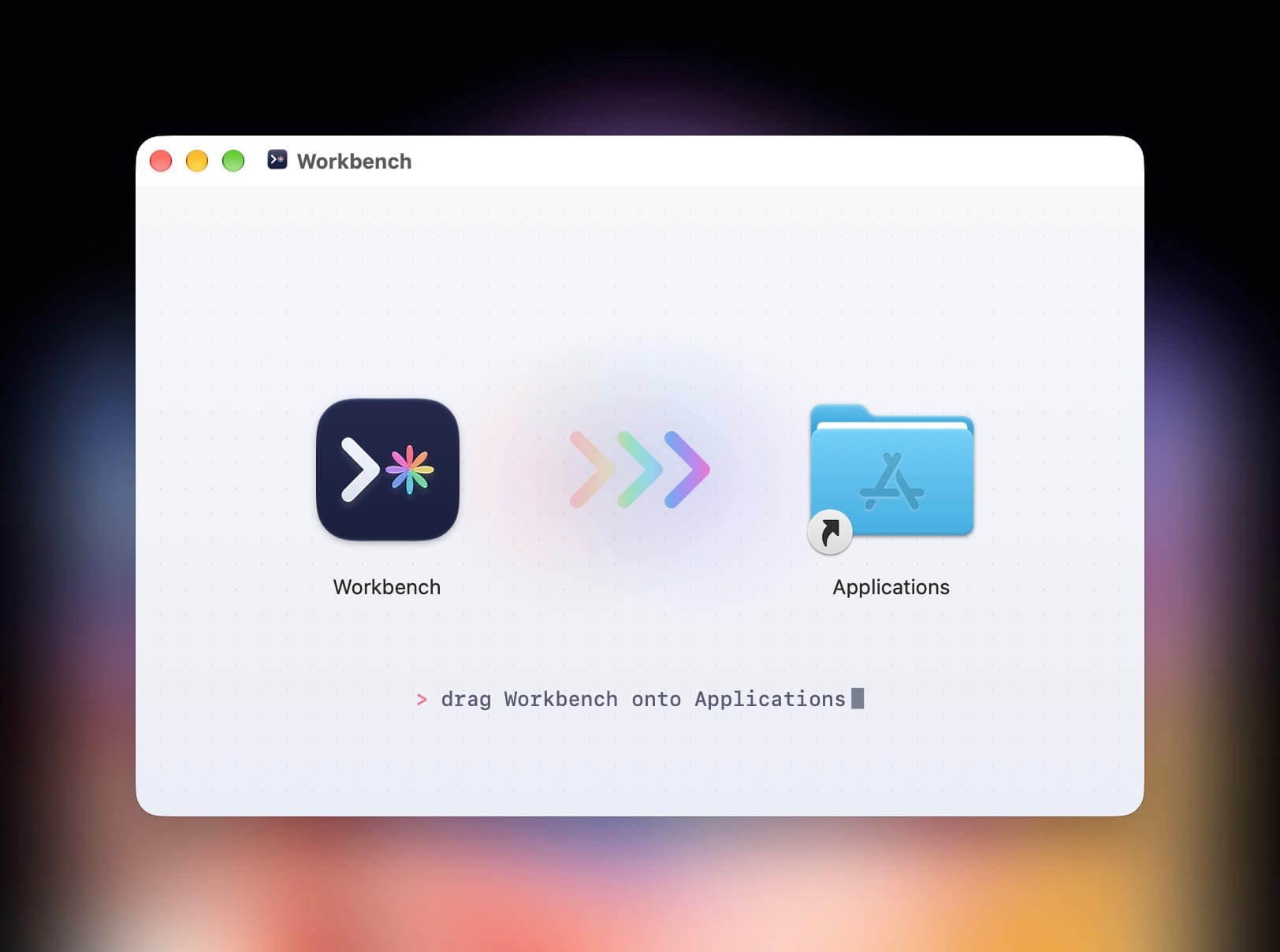
- Easier to install. Downloads now come as a disk image. Open it and drag Workbench into Applications.
Workbench now also has a proper Mac-style DMG download that makes installing the thing feel more like what you're used to. It also gave me a chance to make a fun little arrow thing. 😁